Facetime QR code generator
Generate easy & customizable Facetime QR codes in seconds.

FaceTime QR Code Generator: One-Scan Video or Audio Calls
Make FaceTime calls one scan away. With a FaceTime QR code, people don't have to search or type your details — they scan, your contact opens in FaceTime, and they tap to start the call.
I've used FaceTime QR codes on event badges, at help desks, and for quick "face-to-face" demos. When timing matters, scan → FaceTime beats copy-paste every time.
Let's cover how FaceTime QR codes work, how to create one in seconds, where they're most useful, and how to handle the biggest limitation: they only work on Apple devices.
What Is a FaceTime QR Code and How Does It Work?
A FaceTime QR code encodes a FaceTime link (URL scheme) into a scannable pattern. When someone scans it on an Apple device, the FaceTime app opens with your phone number or Apple ID email already filled in. The user taps Video or Audio to start the call.
Compatible inputs:
- Phone number in international format (e.g.,
+14155552671) - Apple ID email (e.g.,
[email protected])
The QR code works on iPhones, iPads, and Macs — any device running FaceTime. On non-Apple devices, FaceTime isn't supported, so the scan will either fail silently or show an error. That's why labeling and providing a fallback are critical (more on that below).
FaceTime QR Code vs. Other Contact QR Types
FaceTime QR codes fill a specific niche: live video or audio calls on Apple devices. Here's how they compare to other ways of connecting people via QR:
| QR Code Type | What Happens on Scan | Works On | Best For |
| FaceTime QR | Opens FaceTime with number/email prefilled | Apple only (iOS, iPadOS, macOS) | Video demos, VIP support, visual consultations |
| Phone QR | Opens dialer with number ready to call | All phones | Voice calls, hotlines, universal support |
| SMS QR | Opens texting app with prefilled message | All phones | Opt-ins, confirmations, text-based support |
| WhatsApp QR | Opens WhatsApp chat with prefilled message | Any device with WhatsApp | Rich messaging, media sharing, global reach |
| vCard QR | Saves contact card to phone | All phones | Networking, business cards, directories |
The key trade-off with FaceTime QR: it's the only option here that's limited to a single platform. That makes it powerful in Apple-heavy environments (corporate offices with MacBooks, Apple-focused retail, premium brands whose customers skew Apple) but risky as a sole contact method. Always pair it with a universal fallback.
How to Create a FaceTime QR Code (Step-by-Step)
I'll walk through the process using QRCodeDynamic. It takes under a minute.
Step 1: Choose "FaceTime" Type
Open QRCodeDynamic and pick FaceTime from the QR types. You'll see a single input field for a phone number or email.
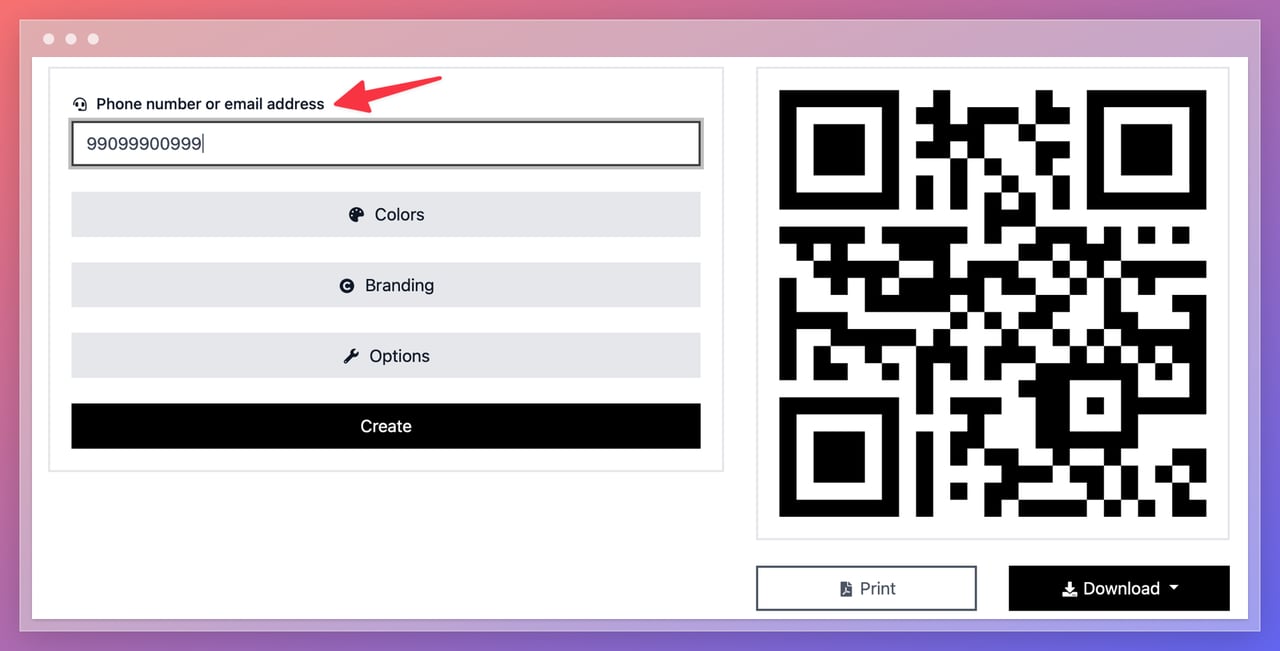
Step 2: Enter a Phone Number or Email
You have two options:
- Phone number in international format (recommended): e.g.,
+14155552671 - Apple ID email: e.g.,
[email protected]
Use a business line or shared Apple ID that your team monitors. Don't use a personal number that goes unanswered during business hours.
Step 3: Style for Clarity and Scans
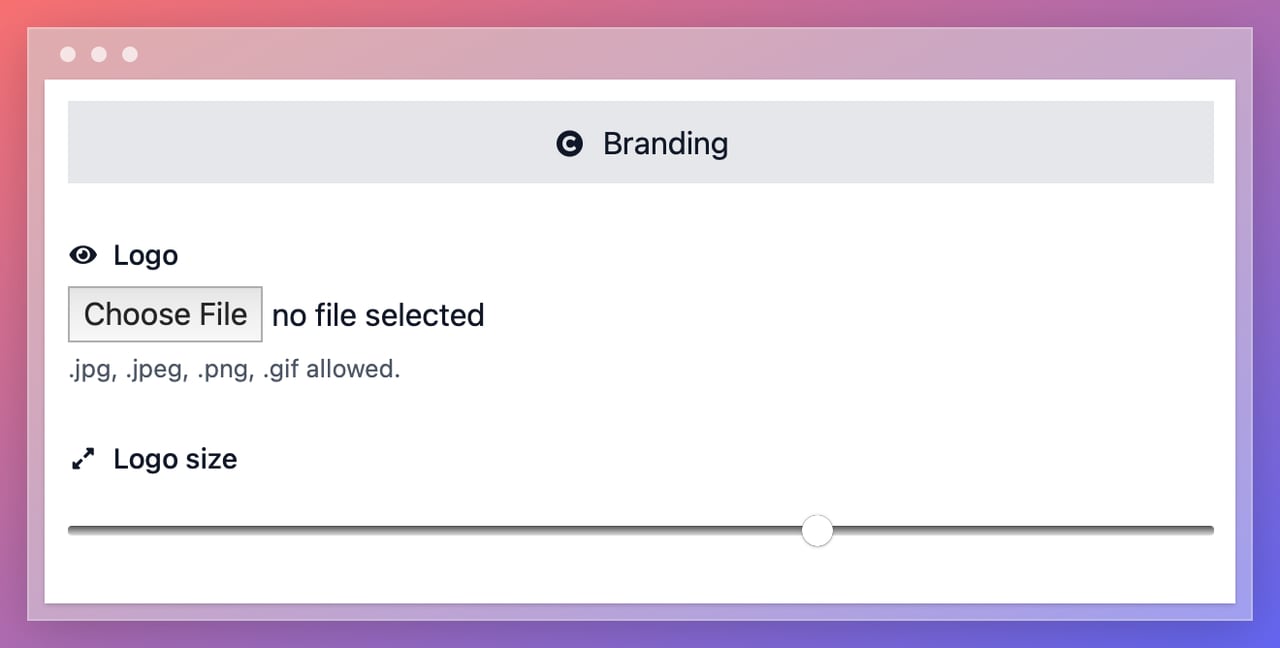
Keep high contrast (dark code on light background). Add your logo (small, centered). Use a QR CTA frame with a clear label, e.g., "FaceTime us (Apple only)."
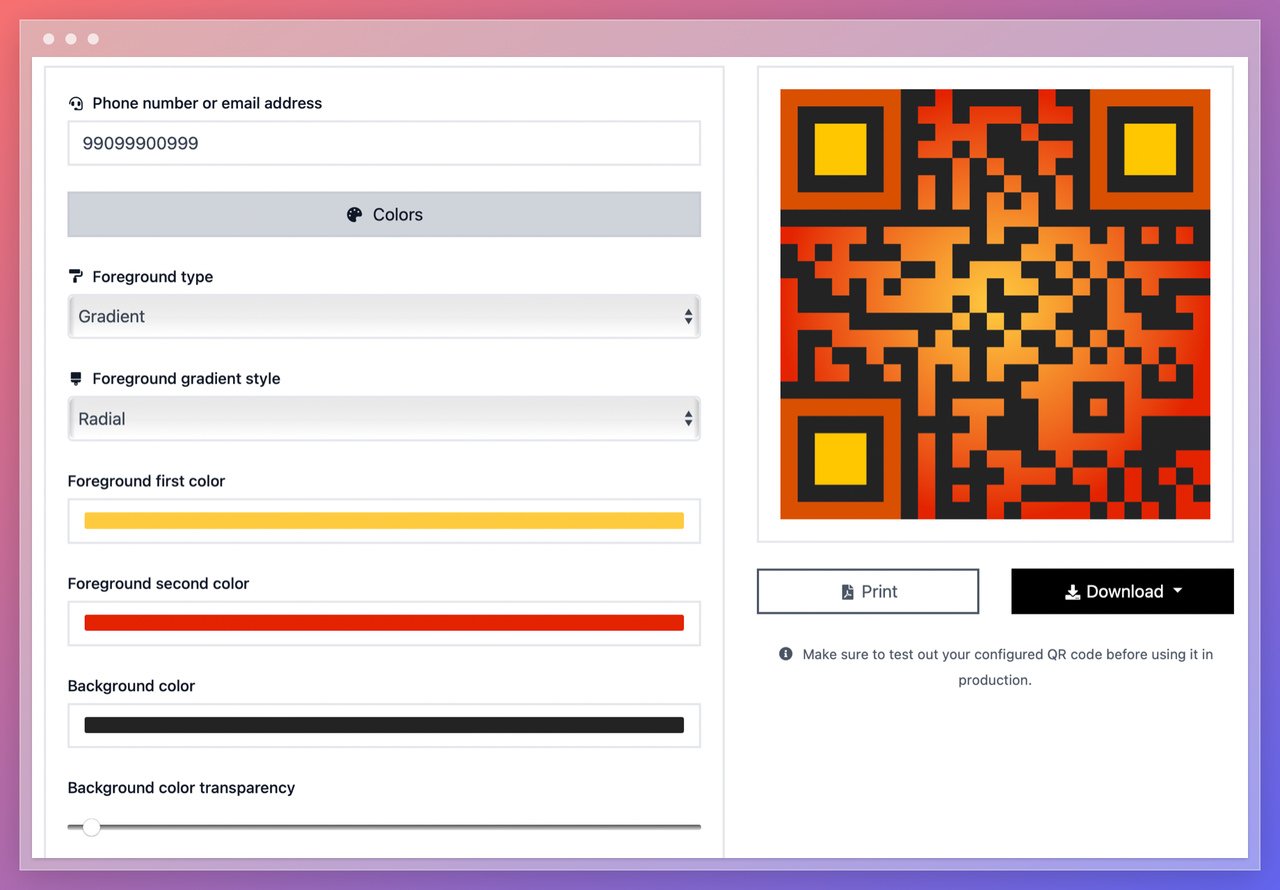
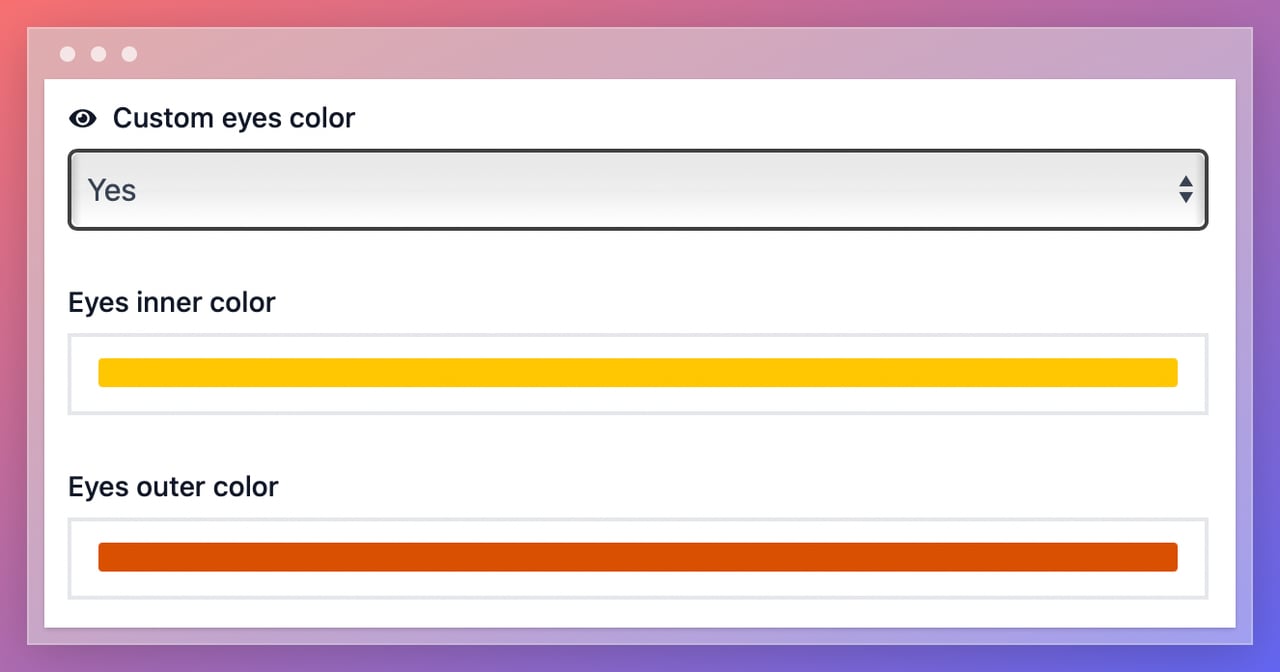
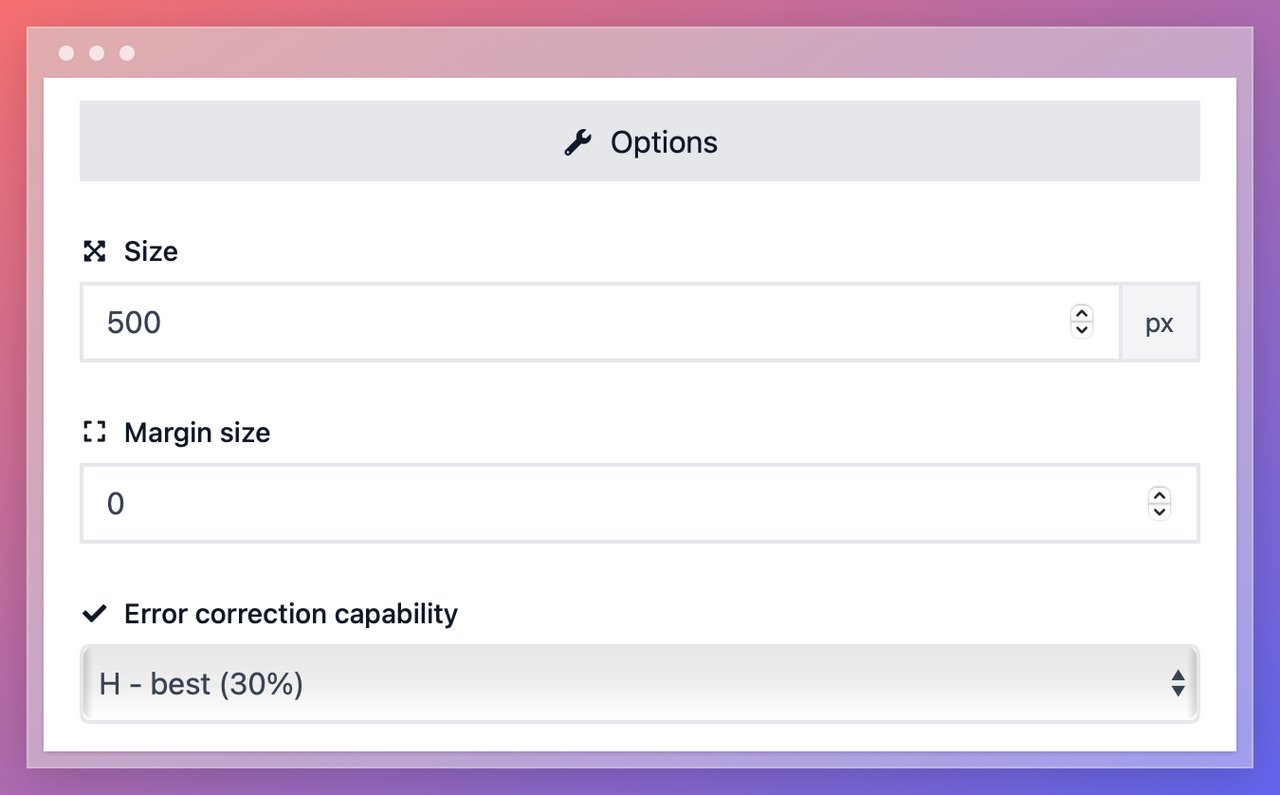
You can change the eye color for a modern, branded look and adjust error correction and margin size for reliable scans in your context.
Step 4: Test on Real Devices
Before printing:
- Scan on iPhone, iPad, and Mac (Camera app, Control Center scanner)
- Try different distances, angles, and low-light conditions
- Confirm FaceTime opens with the correct number or email prefilled
Step 5: Download
- SVG for print and signage (scalable, crisp at any size)
- PNG for web, slides, emails, and digital displays
FaceTime QR Code Design & Sizing Best Practices
The same core rules apply to FaceTime QR codes as any other type — contrast, quiet zone, logo discipline, and proper sizing for viewing distance.
| Scanning Distance | Minimum QR Size | Typical Placement |
| 15 cm (6 in) | 1.5 cm | Business cards, inserts |
| 30 cm (12 in) | 3 cm | Table tents, brochures, desk signs |
| 1 m (3.3 ft) | 10 cm | Posters, event signage, kiosks |
| 3 m (10 ft) | 30 cm | Storefront windows, banners |
For digital use, 180 x 180 px minimum at 300 DPI. The general rule: minimum QR size = scanning distance / 10.
Contrast: Dark foreground on a light background. Quiet zone: Clear margin of at least 4 modules around the code. Logo: Keep it small and centered — don't cover the three finder patterns (corner squares).
Use Cases for FaceTime QR Codes
FaceTime QR codes shine where video adds real value — visual troubleshooting, live demos, identity verification, and premium support. Here's where I've seen them work best.
Sales Teams & Product Demos
Print FaceTime QR codes on booth signage and sales collateral. A prospect scans at a trade show and gets a live video demo in seconds — no calendar link, no email chain, no scheduling tool. This shortens the sales cycle and reduces no-shows for follow-up demos because the first interaction happens in person, on the spot.
Concierge, Front Desk & VIP Support
Hotels, premium retailers, and private banks use FaceTime QR codes to create a VIP priority line. A guest scans the code in their room or at a counter and gets face-to-face assistance without sharing personal numbers. Visual checks (room damage, product defects, outfit styling) work better on video than a phone call.
Field Service & On-Site Technicians
When a field tech runs into something they can't diagnose alone, a FaceTime QR on their equipment badge or toolkit lets them escalate to a specialist in real time. The specialist sees what the tech sees, talks through the fix, and the job gets done without a second site visit. This works especially well in environments where Apple devices are standard issue.
Healthcare & Education (Apple Ecosystems)
Clinics and schools with Apple device fleets use FaceTime QR codes for quick visual triage, identity confirmation, and parent/guardian check-ins. A nurse prints a code on discharge papers so patients can FaceTime with follow-up questions about wound care or medication. A school office puts one on the front desk for parent ID verification during pickup.
Premium Onboarding & High-Touch Brands
Luxury products, premium SaaS tools, and high-end services include FaceTime QR codes in packaging or welcome kits. A new customer scans and gets live setup help or styling advice from an actual person, not a chatbot. This boosts activation rates and makes the unboxing experience memorable.
Recruiting, Campus Tours & Admissions
University admissions offices and recruiting teams print FaceTime QR codes on brochures and event signage. Prospective students or candidates scan to meet an advisor face-to-face without scheduling friction. The personal touch improves show rates and speeds up next steps.
Handling the Apple-Only Limitation
This is the single biggest consideration with FaceTime QR codes. They only work on Apple devices — iPhones, iPads, and Macs. Android phones, Windows PCs, and Linux machines can't use FaceTime.
Globally, Android holds roughly 72% of the mobile market (StatCounter). That means a FaceTime-only QR code will fail for the majority of users in most markets. In the U.S. and some European markets where iPhone share is higher, the gap is narrower but still significant.
How to handle it:
- Always label the code. Add "FaceTime us (Apple only)" directly under or next to the QR code. Without this label, Android users will scan, get nothing, and lose trust.
- Provide a fallback. Place a Phone QR code or WhatsApp QR code nearby with a label like "Not on Apple? Call us / WhatsApp us instead." Two codes side-by-side with clear labels cover everyone.
- Know your audience. If you're a premium brand whose customer base is 80%+ iPhone, the Apple limitation matters less. If you're a restaurant with a mixed crowd, lead with Phone or WhatsApp and offer FaceTime as a secondary option.
Never deploy a FaceTime QR code as your only contact method. It's a high-quality channel for a specific audience, not a universal solution.
Static vs. Dynamic FaceTime QR Codes
Static (Direct FaceTime Link)
The QR encodes the FaceTime link directly. Simple, fast, reliable — no dependency on a redirect service.
- Pros: Free, no internet needed for the QR decode (FaceTime itself needs internet), works instantly.
- Cons: Can't change the number or email after printing. No scan analytics.
Use this when the destination number won't change and you don't need tracking.
Dynamic (Short URL → FaceTime)
The QR points to a short link that redirects to the FaceTime link. This is a dynamic QR code — editable and trackable after printing.
- Pros: Edit the target number/email any time. Track scans by time, device, and location. Add routing rules later.
- Cons: Requires a working redirect service and internet connection for the redirect step.
Use this for campaigns, multi-location deployments, or when the contact number may change. If you're printing in volume, dynamic is the safer bet — swapping a number across thousands of printed signs without reprinting pays for itself quickly.
Accessibility, Trust & Labeling
- Label clearly: "FaceTime us (Apple only)" in plain text near the code. People trust QR codes when they know the destination.
- Provide a fallback contact. Place a Phone, SMS, or WhatsApp QR nearby for non-Apple users. Two codes with clear labels take the same space as one ambiguous code and serve everyone.
- State availability hours. If FaceTime calls are answered only during business hours, say so: "Available Mon–Fri, 9am–6pm." An unanswered FaceTime call feels worse than an unanswered text — the person tried to talk to a human and got nothing.
- Keep the area around the code clean. Avoid glossy or reflective surfaces, cluttered backgrounds, and curved placements that distort the pattern.
- Add a plain-text fallback. Print the phone number or email below the code so people can manually initiate FaceTime or fall back to a regular call if their camera doesn't scan.
Troubleshooting FaceTime QR Codes
- Nothing happens after scanning: Most likely a non-Apple device. FaceTime isn't available on Android or Windows. Add a fallback QR (Phone/SMS/WhatsApp) and label the FaceTime code as "Apple only."
- Wrong contact opens: Recheck the international phone number or email spelling. A missing digit or a typo in the Apple ID email will route to the wrong person or fail entirely.
- Code doesn't scan from a distance: Increase the print size or boost contrast. Verify the quiet zone (clear margin) hasn't been trimmed by the printer. Follow the distance/10 sizing rule.
- Logo causing scan failures: Reduce logo size — it should cover less than 30% of the code area. Make sure the three finder patterns (corner squares) are fully visible and unobstructed.
- FaceTime opens but call doesn't connect: The recipient's device may be offline, on Do Not Disturb, or not signed into FaceTime. This isn't a QR issue — it's a destination availability issue. Consider adding "If no answer, call [phone number]" near the code.
FAQ About FaceTime QR Codes
Does FaceTime require internet?
Yes. FaceTime is a data service that works over Wi-Fi or mobile data. The QR code itself can be scanned without internet (the camera reads the pattern locally), but opening FaceTime and connecting the call requires an active internet connection.
Can I choose Video vs. Audio in the generator?
The QR code opens the FaceTime app with your contact prefilled. The user then selects Video or Audio on the FaceTime screen before the call starts. You can't force one or the other from the QR code — the choice is always the caller's.
Does it work with Apple ID emails?
Yes. Enter the Apple ID email instead of a phone number, and FaceTime will open that contact. This is useful for shared team accounts where the Apple ID email is monitored by multiple people, rather than tying the code to one person's phone number.
What about Android users?
FaceTime isn't available on Android. Scanning the code on an Android phone will either fail silently or show an error. Always place a fallback QR code nearby — a Phone QR, SMS QR, or WhatsApp QR — so non-Apple users can still reach you.
Can I track scans on a FaceTime QR code?
With a static code, no — the FaceTime link is encoded directly and there's no tracking layer. With a dynamic code, yes — each scan hits a short URL redirect first, giving you data on scan count, device, location, and time. You won't see whether the FaceTime call actually connected (that data stays on-device), but you'll know which placements generate the most scans.
Can I use FaceTime QR codes for group calls?
The standard FaceTime URL scheme supports one-to-one calls only. FaceTime does support group calls, but there's no publicly documented URL scheme that initiates a group FaceTime from a QR code. For group video calls, consider encoding a link to a meeting room (Zoom, Google Meet, or Microsoft Teams) using a URL QR code instead.
Is FaceTime QR code free to create?
Static FaceTime QR codes are free on QRCodeDynamic — no signup required. Dynamic codes (with scan analytics and edit capabilities) are available on paid plans. The FaceTime call itself is free for both parties as long as they have an internet connection.
Can I use a FaceTime QR code for customer support?
Yes, and it's one of the strongest use cases. Visual support (showing a defective product, demonstrating an issue, getting real-time guidance) resolves problems faster than phone calls or email threads. Just make sure the support team has FaceTime availability during posted hours and that non-Apple customers have an alternative path.