How to Improve a Restaurant Menu: 13 Tactics That Lift Profit (2026)

On this page
- Why Restaurant Menu Improvement Matters in 2026
- Quick Overview of All 13 Ways to Improve a Restaurant Menu
- 1. Map Your Items With Menu Engineering (Stars, Plowhorses, Puzzles, Dogs)
- 2. Use Pricing Psychology (Charm Pricing, No Dollar Signs, Decoy Items)
- 3. Apply Visual Hierarchy and the Eye-Tracking Sweet Spots
- 4. Add a QR Code Menu for Contactless or Digital Access
- 5. Use Professional Food Photography for High-Margin Items
- 6. Write Descriptive, Sensory Titles
- 7. Categorize Cleanly (5 to 7 Items per Section)
- 8. Add Seasonal Items and Rotating Specials
- 9. Use Enticing Language and Storytelling
- 10. Highlight Dietary Tags (Vegan, Gluten-Free, Allergen Icons)
- 11. Add High-Margin Add-Ons and Modifiers
- 12. Localize for Languages and Translations
- 13. Test, Measure, and Iterate With Sales Data Plus QR Scan Analytics
- Best Practices for Menu Design and Layout
- How QR Codes Fit Into Menu Improvement
- Mistakes to Avoid While Improving Restaurant Menu
- Frequently Asked Questions
- How to optimize a restaurant menu?
- How to make a restaurant menu more appealing?
- What makes a good restaurant menu?
- How do photos affect menu sales?
- How to use QR codes on restaurant menus?
- Pick the Two Menu Tweaks That Pay for the Week
Improving a restaurant menu in 2026 means treating the menu as a sales tool, not a price list. Map each item by profit and popularity, apply pricing psychology, guide the eye toward high-margin dishes with layout and photography, and add a QR code menu so you can update prices, hide stockouts, and track which dishes get tapped most.
Why Restaurant Menu Improvement Matters in 2026
A menu is the only marketing every paying customer reads top to bottom. That makes it the highest-impact asset most restaurants own — and the most under-optimized. Most operators treat the menu as a print job and revisit it once a year. Teams that treat it like a landing page see different numbers.
According to Alias Creative, a Brasserie redesign lifted average revenue per table by 15% because customers picked higher-margin items the new menu highlighted intentionally. The dish list did not change. The way the eye traveled across the page did.
According to AHLEI, a well-executed initial menu engineering effort can lift profits 10% to 15% on an ongoing basis. Cornell research backs the same range — according to Prostay, restaurants that ran menu engineering properly added roughly 10% to profit without changing a recipe.
Pricing moves the needle even when the moves are small. According to ScienceDirect, outlets that raised average entrée price by just 2% saw a 1.8% annual net revenue increase — about $28,800 per location.
Quick Overview of All 13 Ways to Improve a Restaurant Menu
1. Map your items with menu engineering — sort dishes into Stars, Plowhorses, Puzzles, Dogs.
2. Use pricing psychology — charm pricing, no dollar signs, decoy items.
3. Apply visual hierarchy — place high-margin items where the eye lands first.
4. Add a QR code menu — contactless, updateable, trackable.
5. Use professional food photography — only on the dishes you want to sell more of.
6. Write descriptive, sensory titles — sourcing, texture, preparation.
7. Categorize cleanly — 5–7 items per section, no more.
8. Add seasonal items and rotating specials — scarcity and freshness.
9. Use enticing language and storytelling — origin notes, chef cues.
10. Highlight dietary tags — vegan, gluten-free, allergen icons.
11. Add high-margin add-ons and modifiers — every item earns more.
12. Localize for languages and translations — especially with a digital menu.
13. Test, measure, iterate — sales data plus QR scan analytics.
1. Map Your Items With Menu Engineering (Stars, Plowhorses, Puzzles, Dogs)
Menu engineering sorts every item into four quadrants based on contribution margin and popularity. Stars are high margin and high popularity. Plowhorses are popular but low margin. Puzzles are profitable but rarely ordered. Dogs are neither. Each quadrant gets different treatment.
How to implement:
- Pull 60–90 days of POS data and calculate contribution margin per item (sale price minus food cost), not gross margin.
- Plot items on a 2×2 grid using the median margin and median sales count as axes — averages get skewed by outliers.
- Promote Stars to the top-right or center-top of the page, where the eye lands first.
- Re-engineer Plowhorses: cheaper plating, smaller portion, or a small price bump. A 50-cent increase usually holds.
- Rename or re-photograph Puzzles. Profitable-but-not-selling is almost always a name or description problem.
- Cut Dogs. Every Dog hides a Star a guest could have ordered instead.
Operators who run this exercise quarterly compound the biggest lift — popularity drifts by season. Expect a 3% to 8% gross margin improvement in the first 60 days after a clean engineering pass.
2. Use Pricing Psychology (Charm Pricing, No Dollar Signs, Decoy Items)
Pricing psychology covers the formatting moves that change how guests perceive cost without changing the price. Three matter most: removing currency symbols, ending prices in .95/.99 (charm pricing) versus round numbers, and adding a decoy that makes the next item look reasonable.
How to implement:
- Drop the dollar sign. Write "18" instead of "$18". Cornell research found that menus without currency symbols outsell menus with them — the symbol triggers a pain-of-paying response a bare number does not.
- Tier charm pricing. For appetizers and sides under $15, ".95" reads as value. For premium entrées over $35, round prices ("42" instead of "41.95") read as confident.
- Add one anchor item per section. A $58 ribeye makes the $34 hanger look like a deal. The anchor does not need to sell — it does its job by being there.
- Avoid right-aligned price columns. They train guests to scan by price, not by dish. Embed the price at the end of the description instead.
Casual concepts see the cleanest gains from charm pricing on appetizers; fine dining benefits more from removing dollar signs and using anchor entrées. ScienceDirect's 2% entrée price data shows that small, well-formatted pricing moves can add nearly $29,000 per location per year without losing covers.
3. Apply Visual Hierarchy and the Eye-Tracking Sweet Spots
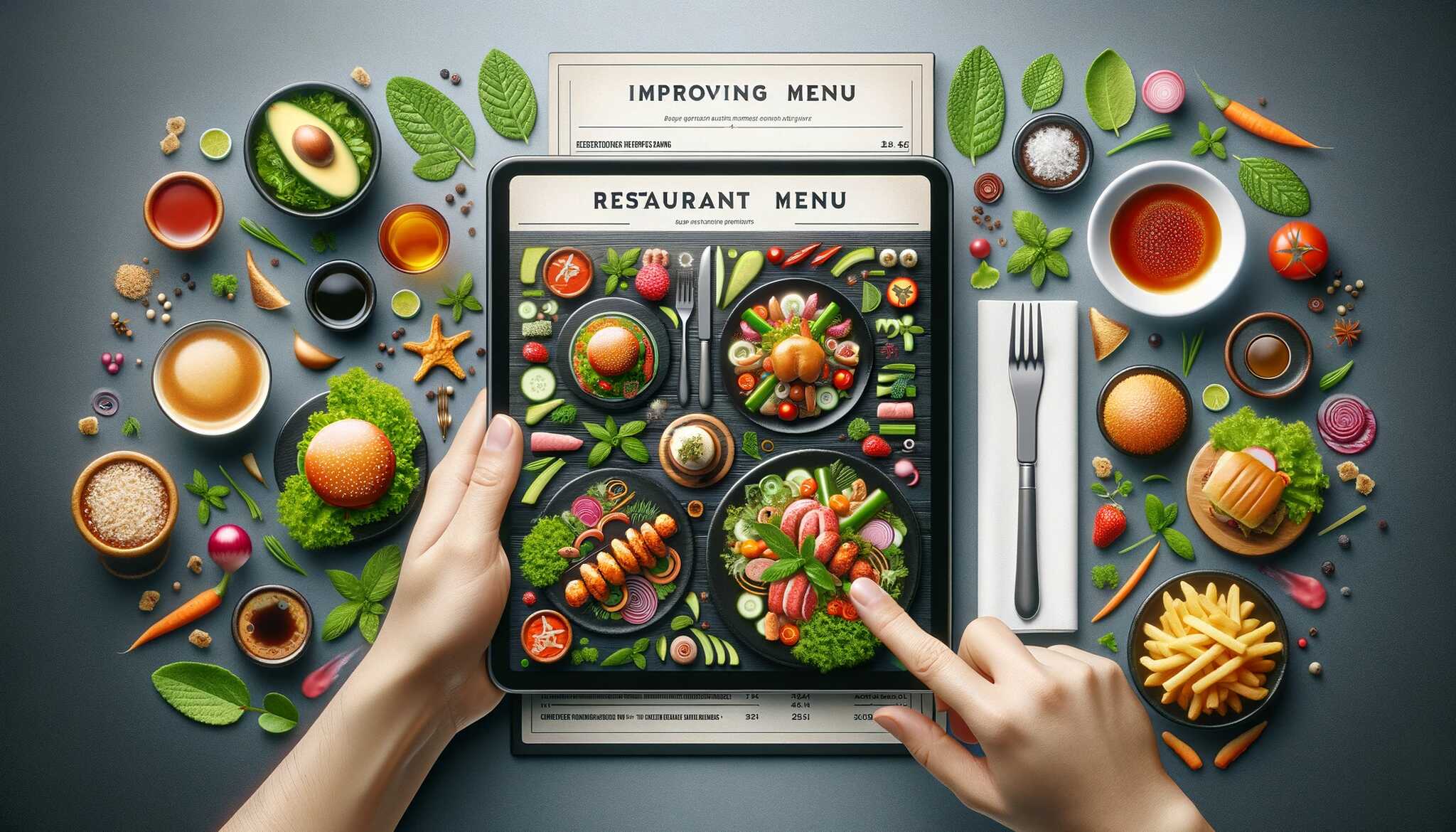
Eye-tracking studies show diners do not read menus top to bottom. On a single-page menu, the eye lands in the upper-right quadrant first, sweeps to the upper-left, then drops to the center. On a tri-fold, the eye lands on the inside-right panel first. Stars belong in those zones.
How to implement:
- Place your highest-margin item in the upper-right quadrant or inside-right panel.
- Box, shade, or icon the dishes you want to sell most — a thin border around one item is enough; too many boxes cancel each other out.
- Avoid the dead zone. The bottom-left of a single-page menu gets the fewest fixations. Put Plowhorses or sides there.
- Use whitespace as a frame. A Star surrounded by empty space pulls more attention than a Star buried in text.
- One callout per page. Two confuse the eye. Three look like decoration.
Hierarchy only works if the rest of the menu stays calm. If every section has bold text, color, and icons, the high-margin item disappears in the noise. One bold, one box, one photo per page is the working rule.
4. Add a QR Code Menu for Contactless or Digital Access
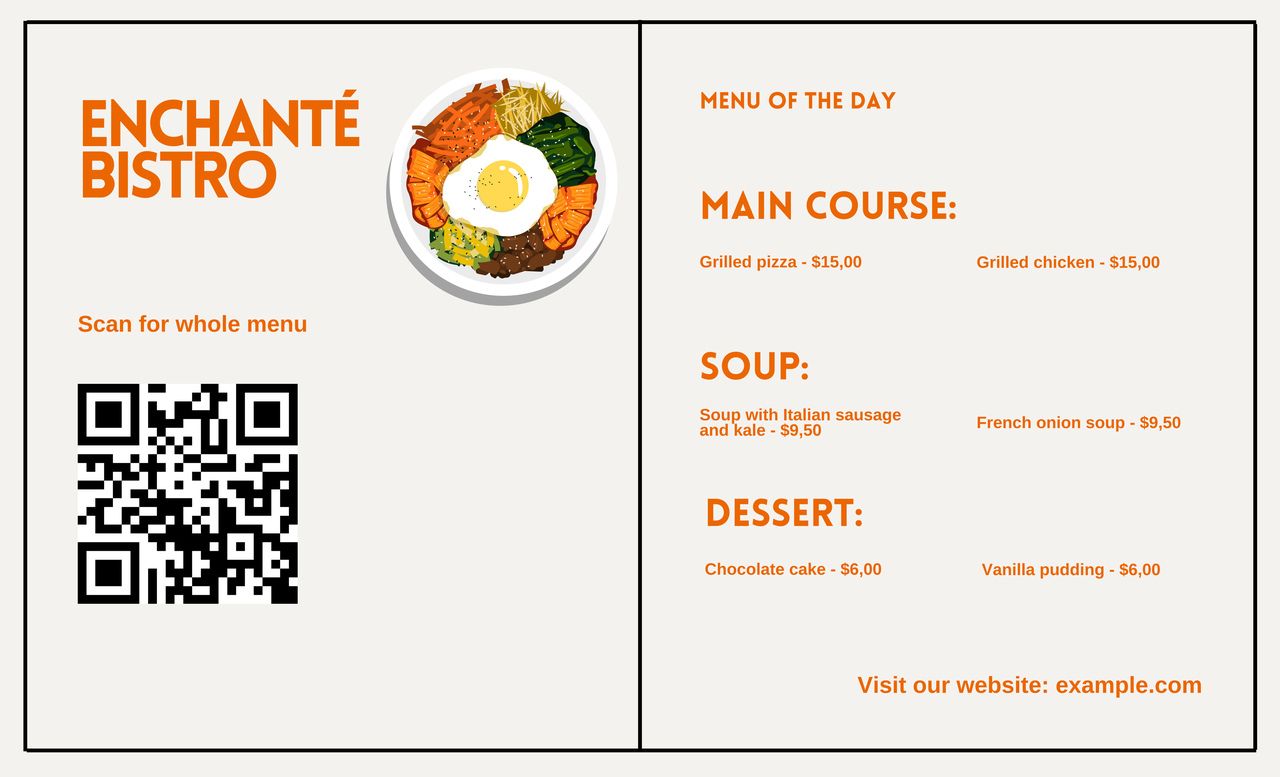
QR code menus replaced laminated cards in most casual and mid-tier restaurants between 2020 and 2024, and they are standard equipment in 2026. The reason they stuck around is not contactless dining — it is the operational upside: update prices in five minutes, hide stockouts in real time, and see which dishes get tapped most.
How to implement:
- Generate a dynamic QR code, not a static one. Static codes lock the destination URL forever. Use QR Code Dynamic to create a code you can repoint at any time.
- Build your digital menu as a mobile-first web page, not a PDF. PDFs pinch-zoom poorly and add seconds to load time.
- Print the code on table tents, table edges, or menu corners — somewhere the guest sees in the first 10 seconds. Our guide on scanning restaurant menus covers the customer side.
- Track scan volume by table, day, and time. The data tells you how many guests bypassed the print menu — and which sections they spent time on.
- Start from a template. Our QR code menu templates include ready-to-use layouts you can customize in Canva.
The underrated payoff: dynamic QR menus turn the menu into a measurement surface. A/B test descriptions, photos, and pricing on the digital version, then roll winners into the print menu at the next reprint.
5. Use Professional Food Photography for High-Margin Items
Photos sell, but only selectively. Research has shown for years that adding a photo next to a menu item raises that item's sales by roughly 30%. The catch: too many photos cancel the effect, and a bad photo actively suppresses sales.
How to implement:
- Photograph only Stars and Puzzles. A photo on a Plowhorse pulls orders toward a low-margin item; a photo on a Dog wastes design space.
- Shoot in natural light at the real plate, with the real portion. A heavily-styled hero photo causes complaints when the actual plate looks smaller.
- Keep aspect ratios consistent. Mixed shapes look amateur and pull the eye in opposite directions.
- Cap at 4–6 photos per single-page menu, or 2–3 per panel. Beyond that, the effect dilutes.
- Skip photos on fine-dining menus over $80 per cover. Category convention is text-only — photos read as casual.
On digital menus, a single hero shot per category outperforms six small thumbnails — guests scroll quickly on a phone.
6. Write Descriptive, Sensory Titles
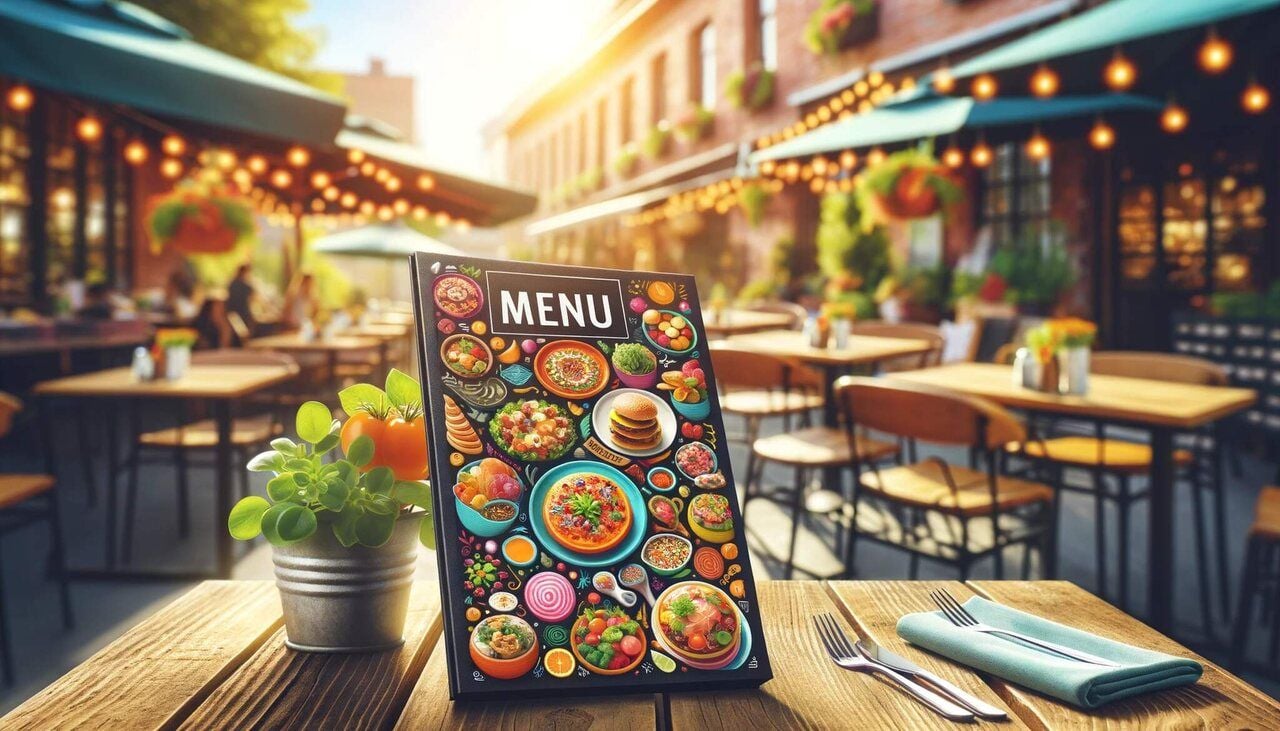
Item names do the heaviest lifting in convincing a guest to order. "Burger" gets ordered out of obligation. "Smashed dry-aged beef burger with cave-aged cheddar" gets ordered because the guest has already imagined eating it. Descriptive titles prime sensory memory before the food arrives.
How to implement:
- Build titles around four levers: sourcing (farm, region), preparation (smoked, braised, charred), texture (crispy, silky, smashed), and named ingredients (Espelette pepper, Calabrian chili).
- Use one sensory adjective and one preparation cue per title — not three of each. Over-describing reads as trying too hard.
- Lead with the protein or hero ingredient, not the technique. "Charred sourdough toast" beats "Toast with charred sourdough."
- Test against a flat-named control. On a digital menu, the test runs in 7 days; on print, compare sales between two reprints.
Across casual concepts, descriptive titles typically lift the named item's sales 15% to 25% with no other change. The lift is highest on dishes guests do not recognize on sight — unfamiliar cuts, regional specialties, shareable plates.
7. Categorize Cleanly (5 to 7 Items per Section)
Items per section matters more than total menu length. Decision time grows logarithmically with options (Hick's Law). Past seven items in a section, guests default to "the cheapest" or "what I had last time," and the rest of the section becomes invisible.
How to implement:
- Cap each section at 5 to 7 items. If you have 12 entrées, split into "From the Grill" and "From the Sea," or "House Classics" and "Chef's Specials."
- Name categories by emotion or experience, not food group. "Garden Starters" outperforms "Salads."
- Sequence dishes inside each section by margin descending, not by price. The top slot is the most-read; spend it on your Star.
- Keep section order consistent with meal flow: appetizers, sides, mains, desserts.
The hidden benefit is BOH speed. A tight menu means fewer SKUs, faster ticket times, less waste, and lower food cost percentage. Most operators find that cutting 8–10 underperforming items improves both top-line and gross margin in the same quarter.
8. Add Seasonal Items and Rotating Specials
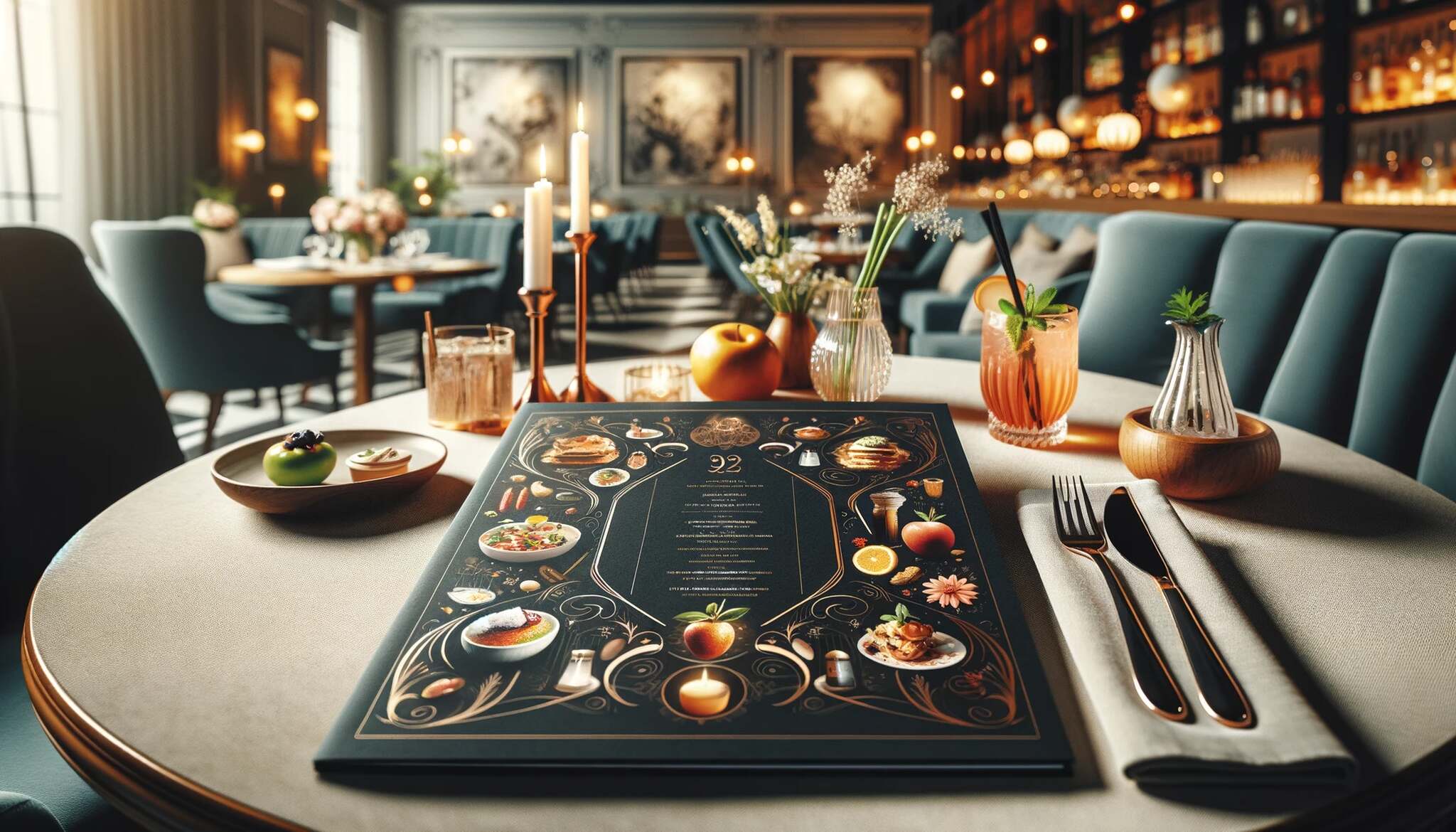
Seasonal items give returning guests a reason to come back and first-time guests a reason to feel they have found something current. The mechanism is scarcity: a dish that disappears next month commands attention now. Specials also let the chef cycle through high-margin ingredients without a permanent menu slot.
How to implement:
- Reserve a fixed slot on the menu for "Current Seasonal" — same position, different dish. Guests learn where to look.
- Source and write seasonally. "Asparagus with brown butter and lemon" in April tells a story "Asparagus" in October cannot.
- Set a clear end date: "Through May 31." A countdown creates urgency that "limited time" does not.
- Price specials 10% to 20% above the comparable category. Seasonality justifies a premium and protects perceived value on permanent items.
- Pair with a digital menu (see Strategy #4) so you can update specials weekly without a reprint.
Cap specials at two simultaneous items. Three or more compete with each other and with your Stars. The point of a special is concentrated attention, not variety.
9. Use Enticing Language and Storytelling
Storytelling on a menu is not about long paragraphs. It is about one sentence per dish that gives the guest somewhere to anchor — a farm name, a chef's grandmother, a regional tradition, a 12-hour technique. The story makes the dish feel chosen rather than picked.
How to implement:
- Write descriptions in 12 to 18 words. Shorter feels flat; longer feels like a wall of text.
- Include one specific anchor: a sourcing name, place, process, or person. "Slow-braised lamb shoulder with Anson Mills grits and salsa verde" earns its description because every element is real.
- Use active verbs in present tense. "We brine our chicken for 24 hours" beats "Brined chicken (24 hr)."
- Cut filler adjectives. "Delicious," "amazing," and "homemade" mean nothing in 2026. "Pasture-raised," "house-aged," and "wood-fired" still do.
Do not put a story on every dish. If every item has a paragraph, none stand out. Reserve descriptions for Stars and Puzzles. Plowhorses can run title-only and let the price carry the decision.
10. Highlight Dietary Tags (Vegan, Gluten-Free, Allergen Icons)
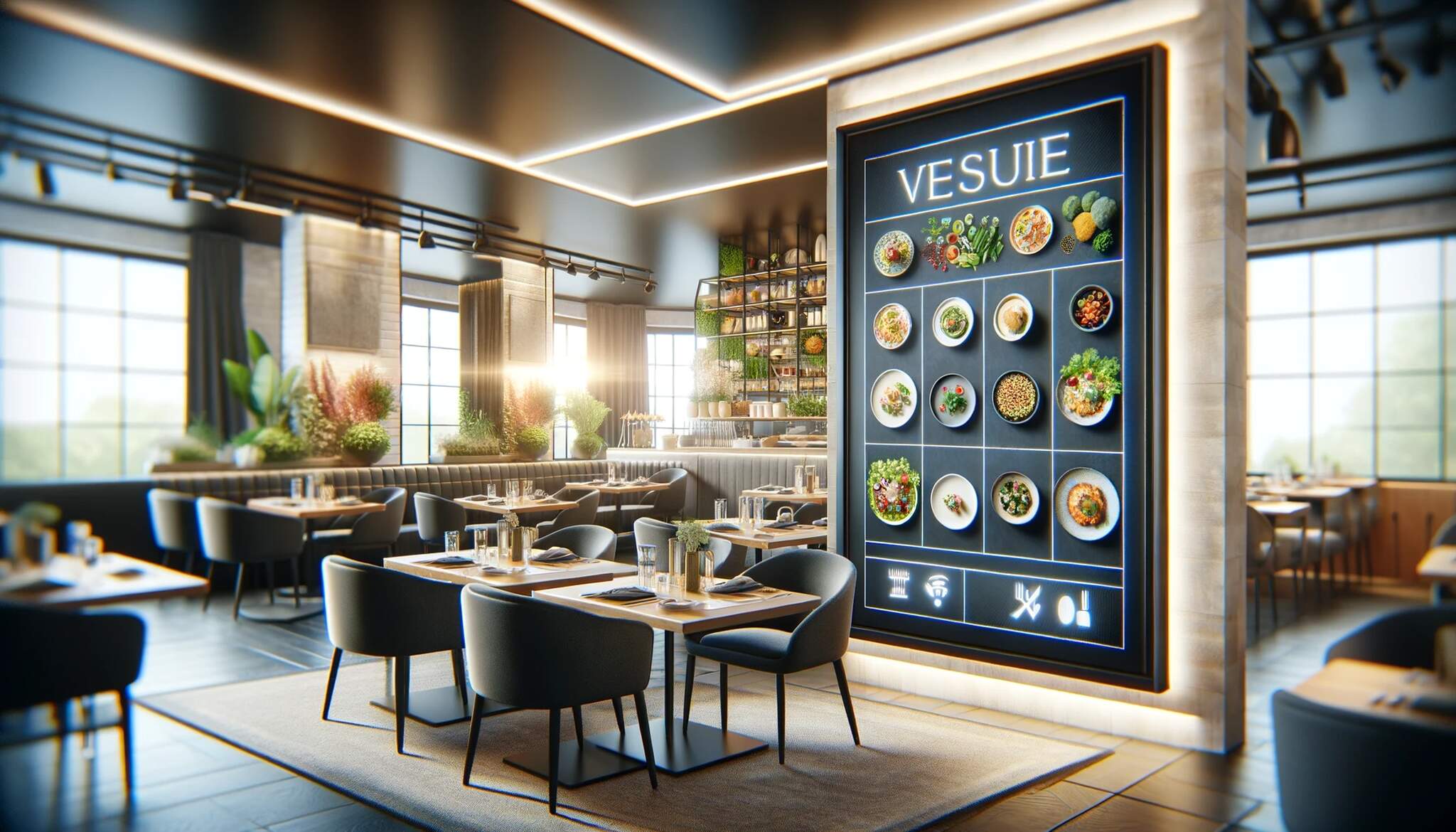
Dietary tags are an accessibility feature first and a marketing feature second. Roughly one in four 2026 guests in North America and Western Europe holds a dietary preference — vegetarian, vegan, gluten-free, low-FODMAP, kosher, halal, or a defined allergy. A menu without clear tags loses those guests or forces a server conversation that slows table turn.
How to implement:
- Use a simple icon legend at the bottom of each page. Cap at three to five: vegan (V), vegetarian (VG), gluten-free (GF), dairy-free (DF), spicy (🌶).
- Put the tag next to the dish name, not buried in the description. Quick-scanners miss tags in copy.
- Add an allergen-disclosure line: "Please tell your server about allergies — kitchen handles nuts, gluten, and shellfish."
- For digital menus, filter by dietary preference. A "show only vegan" toggle is one of the highest-engagement features on a QR code menu.
- Audit accuracy quarterly. A mislabeled GF dish creates a refund, callback, or allergic reaction — the legal and reputational cost dwarfs the design effort.
Dietary-restricted guests usually pick the restaurant for the group. If your menu signals welcome clearly, you win the table of six. If it does not, you lose it.
11. Add High-Margin Add-Ons and Modifiers
Add-ons are the highest-margin line on the menu — the kitchen cost is already absorbed by the base dish. A $4 egg, a $6 avocado, a $3 protein upgrade each carry 70% to 90% gross margin. Most menus under-merchandise modifiers and leave revenue on the table.
How to implement:
- Build modifier suggestions into the dish description, not a separate section. "Add avocado +4" inside the burger line gets 3 to 5 times the take rate of a footer list.
- Offer 2 to 4 add-ons per dish. Beyond that, guests skip the choice.
- Price modifiers as round numbers (3, 4, 5), not charm-priced. Round feels low-friction; .95 feels like a transaction.
- Combine related items into a "make it a meal" upsell. A side-and-drink bundle reads cheaper than two separate add-ons.
- On a digital QR menu, surface modifiers as toggle buttons — visual selection raises take rate.
For casual concepts, modifier revenue runs 8% to 14% of total ticket value. For QSR and fast-casual, it can hit 20%. The audit usually starts with reading your own menu and counting obvious add-ons that are not being offered.
12. Localize for Languages and Translations
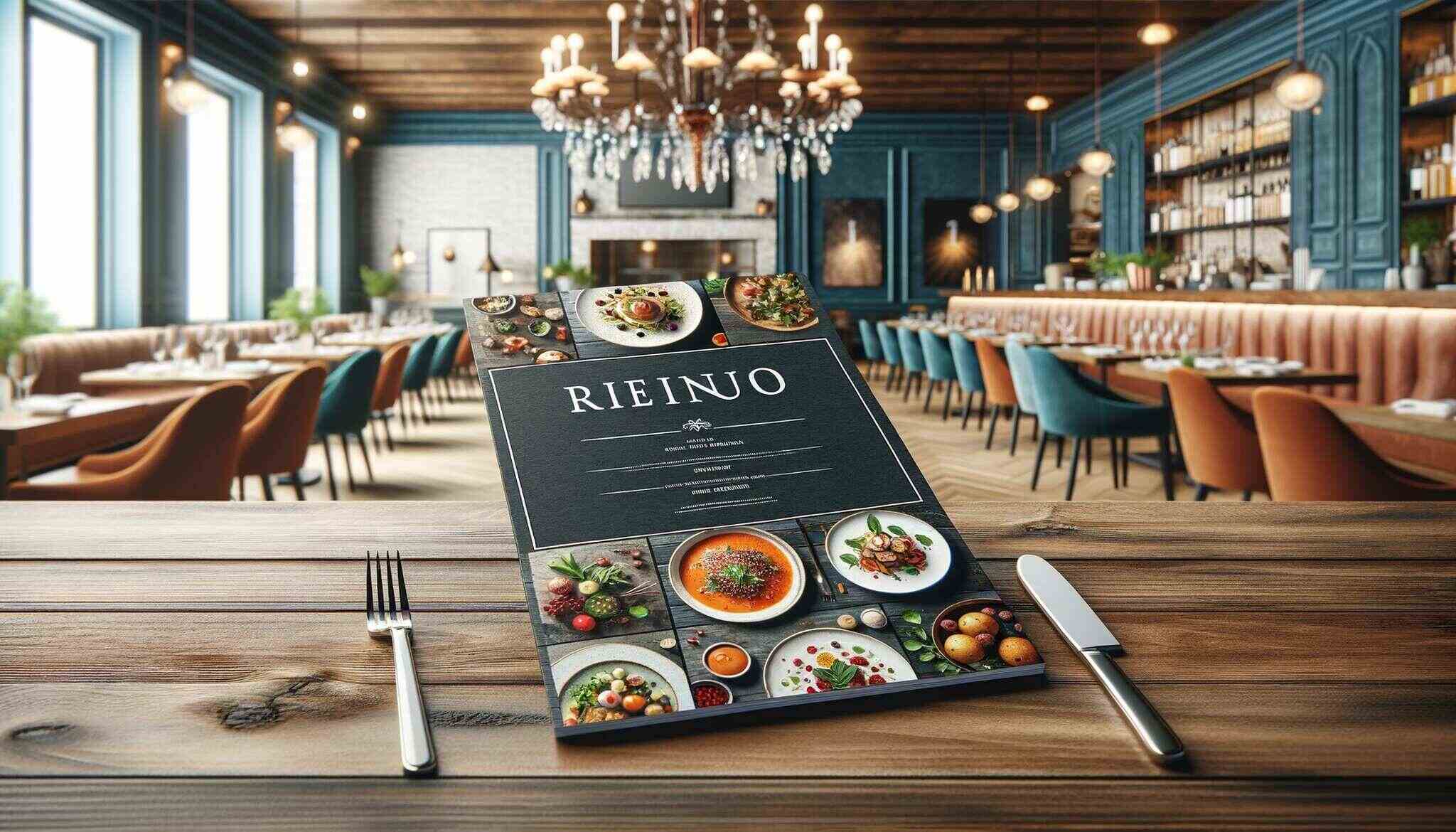
Localization is where digital menus pull ahead of print. A second language on a print menu doubles the page count and forces layout trade-offs. On a QR code menu, language switching is one button — and the data shows which languages your guests actually use.
How to implement:
- Identify your top two non-primary languages from neighborhood demographics and tourist data. For most US urban restaurants, Spanish is non-negotiable; coastal cities should add Mandarin, Korean, or French depending on visitor mix.
- Translate dish names AND descriptions, not just categories. A translated header over English copy feels half-finished.
- Hire a native-speaker translator, not Google Translate. Mistranslations become brand stories — usually bad ones.
- Add accessibility features alongside language: a "large text" toggle, high-contrast mode, screen-reader-friendly version. Five-minute additions on a well-built digital menu.
- Track which language versions get the most scans. The data tells you whether your neighborhood mix has shifted.
Localization is the lowest cost-to-impact strategy on this list — if you already run a digital menu. Without one, it is genuinely expensive. One more argument for Strategy #4.
13. Test, Measure, and Iterate With Sales Data Plus QR Scan Analytics
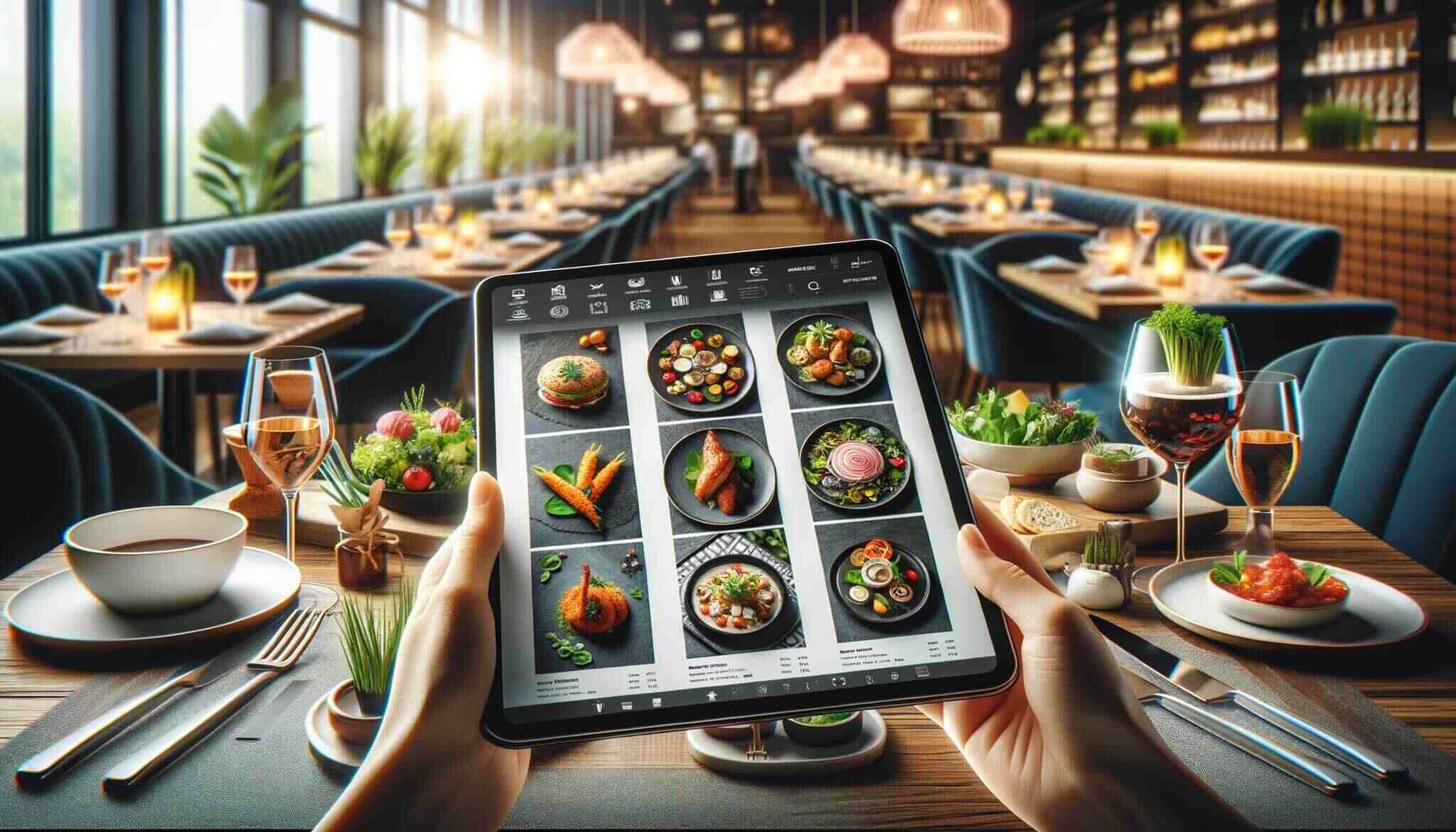
None of the previous 12 strategies matter without a feedback loop. Menu optimization is a quarterly habit, not a one-time project. Teams that compound improvements treat the menu like a landing page: test, measure, iterate, repeat.
How to implement:
- Establish a baseline. Pull 60 days of pre-change POS data: items sold, average ticket, contribution margin, time-to-order. These four define menu health.
- Change one variable at a time. A new title, price, position, or photo — one change, 14 to 30 days of measurement, then evaluate.
- Use QR scan analytics. Sessions, time per section, items tapped, and menu-open-to-first-order bounce rate are all measurable with a dynamic QR setup.
- Schedule a quarterly review. Re-run the menu engineering exercise on rolling 90-day data and reclassify Stars, Plowhorses, Puzzles, and Dogs.
- Document changes in a single sheet. A six-month change log lets you correlate menu moves with revenue moves.
The compound effect is the point. A single 3% lift is nice. Four quarterly 3% lifts — each from a higher base — turn into a different restaurant a year later.
Best Practices for Menu Design and Layout
Beyond the 13 strategies, a few layout principles apply to every menu regardless of concept or price point.
Typography: One serif for headings, one sans-serif for body, or commit to one family across both. Mixing more than two fonts looks chaotic. Minimum body size: 11 point print, 16 pixel digital.
Color: Two colors plus black. A primary brand color, an accent for callouts, black for body text. More colors dilute hierarchy.
Whitespace: Treat whitespace as a design element. Each section needs breathing room above and below the heading. Crammed menus read as low-end even when the food is not.
Paper and finish: For print, use 100lb cover or heavier with a matte or soft-touch finish. The tactile cue affects perceived value before the guest reads a word. For digital, the equivalent is page load — under 2 seconds, no exceptions.
How QR Codes Fit Into Menu Improvement
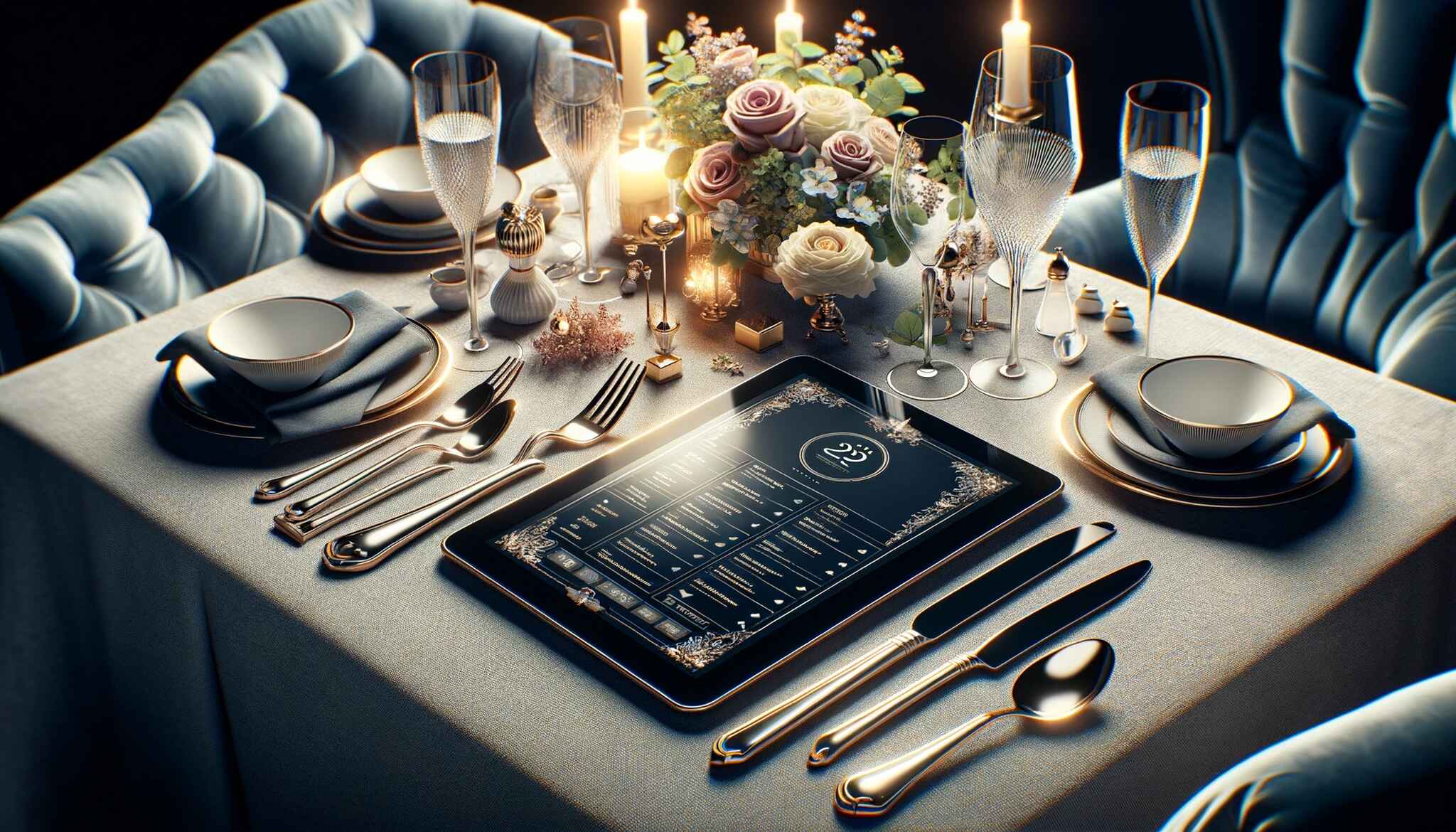
A QR code menu is not a replacement for print — it is a parallel system that solves the problems print cannot. Print is a brand statement. Digital is an operational and analytical surface. The restaurants getting the most from menu improvement in 2026 run both, with a dynamic QR code connecting them.
Dynamic codes matter specifically because of destination control. A static code prints the URL into the image — if the URL changes, every printed code is dead. A dynamic code routes through a service that can repoint to any URL on demand, so a single printed code can carry a guest to the current menu, the seasonal specials, a loyalty signup, or a review prompt depending on what the operator chooses that week.
That flexibility opens use cases beyond the menu. Operators use dynamic QR codes for table-side feedback (our guide on creating a TripAdvisor QR code), for social media follows (QR codes for social media), and for marketing campaigns. Our roundup of QR code ideas for restaurants covers 16 specific use cases.
The measurement layer is the under-appreciated part. Every scan is a data point: which table, day, time, section tapped, language selected, whether the guest viewed specials. That dataset is what lets a restaurant compound 3% gains quarter after quarter — every change measured against a real, restaurant-specific baseline.
Mistakes to Avoid While Improving Restaurant Menu
Too many items. A menu with 60+ items signals to the kitchen that no dish gets attention and to guests that nothing is special. Most concepts run leaner than they think they can — 24 to 32 items is the working range for casual full-service.
No item hierarchy. Every dish treated equally is the same as every dish being invisible. Guests default to the cheapest item or whatever they ordered last time. Pick your Stars and let the design favor them.
Generic descriptions. "Fresh, delicious, homemade" describes nothing. Sensory and sourcing language describes everything — the difference between a guest ordering on autopilot and ordering because they wanted what you wrote about.
No dietary tags. A menu without dietary signals forces a server conversation that slows ticket time and signals that dietary preferences are an inconvenience. One design pass to add them. A quarter of your audience to not.
Never iterating. The biggest mistake is treating the menu as finished. A finished menu does not exist. Every quarter is a chance to re-sort items, test descriptions, and retire dogs.
Frequently Asked Questions
How to optimize a restaurant menu?
Start with menu engineering: pull 60–90 days of POS data, calculate contribution margin per item, and sort dishes into Stars, Plowhorses, Puzzles, and Dogs. Promote Stars to the eye-tracking sweet spots (upper-right on single page, inside-right on tri-fold). Re-price or rename Puzzles, trim Dogs, and re-engineer Plowhorses with smaller portions or a modest price bump. Add a dynamic QR code menu to measure scans, then run the exercise again every 90 days.
How to make a restaurant menu more appealing?
Three moves do most of the work. Write descriptive, sensory titles that name sourcing, preparation, and texture — a "smashed dry-aged beef burger" outsells a "burger" by 15% to 25% on the same recipe. Add professional photos only on highest-margin items, capping at 4–6 per page. Apply visual hierarchy: box, shade, or whitespace around the Stars and keep the rest calm. Together these typically lift average ticket 8% to 12%.
What makes a good restaurant menu?
A good menu does five things at once: tells guests what kind of restaurant they are in, guides their eye to the dishes that matter most, makes choosing easy (5–7 items per section), speaks to the operator's economics (Stars get the best real estate), and stays current (seasonal slots, dietary tags, updated pricing). A great menu adds a measurement layer — a dynamic QR code with scan analytics.
How do photos affect menu sales?
A well-shot photo next to a menu item raises that item's sales by roughly 30% — but only if photos are selective. Too many cancel the effect; menus with photos on every dish often see no lift because nothing stands out. Photograph Stars and Puzzles only, keep aspect ratios consistent, shoot in natural light at the real portion size, and cap at 4–6 photos per single-page menu.
How to use QR codes on restaurant menus?
Generate a dynamic QR code (not static) so you can repoint the destination without reprinting. Place it on table tents, table edges, or menu corners — visible in the first 10 seconds. Link to a mobile-first web page, not a PDF. Track scan volume by table, day, and time, and use the data to A/B test descriptions, photos, and pricing on the digital menu before committing changes to print.
Pick the Two Menu Tweaks That Pay for the Week
If the list feels long, the path forward is shorter than it looks. Pick two tweaks for this week. The highest-impact pair for most restaurants is menu engineering (Strategy #1) plus pricing psychology (Strategy #2). Run the POS data, identify your Stars, drop the dollar signs, and add one anchor item per category. That alone usually delivers 4% to 8% gross margin lift in 30 days.
Next month, add a dynamic QR code menu (Strategy #4) and start measuring. After that, work down the list in whatever order matches your gaps. The point is to make menu improvement a habit, not a project. Quarterly compounding separates restaurants that grow margin from those that fight for the same number every year.
If a dynamic QR code menu is your next step, QR Code Dynamic handles generation, hosting, and analytics in one place. Pair it with our menu template guide and you can launch a measurable, updateable menu by the end of the week.

I work as a Growth Marketer at Popupsmart, using my 3+ years of SaaS experience to create clear, useful marketing content that helps brands grow, reach the right audiences, and improve their results.