How to Use QR Codes for Document Verification?

On this page
- Why Use QR Codes for Document Verification?
- Importance of Certificate Authentication
- Role in Verifying Laboratory Reports
- How QR Codes Work For Document Verification
- Examples of a QR Code For Document Verification
- Cryptographic QR Codes: HMAC, JWT, and Signed Payloads
- Blockchain-Anchored Documents: W3C Verifiable Credentials and DIDs
- Creating QR Codes for Document Verification
- Linking QR Codes with Data for Verification
- Activating the Digital Certificate for Use
- How to Create a Secure Storage and Verification System Using QR Codes
- EU eIDAS 2.0 and EUDI Wallet: QR Codes in European Digital Identity
- AI-Generated Deepfake Documents and the QR Defense
- GDPR and Privacy: What Verification Logs Should and Shouldn't Store
- Benefits of Using QR Codes for Document Verification
- Easy Accessibility and Sharing
- Customization Options for Design and Layout
- Validity Checks and Resubmission Requirements
- Speed, Efficiency, and Cost-effectiveness
- Increased Security Through Data Encryption
- Easier Tracking and Management with Digital Documentation
- Reduced Risk of Fraudulent Activity
- Digital Certificate with QR Codes Vs. Traditional Certificates
- The Traditional Route: Old School Certificate Verification
- Advancing Digitally: QR Code-Based Certificate Verification
- Potential Applications of QR Codes for Document Verification
- 1. Professional Certification Bodies
- 2. Retail Industry
- 3. Food and Beverage Industry
- 4. Automobile Industry
- 5. IT Industry
- 6. Event Management
- 7. Personal Identification Documents
- 8. NGOs and Philanthropic Certificates
- The Bottom Line on QR Codes for Document Verification
A QR code for document verification encodes a unique identifier or cryptographic signature linking a physical or digital document to a verification record. Scanning it opens a verification page that confirms the issuer, hash, and validity. Modern systems use JWT tokens, blockchain-anchored credentials, or HMAC signatures inside the QR payload to make tampering detectable.
Why Use QR Codes for Document Verification?

Document fraud has stopped being a paper problem. According to QRmark research, 58% of organizations have faced document-based identity fraud — diplomas pulled from torrent sites, lab reports edited in Photoshop, vendor invoices regenerated with new bank details.
QR codes change the shape of the problem. The verifier scans, and the document either resolves to a signed record at the issuer's domain or it doesn't. The check takes under two seconds and leaves an audit trail. That's why hospitals, universities, courts, and procurement teams have shifted toward scannable certificates.
Importance of Certificate Authentication
Certificate authentication confirms that the qualification or attestation in front of you was issued by the body it claims to come from. The need is everywhere: academic diplomas, professional licenses (CPA, PMP, Cisco), medical credentials, ISO certifications, KYC documents.
For the holder, authentication protects years of work from being copied. For the verifier — a recruiter, hospital, or importer — it prevents hiring an unqualified surgeon or releasing a non-compliant shipment. Before QR codes, verification meant calls, faxes, and three-day waits. Many verifiers skipped the step and trusted the paper.
A QR code collapses the loop. Scan, see the issuer's page render with the same name, date, and credential ID. If the QR points to an unsigned PDF or a generic landing page, the verifier knows to dig deeper.
Role in Verifying Laboratory Reports
Lab reports sit at the high-stakes end of document verification. A misread pathology slide or falsified toxicology panel changes treatment, custody, or insurance outcomes. Manual cross-checks with the issuing lab used to take 24-48 hours.
A QR code on the report links to the exact result file in the laboratory's information system. Scanning resolves to a page showing patient ID, sample ID, collection date, and result hash. Any alteration to the printed copy surfaces as a hash mismatch. Hospitals running this pattern report transcription errors dropping close to zero and discharge times shrinking, because lab confirmation no longer blocks the consultant's signature.
How QR Codes Work For Document Verification
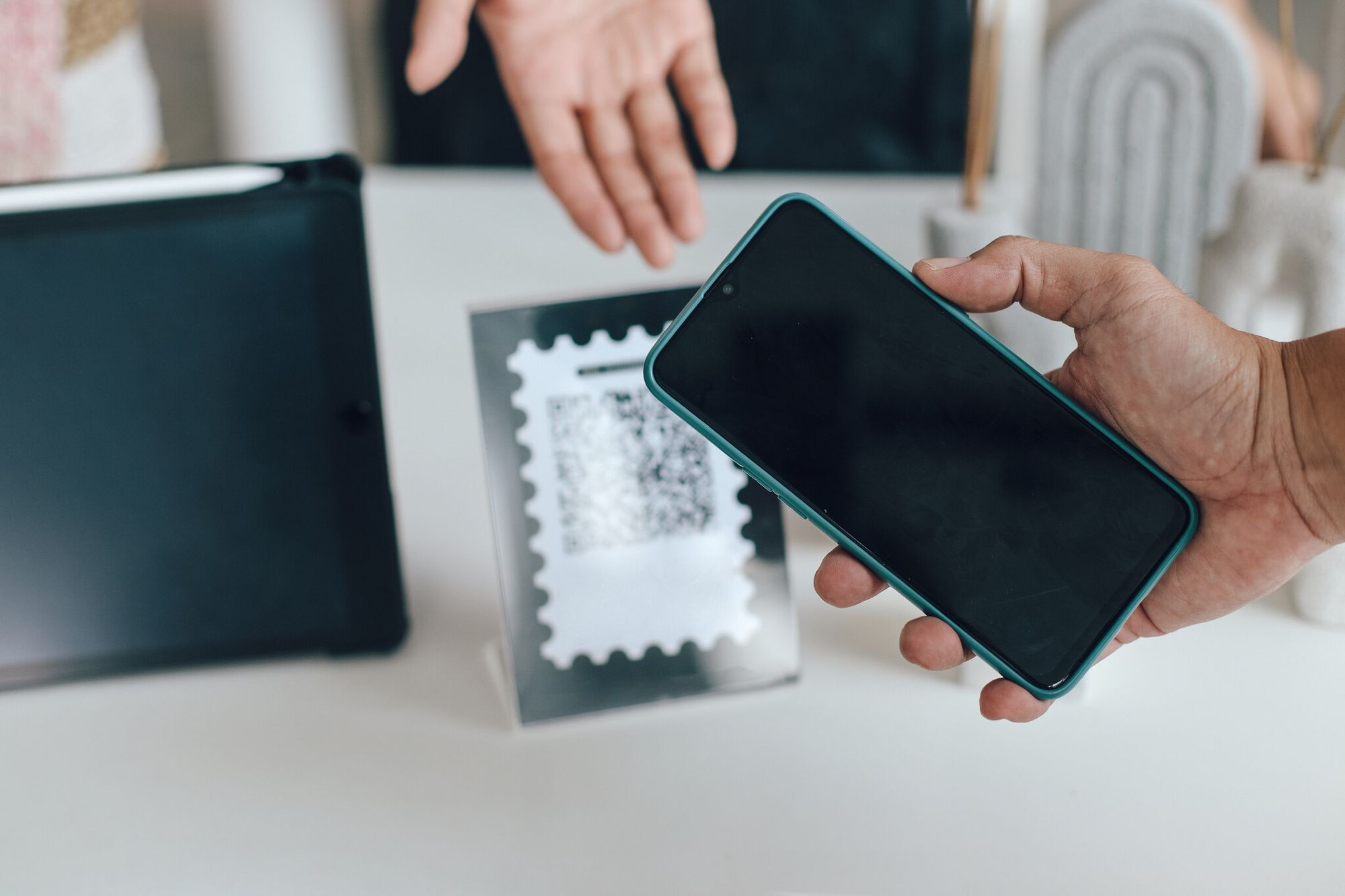
The visible part is just a 2D barcode. The work happens in four steps between the scanner touching the screen and the verifier seeing a green check.
1. Encoding. The QR carries a pointer — usually a URL, ID, or signed token. Payloads typically include a document hash (SHA-256 of the PDF), a credential ID, the issuer's domain, and an integrity signature.
2. Scanning. A phone camera decodes the pattern into text. Standard error correction (ISO/IEC 18004) lets up to 30% of the QR be damaged and still decode.
3. Signature verification. The receiving system checks the signature inside the payload against the issuer's public key. If valid, the data hasn't been tampered with since issuance. If invalid, verification fails before any database call.
4. Database lookup. Once the signature passes, the verifier sends the credential ID to the issuer's API. The issuer returns the canonical record — name, issue date, expiry, current status.
A research paper on IRE Journals outlines this end-to-end flow for a full-stack secure document verification system, noting that the signature check ahead of the database lookup is what makes the system resistant to offline forgery — a forger would need both the encoded payload and the issuer's private key.
Examples of a QR Code For Document Verification
Real-world deployments span sectors:
- Educational credentials: MIT, Stanford, and the Indian Institutes of Technology issue digital diplomas with verification QRs. Employers scan to reach a university-hosted page showing the graduate's name, degree, and graduation date.
- Professional certifications: PMI and CompTIA put scannable codes on every certificate. The verification URL surfaces the holder's name, current status, and expiry.
- Health documents: EU Digital COVID Certificates used signed QR payloads — the model has rolled forward into broader vaccination and prescription records.
- Tax invoices: India's GST e-invoicing mandate requires a signed QR on every B2B invoice above a threshold, carrying the invoice reference, supplier GSTIN, and a digital signature.
- Legal documents: Notarized affidavits and court orders increasingly carry verification QRs that resolve to the issuing court's docket entry.
Cryptographic QR Codes: HMAC, JWT, and Signed Payloads
The phrase "QR code for verification" hides a wide quality range. A plain URL QR is the weakest version — anyone can generate a code pointing to anyone's domain. The serious category is QRs carrying a cryptographic signature inside the payload, so the verifier detects tampering without calling the issuer.
HMAC-SHA256 signed payloads. The issuer runs document data (ID, name, date, hash) through HMAC-SHA256(secret, payload). The 64-character hex output is appended to the QR. The verifier recomputes the HMAC with the shared secret and checks it. If any byte changes, the HMAC won't match. The catch: HMAC needs a shared secret, so it works inside a closed ecosystem but not for open third-party verification.
JWT (JSON Web Tokens) inside QR. A JWT is three base64url segments separated by dots — header, payload, signature — and starts with the recognizable eyJhbG... prefix. It carries claims like {"sub": "credID_4821", "iss": "registry.example.edu", "exp": 1895616000} together with an RS256 or ES256 signature. The verifier fetches the issuer's public key from a /.well-known/jwks.json endpoint and verifies the signature. JWT scales for open verification — anyone with the issuer's public key can check it.
Detached signatures over document hash. For high-value documents, the QR carries a SHA-256 hash of the PDF plus a signature over that hash made with the issuer's private key. The verifier hashes the document they're holding, checks it matches, then verifies the signature. Three checks, one scan.
The anti-tamper guarantee is what makes these patterns matter. Forging the QR means forging a signature, which means stealing the issuer's private key. That moves the attack surface from a print shop to a key vault.
Blockchain-Anchored Documents: W3C Verifiable Credentials and DIDs
Signed payloads solve tampering. They don't solve revocation discovery or cross-issuer trust. A revoked diploma still verifies as "validly signed" — only the issuer knows it's been pulled. That gap is what W3C Verifiable Credentials and Decentralized Identifiers (DIDs) address.
A Verifiable Credential is a tamper-evident, cryptographically signed claim — diploma, license, age attestation — issued by one party, held by another, and presented to a third. The data model is JSON-LD with a proof block carrying the issuer's signature, checked against the issuer's DID document.
A DID is a resolvable identifier that doesn't depend on a central registry. did:web:registry.example.edu resolves via HTTPS. did:ion or did:ethr resolves via the Bitcoin or Ethereum networks. The verifier doesn't have to trust DNS or a single root CA.
The QR fits in two ways. It can carry the full VC as a compact JWT for offline verification. More commonly, it carries a presentation request URL: the verifier scans, the holder's wallet opens, the wallet presents the requested credential over a secure channel. The QR is the handshake, not the credential itself.
Blockchain enters where revocation registries and schemas live. A university publishes its credential schema once on-chain; revocations get appended. Any verifier worldwide can query the chain to see if credential 0x4f3a... has been revoked, without trusting the issuer to be online. MIT's Blockcerts and Malta's Notarisation Service have run production blockchain-anchored credential systems since 2018-2020, and the W3C VC model is now the convergence point. NIH-indexed research on QR codes with digital watermarking shows how layered verification — signature plus watermark plus blockchain anchor — measurably raises the cost of forgery.
Creating QR Codes for Document Verification
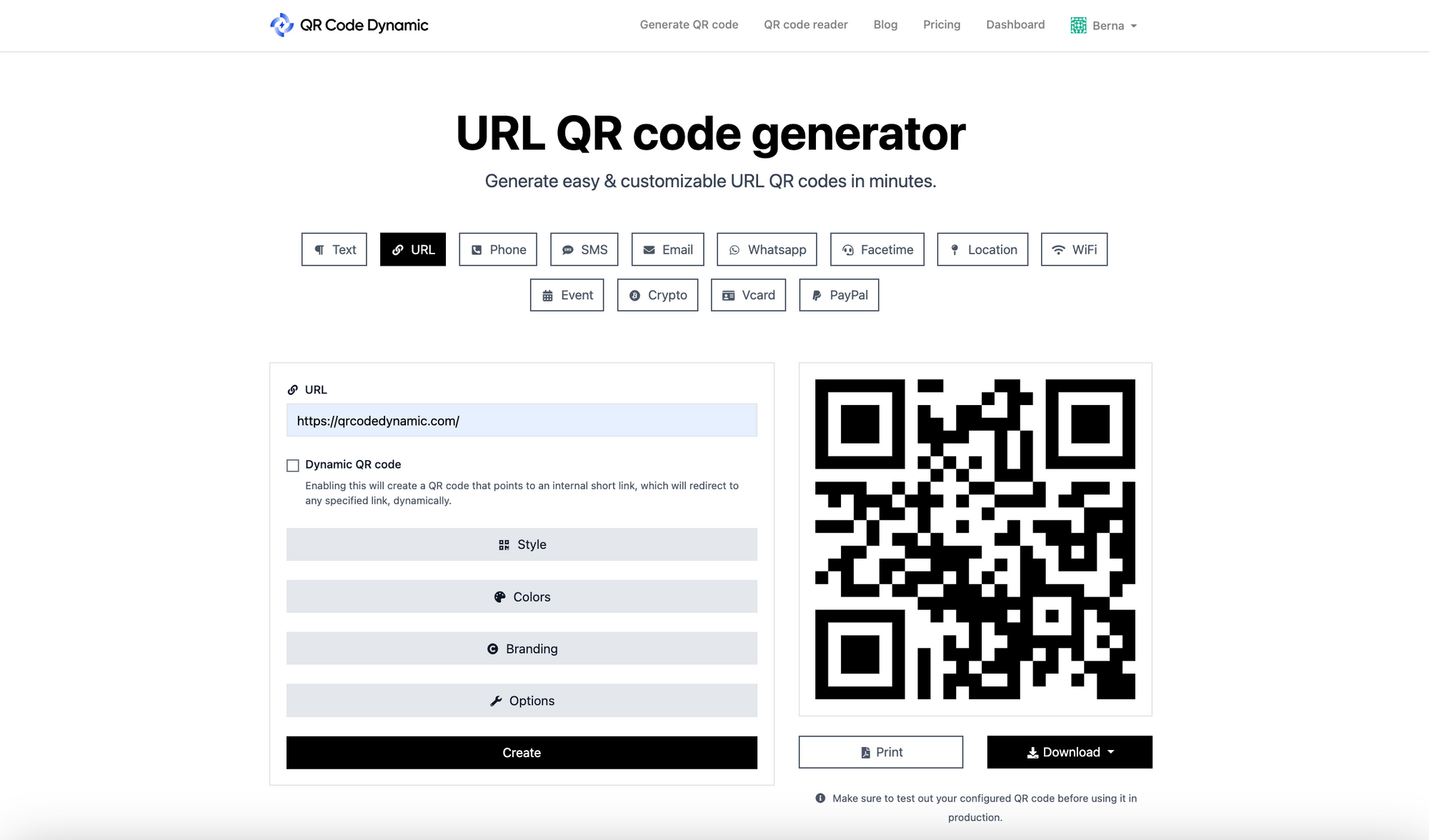
The mechanical steps are simple. The design decisions around what the QR carries and where it points are where most teams under-invest.
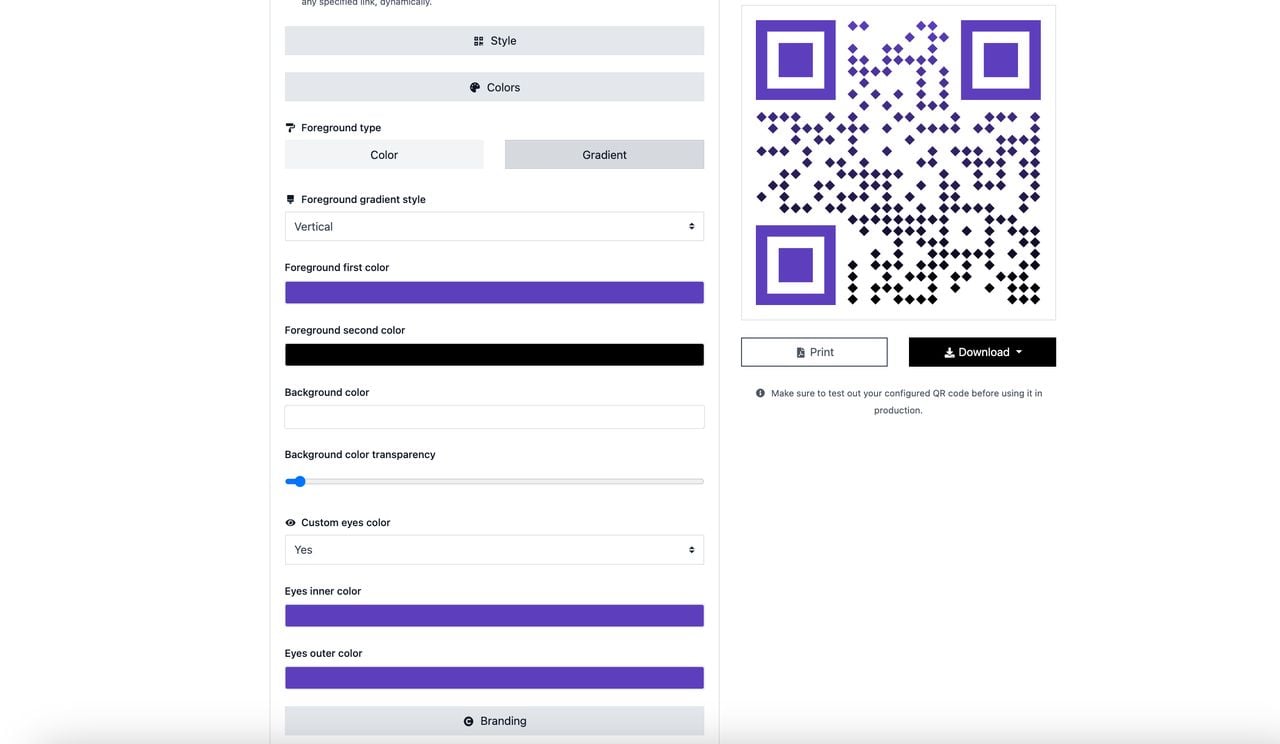
- Pick a generator that supports dynamic codes. Static QRs lock the payload at creation — if the verification URL changes, every printed document is dead. Dynamic QRs route through a redirect layer you control. QR Code Dynamic generates dynamic codes and lets you swap destinations without reprinting.
- Choose the right QR type. A URL QR code pointing to a verification page is the standard. The page does the signature check and database lookup server-side.
- Decide what the URL carries. Minimum: a credential ID. Better: a credential ID plus a signed JWT so the page can confirm authenticity even before hitting the database.
- Customize for trust signals. Add your logo (error correction handles the visual interruption). Colour the QR in your brand palette. A branded QR signals provenance.
- Test before printing at scale. Print a single copy at final size, scan with three different phones, and run the verification flow end to end. Most production failures come from QRs printed too small or at insufficient contrast.
The QR is only the entry point. The verification page behind it is where the security work happens — signature verification, revocation check, audit logging.
Linking QR Codes with Data for Verification
The link between the QR's payload and your backend database is where most implementation bugs hide. Three rules keep it reliable.
- Use stable, opaque credential IDs. Don't encode the holder's name or email in the QR — those change. Use a UUID or 12-character random ID, and store mutable data behind it.
- Sign the payload at issuance time. The signature should be created when the credential is finalized in your database. If signing happens on the fly at scan time, your private key has to live on every print server — a serious attack surface.
- Treat the QR as immutable post-issue. If a credential is corrected, issue a new QR with a new ID. The old QR should resolve to "superseded — see credential X".
Activating the Digital Certificate for Use
A QR printed on a certificate that doesn't resolve to anything is worse than no QR at all — it actively damages trust. Once the QR is on the document, the corresponding record needs to be flipped to "active" in your database, the signing key must be the production key, and the verification endpoint must be reachable at the URL the QR encodes. A common failure: documents get mailed before the database row is committed, and the first verifier sees a 404. Build the issuance flow so the document only prints after the database commit succeeds.
How to Create a Secure Storage and Verification System Using QR Codes
A working verification system has four layers:
- Storage: A signed-record database. Managed Postgres or DynamoDB with row-level audit logging is enough for most. For credentials requiring third-party verifiability, anchor record hashes to a blockchain on issuance.
- Issuance API: The endpoint your internal tools call to mint a credential. It generates the ID, signs the payload with your private key (kept in an HSM or KMS), commits the record, and returns the QR-ready URL.
- Verification endpoint: The URL the QR points to. It accepts the credential ID, verifies the signature, looks up the record, applies revocation/expiry rules, and renders a verifier-friendly page. For machine-to-machine use, expose a JSON API alongside.
- Audit log: Every scan logged with timestamp, hashed IP, and result. This is how you spot scrape attacks or unusual verification patterns on a single credential.
You don't need to build all four from scratch — open-source frameworks like Hyperledger Aries and the DIDKit toolchain cover the issuance and verification primitives.
EU eIDAS 2.0 and EUDI Wallet: QR Codes in European Digital Identity
The biggest shift in document verification between 2024 and 2026 is happening in Europe. The eIDAS 2.0 regulation entered force in May 2024 and obliges every EU member state to provide a European Digital Identity Wallet (EUDI Wallet) to citizens by late 2026. The wallet holds verifiable credentials — national ID, driving licence, diploma, prescription — and presents them on demand.
QR codes are the presentation handshake. A relying party (bank, employer, hospital) displays a QR encoding a presentation request. The user opens their EUDI Wallet, scans, reviews which credentials are being asked for, and approves. The wallet sends the signed presentation over an encrypted channel. The relying party verifies the signatures against the issuing member state's public keys and gets back a structured response — "yes, this person is over 18", "yes, this is a valid pharmacy licence" — without revealing data it didn't request.
The architecture aligns with ISO/IEC 18013-5, the mobile driving licence (mDL) standard. An mDL holder presents their licence at a car rental desk by showing a QR; the verifier app reads it, verifies the issuing state's signature, and shows the relevant fields. The same protocol works cross-border — a German doctor's licence at a French hospital, a Spanish diploma at an Estonian employer.
For organizations outside the EU, the takeaway is that QR-based document verification is becoming a legal default in a market of 450 million people. Issuers selling into Europe will need to support EUDI Wallet presentations alongside current QR flows. Rollout schedules sit on the European Commission's EUDI Wallet toolbox.
AI-Generated Deepfake Documents and the QR Defense
Three years ago, faking a transcript meant Photoshop skill and access to the original template. In 2026, a generative model produces a pixel-perfect forgery from a one-sentence prompt. Deepfake degrees, fabricated payslips, and counterfeit ID photos flow through Telegram channels at $20-$200 each. Visual quality is past human detection — recruiters who once trusted "the seal looks right" can't anymore.
A signed QR code is what makes deepfake documents commercially worthless. The forger can reproduce the visual layout perfectly and copy the QR pixel-for-pixel. What they can't do is forge a valid signature without the issuer's private key. Scan the deepfake's QR and one of three things happens: the URL points to the wrong domain, the signature is missing or invalid, or the credential ID returns "not found" or "revoked".
The shift this forces is cultural. Visual inspection is no longer a meaningful security step. The question stops being "does this look real" and becomes "what does the issuer's verification endpoint say." Hiring teams that rebuilt their workflow around scan-don't-look reduce credential fraud incidents sharply.
Anti-tamper QRs printed with micro-text, UV ink, or holographic underlay raise the cost of physical duplication, but the real defence is still the cryptographic signature behind the QR. Holograms slow a forger; signed payloads stop them.
GDPR and Privacy: What Verification Logs Should and Shouldn't Store
Every scan generates data. A verification system can drift into logging everything — verifier IP, geolocation, device fingerprint, the holder's full credential payload — and become a GDPR liability instead of a security asset.
The principles from GDPR Article 5 (data minimisation, purpose limitation, storage limitation) translate into concrete defaults:
- Log what you need. A useful audit log records credential ID, timestamp, verification result (valid/invalid/revoked), and a hashed or truncated verifier IP. It doesn't need full IP, user-agent, or precise geolocation unless there's a documented fraud-detection purpose.
- Anonymize verifier identity by default. Verifiers are typically not the credential holder and didn't consent to be tracked. Hash their IP with a daily-rotating salt or truncate to the /24 subnet. You keep "scanned 800 times from 600 subnets" while removing the ability to identify individuals.
- Set explicit retention windows. 90 days is enough for most fraud-detection patterns. Anything older gets aggregated (count and country code) or deleted. Document this in your privacy notice.
- Get holder consent for what's in the QR. "Your name, your degree, your graduation date, and your current status will be visible to anyone who scans this QR" is the standard disclosure.
- Don't store the credential payload twice. If the QR carries a JWT, you already have the data in the database. Don't also log every scanned payload.
The trade-off is real — richer logs catch fraud faster, minimal logs respect privacy. The right balance shifts by industry, but the default should lean toward less.
Benefits of Using QR Codes for Document Verification
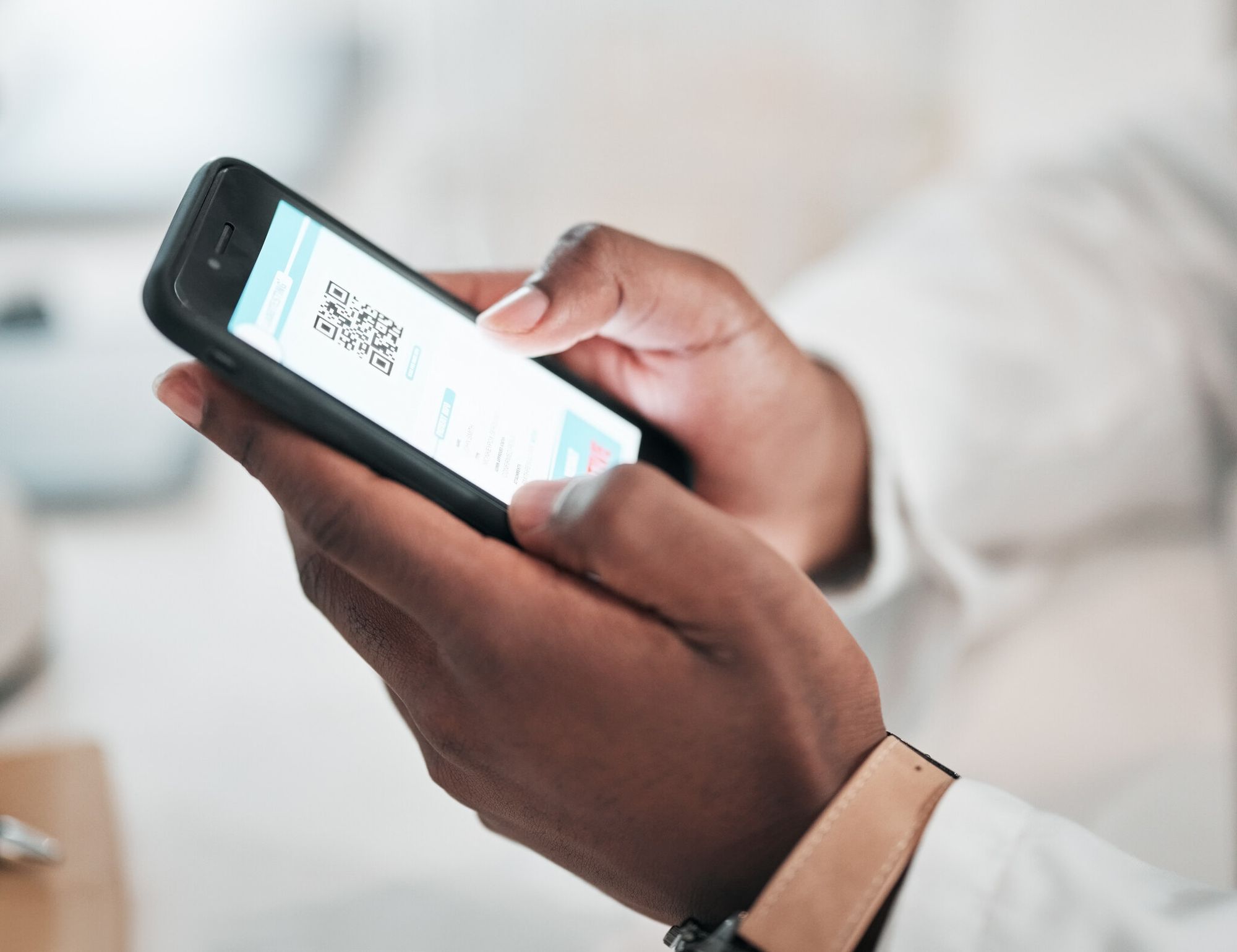
The case for QR-based verification stopped being theoretical years ago. Benefits compound the longer the system runs.
Easy Accessibility and Sharing
Every smartphone shipped since 2017 has a native QR scanner. No app install, no account, no friction. A diploma issued in Manila gets verified in Frankfurt in two seconds. For document-heavy workflows like hiring, supplier onboarding, or visa processing, that removes a major coordination cost.
Customization Options for Design and Layout
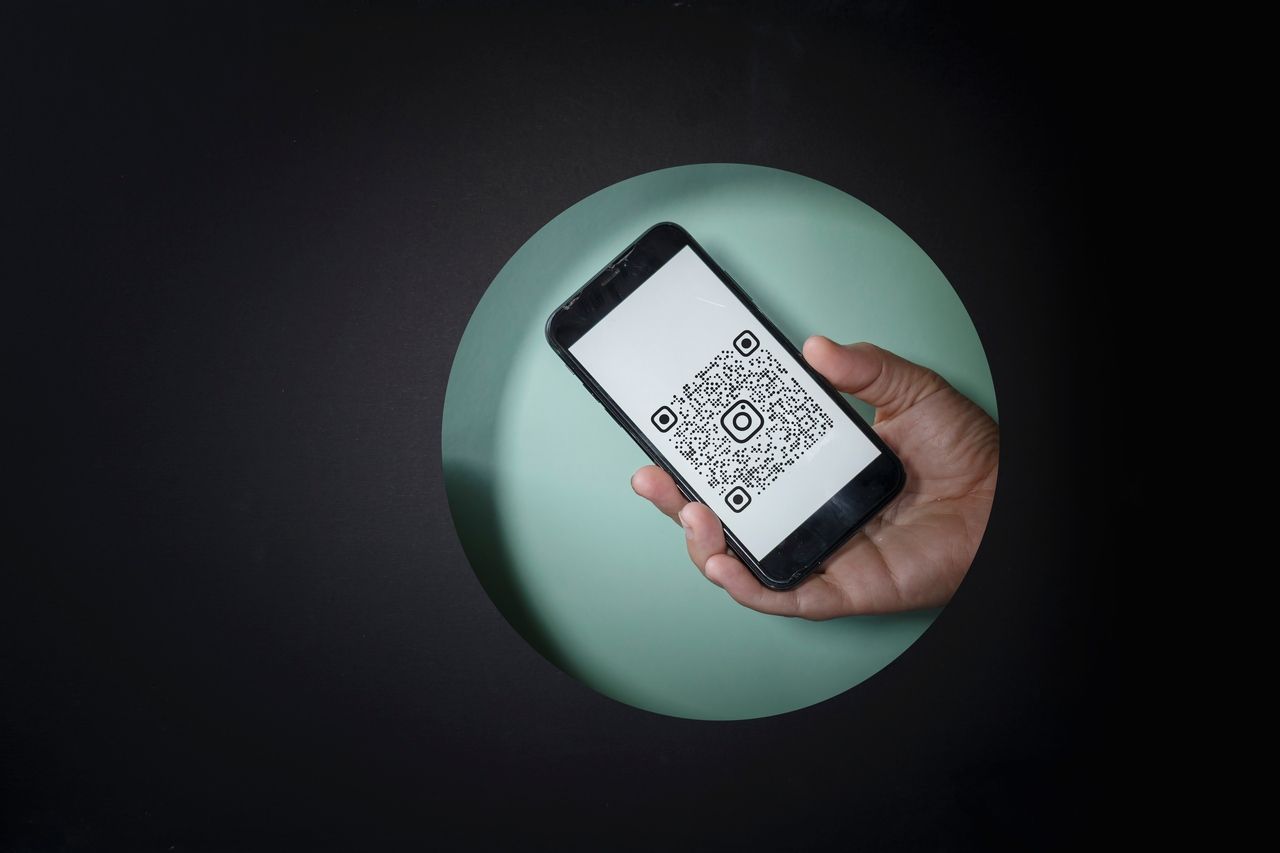
QR codes accept up to 30% error correction, leaving room to embed a logo or use brand colours without breaking scannability. A branded QR doubles as a trust signal: counterfeit certificates copied from screenshots often lose brand markers, giving verifiers a visual prompt to look closer.
Validity Checks and Resubmission Requirements
Paper updates require reissuing the document. With dynamic QR codes, the verification page state is updated server-side: a license renewal flips the expiry date, a revocation flips the status. The same physical document, scanned tomorrow, shows the current truth. Decisive for licenses, training certifications, and food-safety attestations.
Speed, Efficiency, and Cost-effectiveness
A manual verification call costs 5-15 minutes of staff time on both sides. At scale — a recruiter validating 200 degrees per month — that's a salary's worth of friction. Scan-based verification drops that cost to seconds, with no marginal cost per scan.
Increased Security Through Data Encryption
Verification QRs carry signed payloads, not bare data. Any change to the document or QR breaks the cryptographic chain. Combined with HSM-managed keys and TLS, the attack surface narrows to actual key compromise — detectable and recoverable.
Easier Tracking and Management with Digital Documentation

Scan analytics tell you who's been verified, when, and from where (at country level, after anonymization). For HR, that's a verification timestamp on the hire record. For an issuer, it's an early warning — a sudden spike on a single credential often means the document is being shopped around.
Reduced Risk of Fraudulent Activity
The combined effect is a measurable drop in successful document fraud. Attackers who reproduce the visual layout still run into the signature check. The economic logic of forgery inverts: each forged QR is worthless without the issuer's key.
Digital Certificate with QR Codes Vs. Traditional Certificates

The two models — paper-and-seal versus QR-and-signature — are at this point a clear generational gap. Paper served a slower world. QR fits cross-border hiring, instant compliance checks, and AI-assisted forgery.
The Traditional Route: Old School Certificate Verification
Paper certificates rely on physical artefacts — embossed seals, holographic stickers, watermarked paper, raised signatures. The verifier's tools are eyes, light, and a phone call.
- Time-consuming: A registrar call takes 5-30 minutes during business hours. International verifications can take days.
- Prone to errors: Manual transcription means typos and misreads. Studies put manual verification error rates at 2-8%.
- Increasingly forgeable: Hologram stickers and embossing kits are available online. Generative AI now produces near-perfect visual forgeries.
- Physical fragility: Paper fades, gets damaged, and gets lost. Re-issuance is slow and expensive.
Advancing Digitally: QR Code-Based Certificate Verification
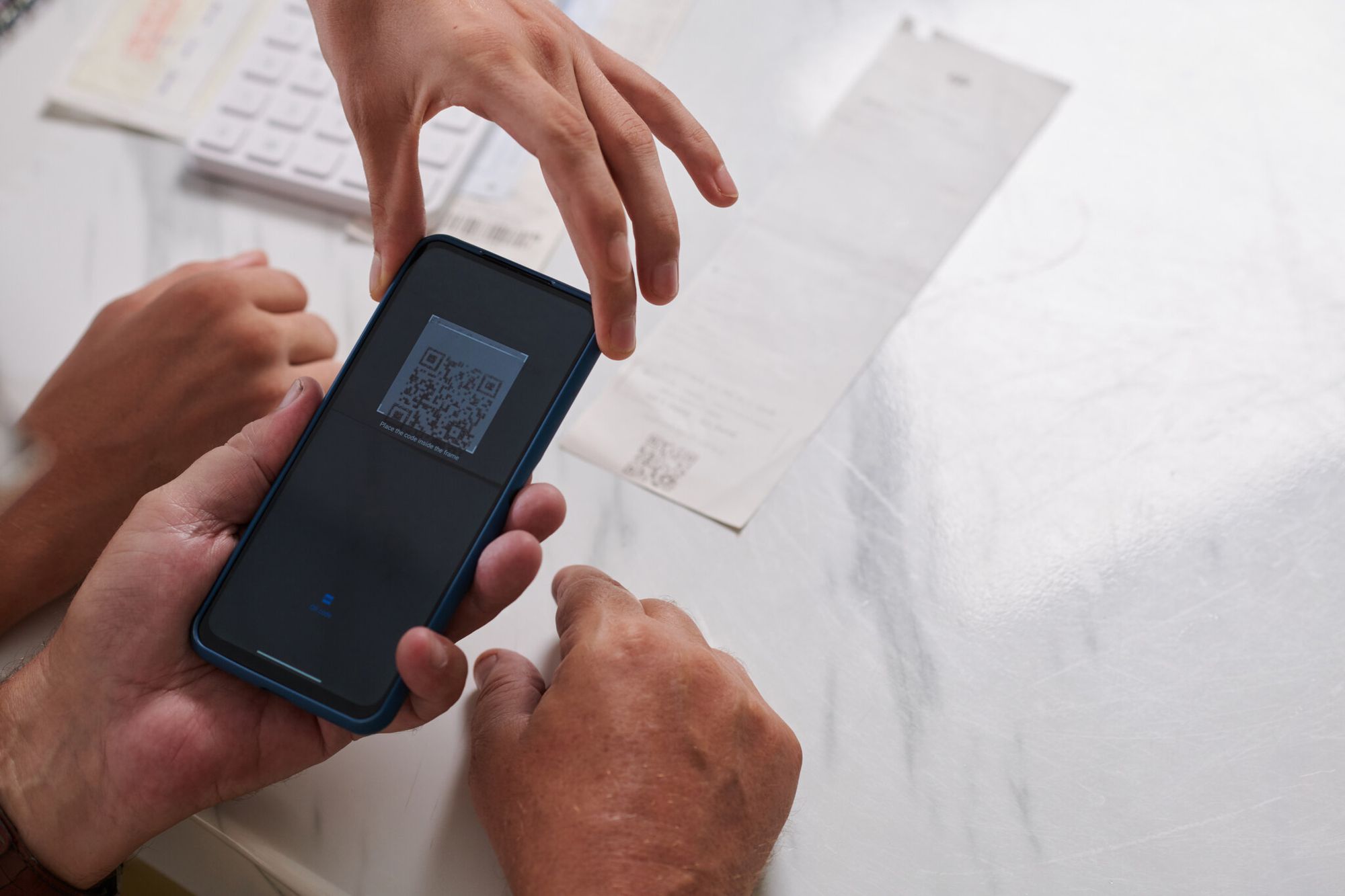
QR-based verification flips each weakness:
- Two-second verification: No phone tag, no time zones. Scan, see the issuer's verified page, move on.
- Cryptographic accuracy: The signature check passes or fails. No judgement call.
- Tamper-evident: The cryptographic chain breaks under any change. Deepfake documents fail the signature step before reaching human review.
- Updatable: Dynamic QR backends let the issuer revoke, renew, or correct without reprinting. Password-protected QR codes add an extra gate for sensitive documents.
The cost asymmetry is the punchline. Paper is expensive per check and cheap to set up. QR is expensive to set up and near-free per check. For any organization running more than a few hundred verifications a year, QR pays back inside the first year.
Potential Applications of QR Codes for Document Verification

Once an issuer has signing keys and a verification endpoint working, the pattern fits across industries.
1. Professional Certification Bodies
PMI, CompTIA, Cisco, AWS, Google Cloud, and Microsoft Learn all attach verification QRs to issued certifications. The verifier scans, the page renders the credential holder's name, the credential, issue date, and current status. For employers running candidate validation at scale, this is the only step that survives compliance audits without manual evidence.
2. Retail Industry
Luxury goods, art, antiques, and limited-run products carry QR-coded provenance certificates. Scanning surfaces the chain of custody: manufacturer, batch, dealer, current owner. For a buyer paying five figures for an artwork, that collapses an authentication process that used to take weeks. See warranty QR codes for the closest adjacent pattern.
3. Food and Beverage Industry
Halal, kosher, organic, fair-trade, and gluten-free certifications increasingly appear as scannable codes on packaging. The QR resolves to the certifying body's page for that specific product lot — not the manufacturer's marketing site. For consumers with allergies, that's the verification step that lets them trust the label.
4. Automobile Industry
Vehicle history reports, service records, recall notices, and emissions certificates ride on QR codes in major markets. A used-car buyer scans, the verification page surfaces service history from the manufacturer's database, and odometer fraud becomes harder to hide.
5. IT Industry
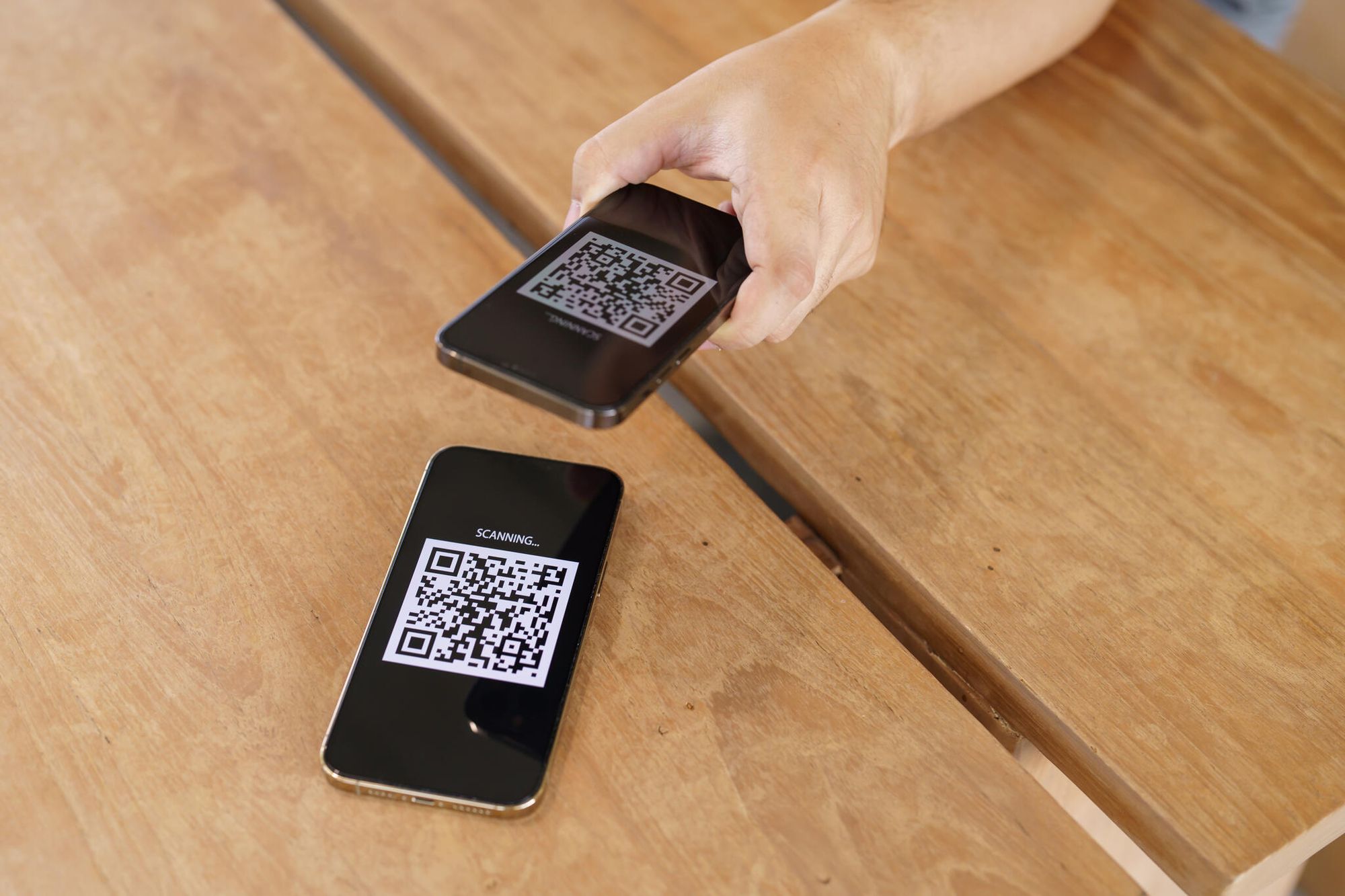
Software licenses, audit reports (SOC 2, ISO 27001), and pen-test certifications use QR-verified PDFs. A procurement team can scan a SOC 2 report and confirm it's the auditor-issued original, not a partner-edited summary. The same pattern applies to checking whether any QR code is safe before trusting it.
6. Event Management
Conference tickets, badge access, certificate-of-attendance documents, and CPD credits all rely on QR verification. The same code that gets a delegate into the hall later validates their certificate. For accreditation bodies counting CPD hours, that removes the gap where attendance was self-reported.
7. Personal Identification Documents
The shift to mobile driving licences (under ISO 18013-5) and EUDI Wallet identity documents is putting QR-based identity verification into mainstream policing, banking, and travel workflows. Passports issued in the past two years increasingly carry a verification QR alongside the existing MRZ and chip.
8. NGOs and Philanthropic Certificates
Donation receipts, tax-deduction certificates, and grant-completion documents are switching to QR verification. For donors, the QR resolves to the NGO's page showing where the funds were allocated. For tax authorities, it confirms the receipt is genuine without bilateral data sharing.
The Bottom Line on QR Codes for Document Verification
Document verification is becoming a primitive — a one-scan check running underneath hiring, healthcare, customs, banking, education, and procurement. The shift from paper-and-seal to QR-and-signature is past the early-adopter phase. EU regulation requires it. Forgery economics demand it.
The work for issuers is bounded: pick a cryptographic pattern (signed JWT for open verification, HMAC for closed ecosystems, W3C Verifiable Credentials for the highest-trust cases), build a verification endpoint that does signature, revocation, and status in one call, and instrument logs that respect GDPR by default. The marginal cost per verified document then drops to near zero.
For verifiers, the change is simpler: stop trusting paper, start trusting signatures. If a document doesn't have a verification QR, ask why. If it does, scan it.
Visit these blog posts before you go:

I work as a Growth Marketer at Popupsmart, using my 3+ years of SaaS experience to create clear, useful marketing content that helps brands grow, reach the right audiences, and improve their results.