Warranty QR Codes: A Guide to Simplify Warranty Registration


On this page
- What is the QR Code for Product Warranty Registration?
- How Does it Work?
- Implementing QR Code Warranty Registration
- Why You Should Use QR Codes for Warranty Registration
- Issues With Traditional Warranty Registration
- The Problem With Manual Warranty Registration
- Increased Registration Rates Lead to Higher Data Acquisition
- Transition to Digital Warranty
- Creating a QR Code for Warranty Registration
- Industry-Specific Warranty QR Code Use Cases
- Consumer Electronics
- Automotive
- Appliances
- B2B Equipment
- Apparel and Retail CPG
- Counterfeit Detection: QR + Serial Number Pairing
- Benefits of Using QR Codes for Warranty Registration
- Enhanced Customer Experience and Registration Rates
- Valuable Data Acquisition
- Operational Efficiency
- Brand Image and Competitive Advantage
- Cost Savings and Scalability
- Best Practices of QR Codes for Warranty
- Ensure High-Quality and Clear Printing
- Use Dynamic QR Codes
- Customize for Brand Consistency
- Prioritize User Experience
- Test Thoroughly
- Educate Customers and Place the Code Well
- Offer Alternative Registration and Monitor Continuously
- EU Digital Product Passport and Right-to-Repair: Why QR Codes Are Now Mandatory
- What the DPP Requires and the Rollout Schedule
- Right-to-Repair Adds a Second Layer
- What Manufacturers Need to Do Now
- Integrating Warranty QR Data With Your CRM/CDP
- What's Captured at Scan Time
- Salesforce, HubSpot, and Klaviyo Handoff Patterns
- GDPR and CCPA Compliance at the Form
- The Bottom Line on Warranty QR Codes
- Frequently Asked Questions
- How do I scan a QR code for a warranty?
- How to activate warranty by scanning QR code?
- What are the benefits of QR codes for warranty management?
- How to generate a custom QR code for warranties?
- Are warranty QR codes secure?
A warranty QR code is a printed code on a product, packaging, or warranty card that opens a digital warranty registration form when scanned. Customers register in seconds, with no paper card to mail. Manufacturers get cleaner data, higher registration rates, and a direct channel for support, recalls, and upsells.
What is the QR Code for Product Warranty Registration?
A warranty QR code is a scannable two-dimensional barcode that links each unit to a digital registration form, claims portal, and warranty record. It pairs with a serial number so each scan ties one customer to one specific product, replacing paper warranty cards with a server-side database record.
A QR (Quick Response) code is a two-dimensional barcode readable by any smartphone camera. For warranty registration, it links to a hosted form that captures purchase date, customer details, and the product's serial number. The customer scans, fills three or four fields, and submits. The brand's database then has a verified ownership record tied to a specific unit.
Most implementations print the code on packaging, an inside flap, or a sticker on the product. Some manufacturers etch or laser-mark it directly on the device so the warranty link survives even after the box is gone. The data behind the QR is usually a unique URL with a serial-number token, so the form pre-populates the product field and prevents duplicate registrations. According to Brij, Babiators hit a 50% scan-to-registration rate after launching SKU-specific QR experiences, roughly five times the industry baseline for paper warranty cards.
How Does it Work?
The end-to-end flow is short:
- Scan: The customer points their phone camera at the code on the box, manual, or product label.
- Redirect: The phone opens the registration page in the browser, with the serial number in the URL.
- Submit: The customer enters name, email, and purchase date. The serial field is locked.
- Confirm: An email or SMS arrives with the warranty start date, expiry, and a deep link to file claims later.
On the back end, the form writes one row per registration with the serial as primary key. The record can sync to a CRM, trigger a welcome series, or wait until a claim two years later.
Implementing QR Code Warranty Registration
- Generate unique codes: Each unit needs its own QR with a unique serial token, not one shared QR for the whole SKU.
- Print at production: Add the code on the packaging line as a variable-data print step.
- Host the form: A mobile-first page that loads in under two seconds; slower and 30-40% of scans drop off before submitting.
- Educate at the point of scan: A one-line label lifts scan rates 2-3x compared with an unlabeled code.
Why You Should Use QR Codes for Warranty Registration
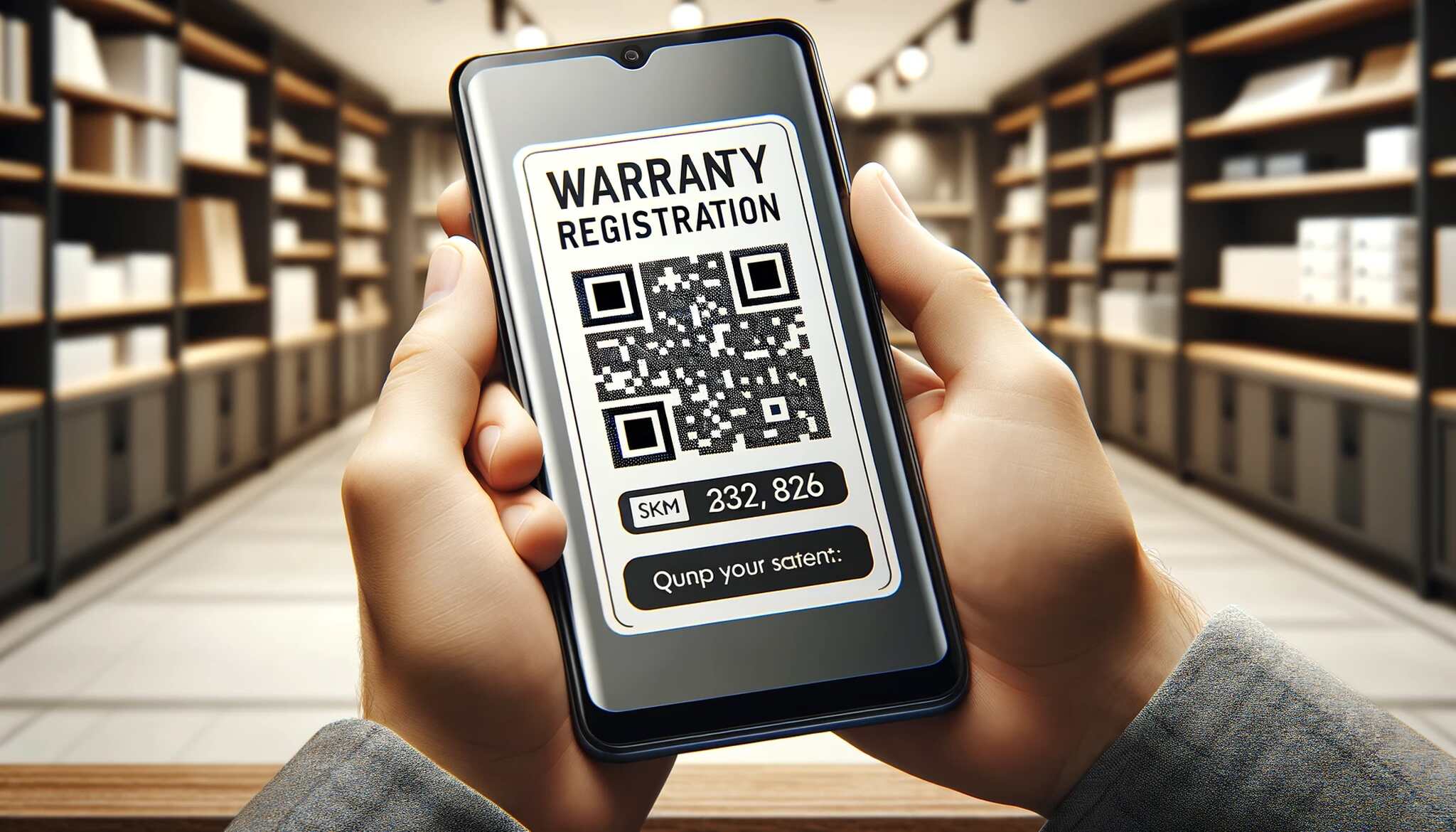
The U.S. warranty market is large and getting more expensive to administer. According to Warranty Week, U.S. manufacturers paid $30.37 billion in warranty claims in 2025, up 4% from 2024. Grand View Research projects the manufacturer-channel extended warranty market will grow at a 10.8% CAGR through 2033. Brands relying on paper cards spend more every year on a process that captures less than 10% of buyers.
Issues With Traditional Warranty Registration
The old process asks a buyer to find the warranty card, fill it in by hand, find a stamp, mail it, and trust the manufacturer types it correctly. Most people skip every step, leaving the brand with a warranty obligation it can't tie to a buyer, no email for safety recalls, and no follow-up channel.
The Problem With Manual Warranty Registration
- Time cost: A typed-URL web form takes three to five minutes. Customers postpone, then forget.
- Data quality: Self-typed serials introduce transposed digits. One appliance maker's 2024 audit found 18% of self-typed serials didn't match any record in production.
- Engagement loss: A buyer who skips registration is one the brand can't email about extended warranties, accessories, or replacement filters.
Increased Registration Rates Lead to Higher Data Acquisition
The commercial argument for QR is registration volume. A scan-to-form flow takes 20-30 seconds end to end. The serial pre-fills, so customers type only their name, email, and purchase date. Brands switching from paper or typed-URL registration routinely see rates climb from single digits to 30-50%, three to five times more first-party records on the same unit volume.
Transition to Digital Warranty
The shift from paper to digital is a change in the data model. A paper card is a one-time event. A digital warranty is a record that can be queried, synced, and acted on for the ownership lifecycle. Buyers pull up coverage from their inbox three years later. Brands email about a safety recall the day a defect is identified. Service teams verify ownership in five seconds instead of hunting for a receipt.
Creating a QR Code for Warranty Registration
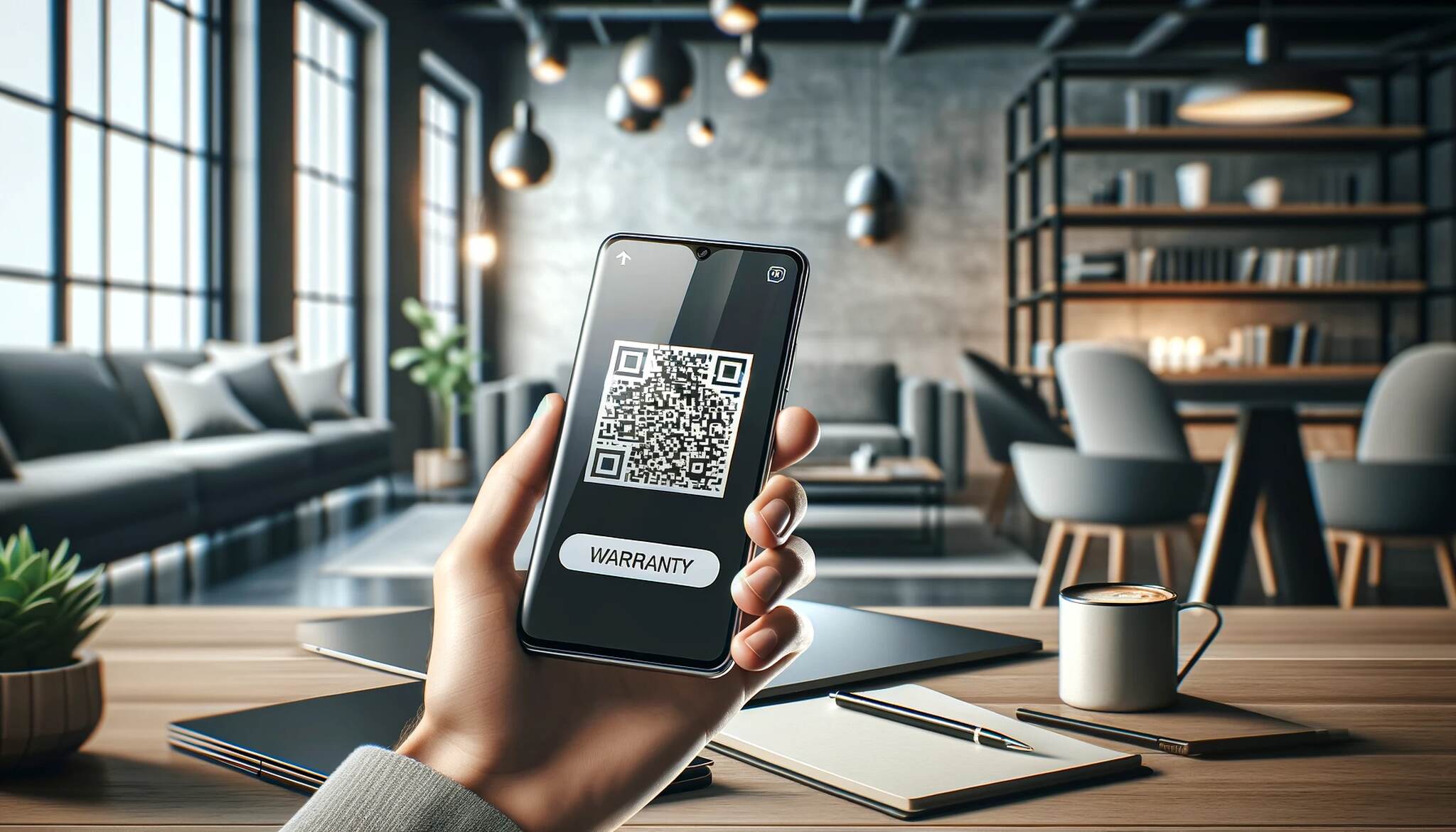
Generating warranty codes in volume is repeatable once the first batch is set up:
- Pick a generator with dynamic codes and bulk CSV upload: Dynamic codes let you redirect the URL after print, which matters when you migrate the registration page. QR Code Dynamic supports bulk upload and per-code analytics.
- Pull the serial list: Export serial numbers from your ERP. One row per unit.
- Map serials to URLs: Each row becomes a URL.
- Bulk generate: Upload the CSV, select dynamic mode, and pull a ZIP of PNG or SVG files. SVG is preferred for print.
- Customize for brand: Drop a logo in the center, set brand colors with enough contrast, and add a short call-to-action below.
- Test before print: Scan ten random codes on three phones. See our complete printing guide for size and substrate guidance.
- Print and integrate: Send the SVG batch to packaging. For layout examples, see 13 ways to use QR codes on packaging.
- Educate at the touchpoint: Add the one-line scan instruction next to the code.
Industry-Specific Warranty QR Code Use Cases
Each industry has a different registration friction, claim profile, and follow-up cycle. Technavio projects the U.S. extended warranty market will grow by $15.4 billion from 2026-2030 at a 5.1% CAGR, with electronics and automotive driving most of the new attach revenue. QR registration plus extended warranty upsells at unboxing is where most of that growth lands.
Consumer Electronics
Phones, laptops, headphones, and wearables are the highest-value-per-unit category for warranty QR. Each unit ships with a unique serial, and recall events (battery defects, firmware issues) need a customer-reachable email within hours. The QR sits on the inside flap or a setup card the customer sees on first power-up. Apple's device coverage check is a serial-driven model other electronics brands now mirror with a scan-then-register flow.
Automotive
VIN-linked QR codes inside the glovebox or door jamb let owners register the vehicle, log service history, and file claims through one portal. Service centers scan the same code at the start of each visit to pull warranty status and previous service records.
Appliances
Washing machines, refrigerators, ovens, and HVAC units have long warranty windows (5-10 years) and serviceable parts. Warranty QR registration becomes the entry point for replacement-part reminders. NeuroWarranty reported that Syska, an Indian appliance brand, lifted repeat sales by 180% after switching to QR-based registration with built-in repurchase prompts.
B2B Equipment
Industrial machinery, medical devices, and fleet equipment register through QR codes printed on a metal tag or laser-etched on the chassis. The scan opens an asset management portal tied to the corporate account, maintenance schedule, and claim portal. A field technician scans and sees coverage, last service date, and open issues on one screen.
Apparel and Retail CPG
For premium apparel, footwear, and CPG, the warranty QR pairs with a hangtag or care label. A scan registers the buyer for the limited warranty, enrolls them in care guides, and authenticates the item. This category overlaps with anti-counterfeit verification because the same code carries the authenticity signal. Retailers integrating QR at the shelf can read our retail QR guide.
Counterfeit Detection: QR + Serial Number Pairing
The same QR that registers a warranty can flag fakes. Each QR binds to a unique serial in a server-side database, and the brand watches scan patterns that don't match a legitimate ownership lifecycle.
The first scan registers the warranty and marks that serial activated. A second scan from a different location later gets a friendly message confirming ownership. A scan from a third country, on a unit already registered to a buyer in Texas, triggers an alert in the brand's anti-fraud dashboard, because the most likely explanation is that someone copied the QR onto a counterfeit unit.
- Cryptographic tokens: Each QR encodes a signed token. A counterfeit QR copied from a photograph won't pass server-side signature verification.
- One-time registration locks: After the first valid registration, the serial is bound to that customer account.
- Geo and velocity rules: The brand watches for the same serial scanning in implausible locations within short windows.
Pharmaceuticals and luxury goods adopted serial-paired QR earliest because counterfeit losses are highest there. Electronics and automotive parts are next. The EU Ecodesign for Sustainable Products Regulation is pushing brands in Europe toward unique-identifier QR codes, which forces the same database anti-counterfeit systems already need.
Benefits of Using QR Codes for Warranty Registration
Enhanced Customer Experience and Registration Rates
Unboxing ends with a confirmation email instead of a paper card the buyer will lose. Scanning takes 30 seconds. Brands moving from paper or typed-URL to QR routinely see registration rates climb from 5-10% to 30-50%; the Brij data above puts Babiators at 50% scan-to-registration once the QR was placed thoughtfully.
Valuable Data Acquisition
Each registration writes a row with serial, purchase date, location, and verified email. That's a customer record the brand owns outright, powering recall outreach, replacement-part offers, accessory upsells, and lookalike modeling for paid acquisition.
Operational Efficiency
The clerks who used to retype warranty cards are gone. Claim verification is a five-second serial lookup. Support handle-time on warranty issues drops 30-40% because the record is already in the system when the call connects.
Brand Image and Competitive Advantage
A modern unboxing experience signals a modern company. For challenger brands competing on user experience, the warranty flow is a low-cost, high-visibility win that shows up in cohort retention curves 12-18 months out.
Cost Savings and Scalability
Paper, postage, and data-entry labor disappear. For a manufacturer shipping a million units a year, the printed-card-plus-mail-in cost runs $80,000-$150,000 annually. QR replaces that with a few cents of variable-data print per unit and a hosted registration page under $200/month. Our QR code design ideas show how to keep visual consistency across an expanding product line.
Best Practices of QR Codes for Warranty

Ensure High-Quality and Clear Printing
Print resolution and contrast decide whether the code scans. Use 300 DPI minimum, dark-on-light with at least 4:1 contrast, and 1 inch (2.5 cm) square minimum.
Use Dynamic QR Codes
Dynamic codes let you redirect the destination URL without reprinting. Update once and every printed code in the field still works. Static codes break the day you change the URL.
Customize for Brand Consistency
A code in brand colors with a center logo reads as deliberate. Keep contrast above the scan threshold and test after every customization, because heavy logo overlays start failing on older phones.
Prioritize User Experience
The destination page is half the experience. Mobile-first layout, sub-two-second load, and the serial pre-filled from the URL parameter. Strip the form to four fields max: name, email, purchase date, and an optional retailer. Every additional field knocks 5-10% off completion.
Test Thoroughly
Before mass print, scan a sample on iOS Safari, Chrome on Android, and an older Android. Test under store lighting, sunlight, and dim indoor light. Confirm the form pre-fills the serial and confirmation email arrives within 60 seconds. Pilot a single SKU first.
Educate Customers and Place the Code Well
Print one line next to the code (Scan to register your warranty in 30 seconds). Put it where the customer naturally looks during unboxing: the inside flap, the user manual, or a card insert that falls out when the box opens.
Offer Alternative Registration and Monitor Continuously
Some buyers won't or can't scan. Print a short URL and serial entry field as a fallback, with a keyboard-accessible, screen-reader friendly form (WCAG 2.2 AA). Dynamic codes report scan counts, locations, devices, and timestamps. A SKU with low scan rate may have a placement problem; a sudden geographic spike may signal counterfeit activity.
EU Digital Product Passport and Right-to-Repair: Why QR Codes Are Now Mandatory
If your products sell in Europe, warranty QR codes are about to stop being optional. The Ecodesign for Sustainable Products Regulation (ESPR) introduces the Digital Product Passport (DPP), a structured digital record for every regulated product sold in the EU. The DPP is accessed via a data carrier on the product, and in nearly every adopted delegated act so far, that carrier is a QR code.
What the DPP Requires and the Rollout Schedule
The DPP is a per-unit digital record covering composition, repair instructions, warranty terms, supplier information, and end-of-life handling. It must be accessible to consumers, repairers, and recyclers throughout the product lifecycle.
- Batteries: Mandatory from February 2027 under the EU Battery Regulation (industrial, EV, most portable batteries above a size threshold).
- Textiles: Rollout starting 2027, with broader coverage progressing toward 2030.
- Consumer electronics, appliances, furniture, tires, and chemicals: Phased adoption 2027-2030 under category-specific delegated acts.
Right-to-Repair Adds a Second Layer
The EU Right-to-Repair Directive (2024/1799) entered into force in July 2024; member states must transpose it by July 2026. It requires manufacturers to provide repair information, spare parts, and repair pricing for in-warranty and out-of-warranty products. In the U.S., New York's Digital Fair Repair Act took effect in 2023, Minnesota's statute in 2024, and California's law in mid-2024.
The QR on the back of the device now serves a triple role: register the warranty, open repair documentation, and expose the DPP. One scan, three responsibilities, all driven from the same serial-keyed database.
What Manufacturers Need to Do Now
- Audit category timelines: Confirm DPP go-live dates for your category. Most are 2027-2028.
- Migrate to dynamic, serial-paired QR: Static codes can't carry the structured DPP record.
- Unify warranty, repair, and DPP under one identifier: The serial number is the master key.
- Plan for long-term hosting: The DPP must remain accessible for the product's lifetime (10+ years for appliances).
Integrating Warranty QR Data With Your CRM/CDP
The registration scan captures three things at once: a customer record, a product record, and a transaction context. Sending those to the right downstream system turns warranty QR from an admin tool into a revenue tool.
What's Captured at Scan Time
A typical form sends serial number (pre-filled from the URL token), SKU and product family (joined server-side), customer email and phone (verified via double opt-in), purchase date and retailer (self-reported), geo metadata, device, and timestamp, plus consent flags for marketing, transactional, and the privacy notice version accepted.
Salesforce, HubSpot, and Klaviyo Handoff Patterns
- Salesforce Service Cloud: The warranty record posts via REST to a Custom Object (Asset or Warranty), tied to the Contact via email match. Cases reference the asset and inherit warranty dates.
- HubSpot: The webhook fires a Workflow that creates or updates a Contact, sets a custom property for product owned, and enrolls them in a post-purchase nurture sequence keyed on SKU.
- Klaviyo: A server-side event carries SKU and serial as properties. Flows trigger at +30 days (review request), +6 months (replacement parts), +11 months (extended warranty offer), and +24 months (renewal or trade-in).
GDPR and CCPA Compliance at the Form
Warranty processing is a contract performance basis under GDPR Article 6(1)(b); marketing requires a separate unticked consent box. Version the privacy notice and store which one each customer accepted with a timestamp. The serial-to-customer link is the join for erasure requests, so build the deletion flow before turning marketing on. If the brand sells data to third parties, add the CCPA Do Not Sell link and back-end suppression list.
Forbes Tech Council argues QR-driven first-party capture is one of the cleanest ways to rebuild a marketing data foundation in a post-cookie world. Warranty registration is the highest-intent first-party moment most brands have.
The Bottom Line on Warranty QR Codes
Warranty QR codes solve four problems at once: low registration rates, dirty data, expensive paper workflows, and the EU Digital Product Passport data-carrier requirement. They turn the warranty card into a server-side record the brand can query, sync, and act on for a decade. Anti-counterfeit checks, right-to-repair compliance, and CRM handoff come along for free, because each needs the same serial-keyed database.
The next move is small. Pilot one SKU on your highest-margin product, generate dynamic codes with unique serial tokens, host a four-field mobile form, and watch the scan-to-registration rate. Above 30%, scale the catalog. Below 30%, the form, placement, or call-to-action needs work, not the system.
Frequently Asked Questions
How do I scan a QR code for a warranty?
Open your phone's camera and point it at the QR code on the product or packaging. A notification with the registration link pops up. Tap it and the form opens in your browser. iPhones (iOS 11+) and Android (9+) scan QR codes natively; older Android devices may need a free scanner app.
How to activate warranty by scanning QR code?
Scan, fill in name, email, and purchase date, and submit. The serial number is pre-filled from the QR. You receive a confirmation email with the warranty start date, expiry, and a link to file claims later. Activation is immediate.
What are the benefits of QR codes for warranty management?
Customers get 30-second registration, no paper to lose, and faster claim processing. Manufacturers get 3-5x higher registration rates, cleaner first-party data, lower admin cost, and a direct channel for recalls, replacement parts, and extended warranty upsells.
How to generate a custom QR code for warranties?
Use a generator that supports dynamic codes and bulk CSV upload. Export your serial numbers, map each to a registration URL, upload, and download the batch. Customize with brand colors and logo, then test scannability. The full printing QR codes guide covers size and substrate specs.
Are warranty QR codes secure?
Properly built ones are. Security comes from three layers: a signed token in the QR, a server-side database that locks the serial to one customer after first registration, and HTTPS on the form. Pharma, luxury, and automotive parts add cryptographic verification and geo-velocity rules.
Visit our other blog posts as well:

I work as a Growth Marketer at Popupsmart, using my 3+ years of SaaS experience to create clear, useful marketing content that helps brands grow, reach the right audiences, and improve their results.