How to Use QR Codes in Retail to Maximize Success in 2026


On this page
- Understanding QR Codes in Retail
- What are QR codes?
- Why QR codes matter in 2026 retail
- Ways to Use QR Codes in Retail Marketing
- Drive traffic from the shelf to your website
- Collect first-party customer data
- Run discount and loyalty campaigns
- Encourage product reviews
- Reach shoppers through window displays
- Retain shoppers when items are out of stock
- QR Code Examples from Leading Retail Brands
- Heinz: QR codes on product packaging for engagement
- Ralph Lauren: print-to-purchase QR in magazine ads
- Walmart: QR codes for cashless payment
- Decathlon: Scan & Go for ship-from-store
- Lacoste: product transparency through scans
- Innisfree: QR-led pop-up product launches
- Tesco Homeplus: virtual subway supermarket
- Future Trends: Sunrise 2027 and QR Codes Replacing Barcodes
- Pitfalls to Avoid with QR Codes in Retail
- Sizing the code too small to scan
- Pointing users to a desktop landing page
- Placing the code where nobody can scan it
- Benefits of Using QR Codes in Retail
- Cost-effective at any business size
- Versatile across every print surface
- Easy to use for shoppers and staff
- Measurable down to the scan
- Broad shopper appeal across age groups
- How to Create a QR Code for Retail with QR Code Dynamic
- Step 1: Sign up and choose a generator
- Step 2: Pick the right QR code type
- Step 3: Customize and generate the code
- Step 4: Test the code before you print
- Step 5: Deploy and start tracking
- Best Practices for Using QR Codes in Retail
- Always give the shopper a reason to scan
- Match code type to placement intent
- Design for scannability first, branding second
- Keep a single source of truth for every code
- Watch your analytics weekly, not monthly
- Build a tamper-evident seal around the code
- Pair every QR with a measurable next action
- Get Started With QR Codes in Your Retail Strategy
- Frequently Asked Questions
- How do you use QR codes in retail?
- What are the implications of mandatory QR codes for retail?
- Why should we be careful in using QR codes?
- How can QR codes improve retail customer experiences?
- What are common QR code applications in retail stores?
To use QR codes in retail, place dynamic, trackable codes on packaging, shelf talkers, receipts, and store windows that link to mobile-optimized landing pages, then measure scans by location and time. Retailers running QR campaigns in 2026 use them for product info, contactless payments, reviews, and loyalty offers.
Understanding QR Codes in Retail
I've watched local boutiques on my street go from printing static QR codes on cardboard signs to running editable, trackable campaigns from their phones in about three years. The technology hasn't changed much. What's changed is how retailers think about the gap between a person on the sidewalk and a person on their checkout page.
QR codes are the cheapest, fastest bridge between those two states. Before getting into the tactics, it helps to be clear on what they are and why they suddenly matter again in 2026.
What are QR codes?
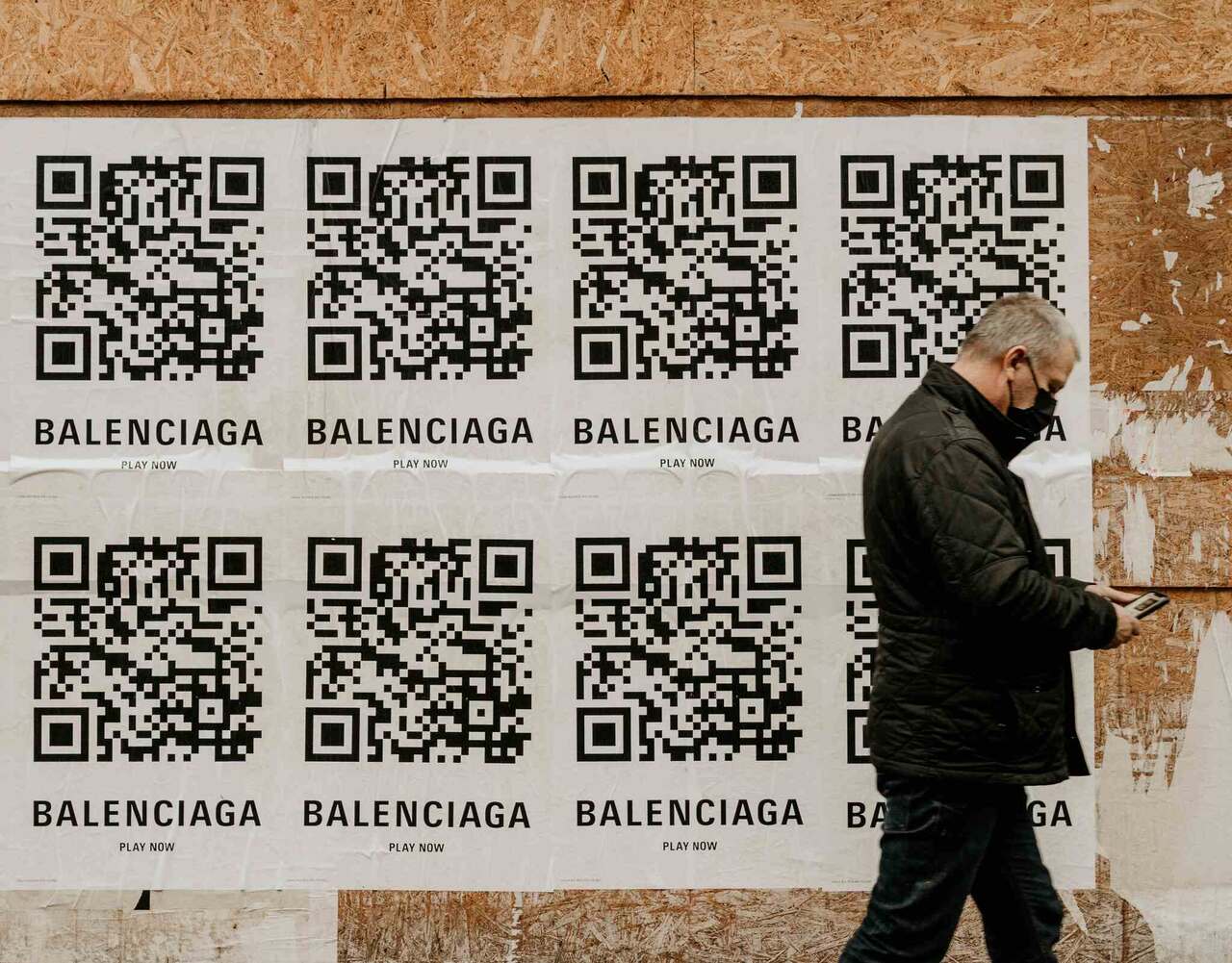
A QR code (short for Quick Response code) is a two-dimensional barcode that was first designed in 1994 for Toyota's automotive supply chain in Japan. Unlike a traditional UPC barcode that only stores data along a horizontal axis, a QR code stores data on both axes, which is why it can hold so much more.
According to Retail TouchPoints, a single QR code can store up to 7,089 characters, while a standard 1D barcode tops out at around 20. That's the practical difference: a barcode tells a register which SKU just scanned, but a QR code can carry a full URL, batch number, allergen list, video link, or payment intent.
The user side is just as simple. Every iPhone and Android phone shipped in the last six years has a native QR reader built into the camera. No app, no setup. Point, tap, done.
Why QR codes matter in 2026 retail
QR codes had a pandemic moment in 2020 and 2021, and a lot of brands assumed the wave had crested. The 2026 numbers say otherwise.
Per Wave Connect, the global QR code market is valued at $13.04 billion in 2025 and projected to reach $33.14 billion by 2030, growing at a 20.5% compound annual rate. That's not a fad curve. That's infrastructure adoption.
On the consumer side, AOL reports that over 102 million Americans will scan a QR code in 2026 — roughly one in three adults. That's up from 89 million Americans in 2025, per Scan Queue, which is a 15% year-on-year jump in a behavior that already had wide adoption. Chain Store Age adds that 71% of consumers now say QR codes are useful in their daily lives, with the top scan reasons being more product information (75%), finding discounts (52%), and payments (35%).
Then there's the marketer side. Almost all marketers (98%) report QR codes had a positive impact on their marketing over the past 12 months, per the same Chain Store Age survey, and 60% plan to increase spend further. When that many people on both sides of the transaction are scanning, the question isn't whether to use them. It's where to put them.
Ways to Use QR Codes in Retail Marketing
The fastest way to find your first QR use case is to look at the friction points in your existing customer journey. Anywhere a shopper would benefit from one more piece of information, a discount, or a faster checkout — that's a QR opportunity.
Here are six tactics I've seen work for retailers from neighborhood florists to multi-location chains.
Drive traffic from the shelf to your website
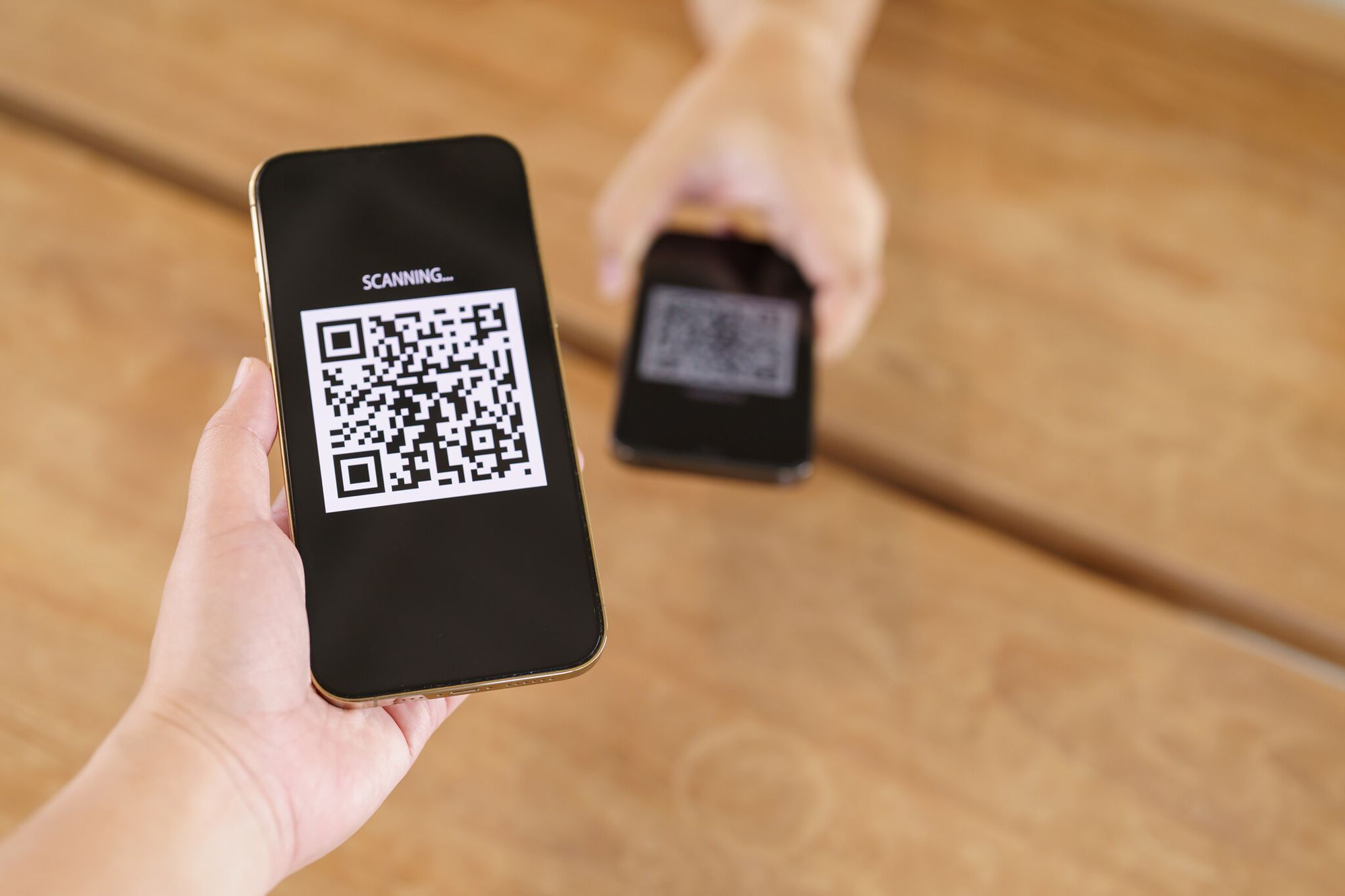
The most common — and most underused — QR code application in retail is the simplest one: get the person standing in front of a product onto the product's web page. A scan on a shelf talker or hangtag lands a shopper on the exact PDP they need, without them typing a single character.
It works because it shrinks the consideration window. A customer holding a moisturizer in your store doesn't want to search "[brand] vitamin c serum 30ml" on a tiny keyboard. They want the ingredients list, before-and-after photos, and three recent reviews. A QR code hands them that.
Two practical notes. First, send them to a mobile-optimized PDP, not your homepage. Second, use dynamic QR codes so you can update the destination URL if the product gets a new page or goes out of stock. Static codes lock you in forever. If you want to dig into the mechanics, our guide on QR code advertising covers placement strategy in more depth.
Collect first-party customer data
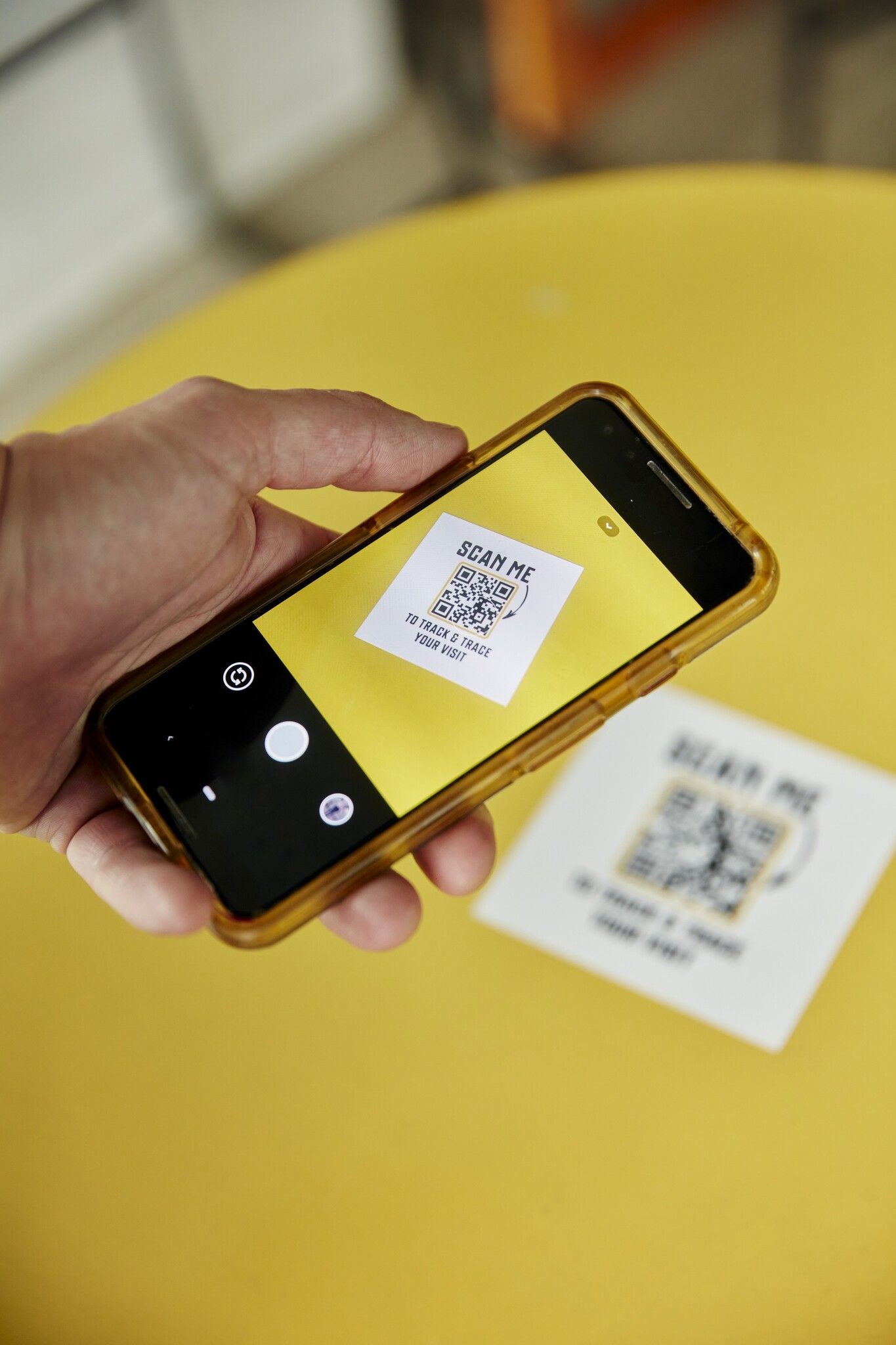
Every QR scan is a data point. The platform knows roughly when, where, on what device, and (with consent) often who. That's pure gold for a retailer trying to build a first-party data foundation now that third-party cookies are crumbling.
The trick is to pair the scan with a small ask. A scan on a fitting-room mirror that opens a one-question survey ("How did this fit — too small, just right, too big?") will get more replies than an email blast ever will, because the customer is already in context. Add an incentive — a 10% off code for completing the survey — and reply rates climb sharply.
You can also use trackable QR codes on different displays to figure out which physical location in your store generates the most digital interest. I worked with a homewares brand last year that discovered the QR code on the bedding wall got 4x more scans than the identical code on the kitchen wall. They moved their signup capture to the bedding aisle and doubled email opt-ins in a month.
Run discount and loyalty campaigns
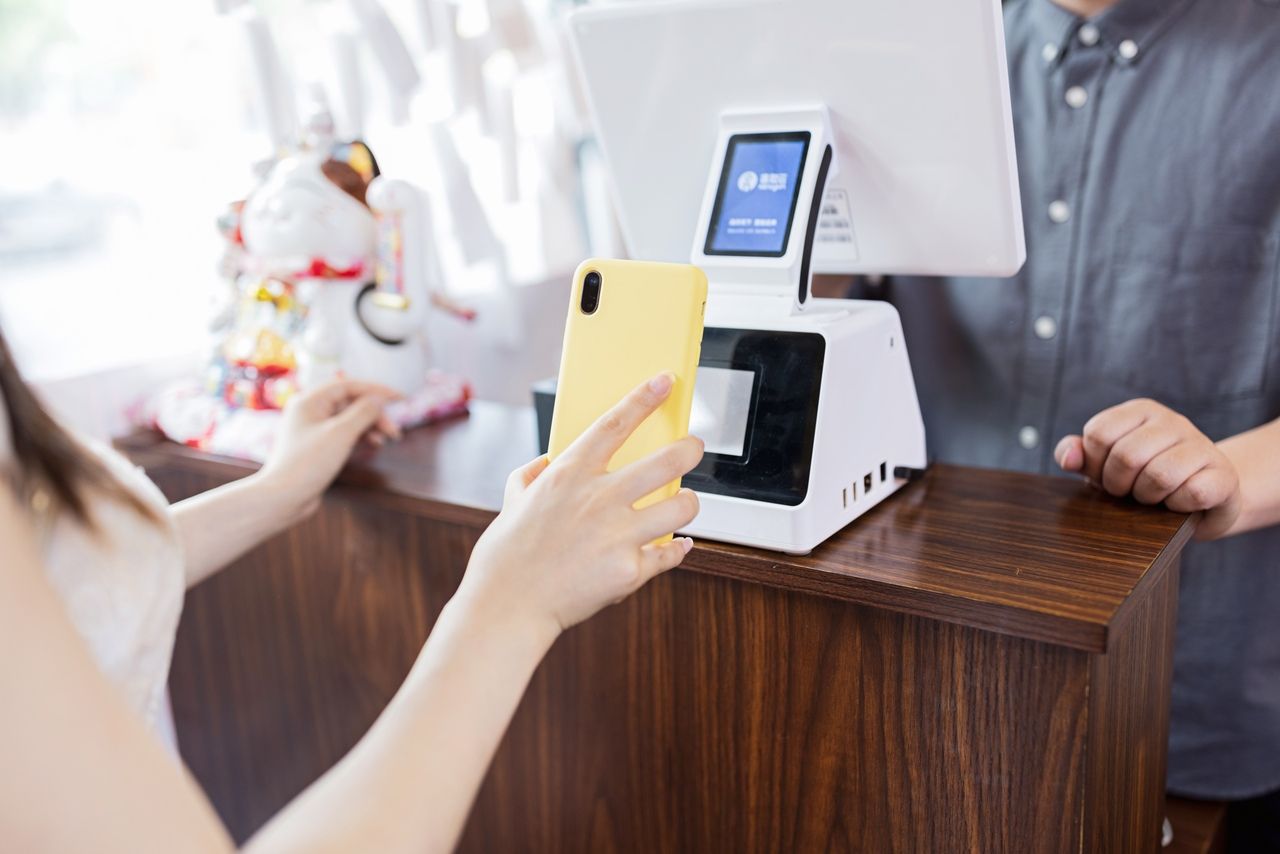
Discount campaigns are the workhorse QR use case because the value proposition for the customer is so obvious. Scan, save. There's no learning curve.
The smarter retailers don't just hand out a flat 10% off. They use the QR code to gate something more interesting:
- First-scan offers. A higher discount (20%, 25%) the first time a phone scans the code, dropping to 10% on repeat scans. Dynamic QR platforms let you fingerprint scans without storing personally identifiable data.
- Time-windowed flash sales. The code is "live" from 4 PM to 7 PM only, designed to drive foot traffic during quiet afternoon hours.
- Loyalty stamp cards. Each scan adds a stamp; the tenth gives a free item. Far cheaper than a printed punch-card program and harder to lose.
The Chain Store Age data above shows 52% of QR-scanning consumers are explicitly looking for discounts, so this aligns with what people already want to do.
Encourage product reviews
Reviews are oxygen for an e-commerce business, but the conversion rate from "purchased" to "reviewed" is brutal. A QR code on the receipt — or, better, on the product itself once it gets home — collapses three or four friction steps (find email, click link, log in, fill form) into one.
Link the QR to a pre-filled review page so the SKU is already selected. Then, in your email follow-up, reference the receipt-code scan. I've seen review submission rates triple when a brand moved from email-only outreach to a hybrid where the QR seeds the request and email closes it.
Reach shoppers through window displays
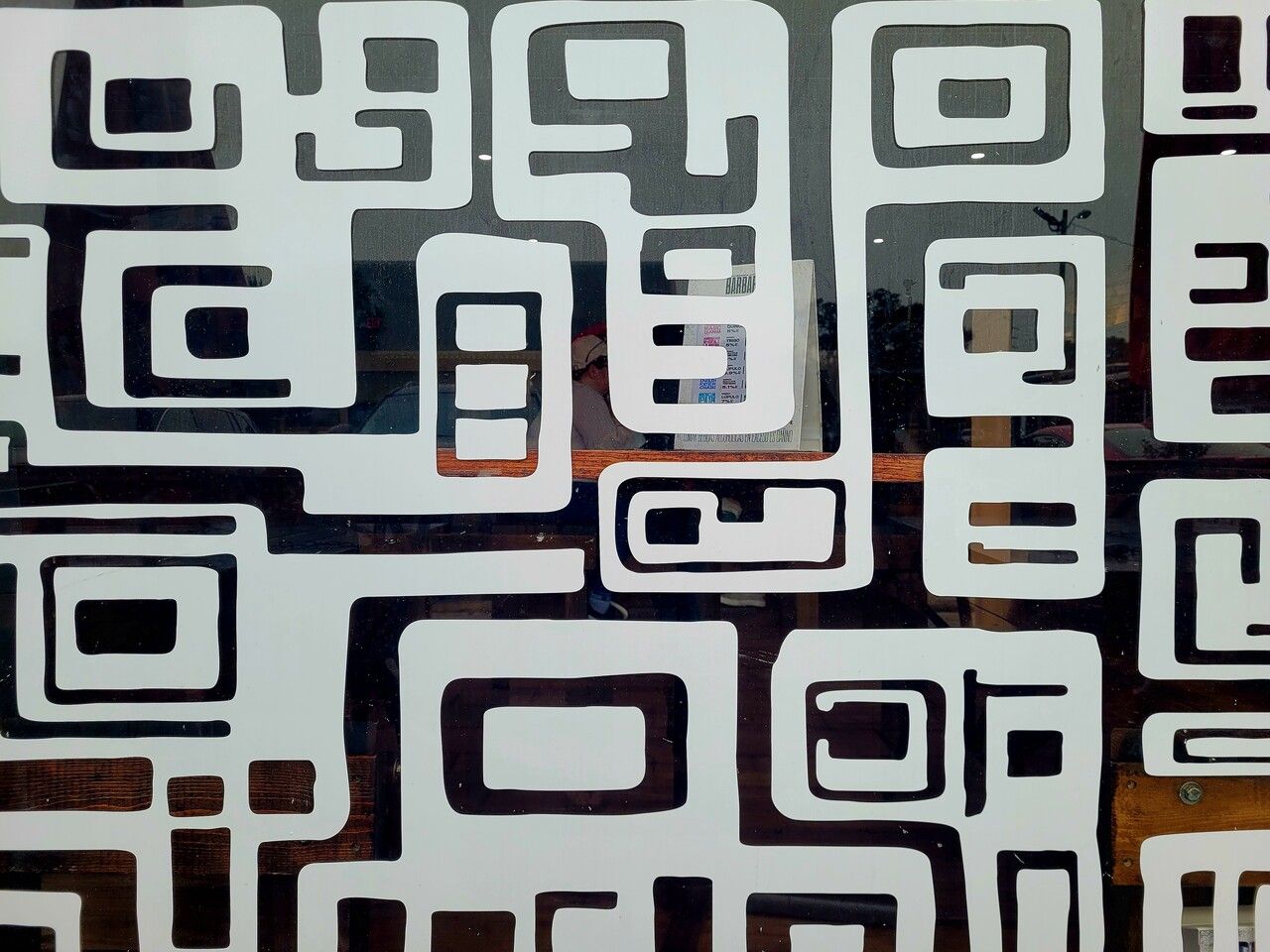
Your storefront is a 24/7 billboard. A QR code in the window lets you sell when you're closed.
Practical placements that pay back quickly: a "shop this look" code next to a mannequin display, a "join our list" code with a clear opt-in incentive, a "book a fitting" code that opens a Calendly link. Make the code at least 5 cm x 5 cm so it scans from arm's length away, and keep it at eye level (between 130 cm and 170 cm from the floor for most adults). For a deeper breakdown on print sizing, see our guide on printing QR codes.
Retain shoppers when items are out of stock

Nothing kills a retail conversion like an empty peg. A small "out of stock — scan to ship to your door" QR card hung where the product should be saves the sale and tells you exactly which SKUs are running thin.
You can also use it for the inverse case: a "see this in another size or color" code that opens the full variant grid online. It's the same instinct as an old endless-aisle kiosk, just without the kiosk hardware bill.
QR Code Examples from Leading Retail Brands
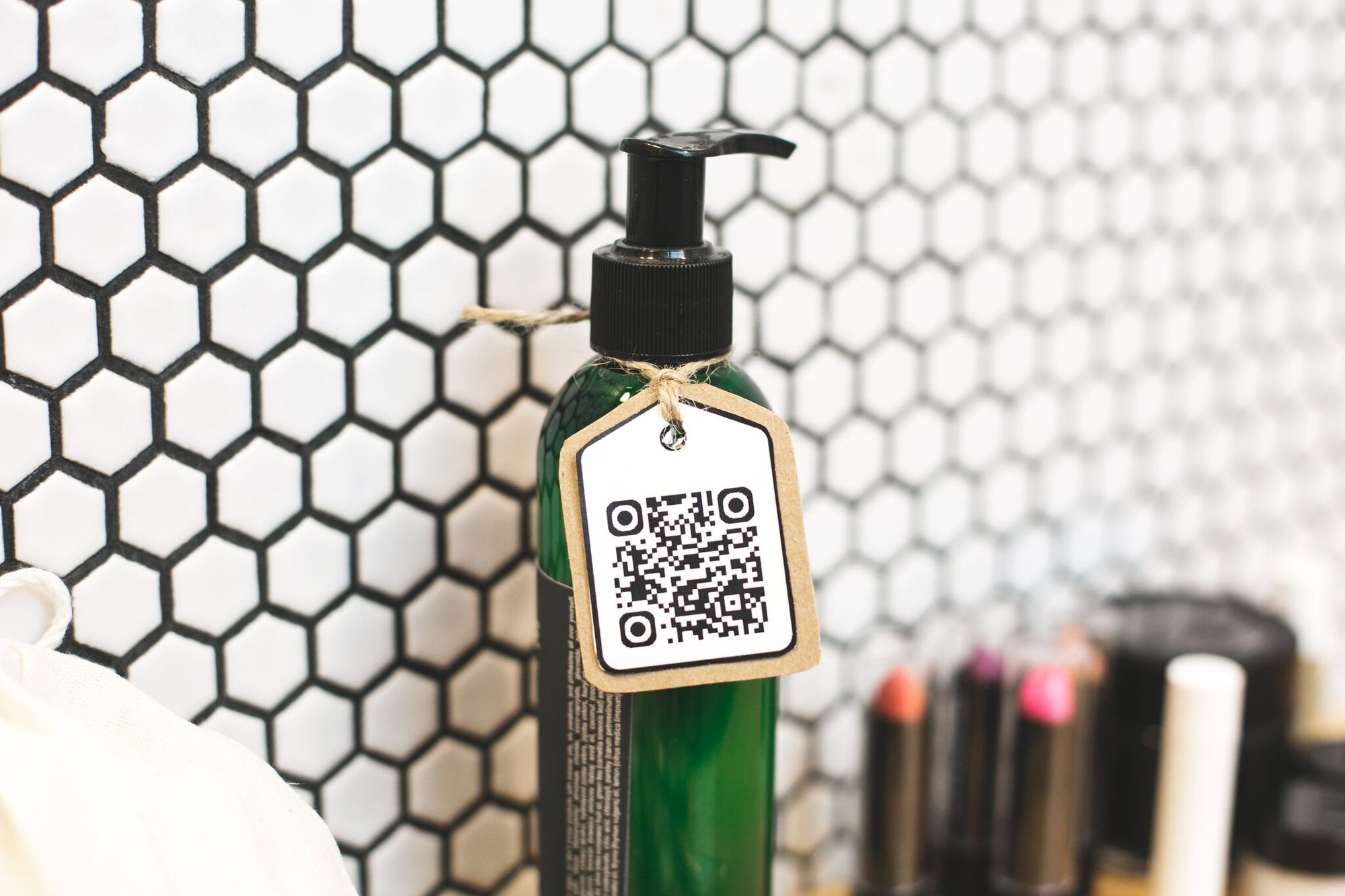
The clearest way to see QR codes working in retail is to look at the brands that have already wired them into their playbook. Some of these are global giants, some are regional experiments, but they all hold a useful lesson.
Heinz: QR codes on product packaging for engagement
Heinz has been adding QR codes to its ketchup bottles and limited-edition runs for years, but the campaign that always gets cited is the one where a scan led to a recipe hub featuring dozens of dishes that lean on the ketchup as an ingredient. The clever part isn't the recipes. It's that Heinz turned a commodity condiment into a media property, and every recipe page is a subtle reminder to buy more ketchup.
This is the canonical case for QR codes on product packaging: don't sell the next purchase, sell the next experience with what they already bought.
Ralph Lauren: print-to-purchase QR in magazine ads
Ralph Lauren ran QR codes inside its glossy print campaigns that took readers directly to the online store, pre-filtered to the season's collection in the ad. Customers flipping through a magazine on a Sunday morning could see the campaign and have the look in their cart within 90 seconds.
The takeaway for smaller retailers: any printed asset you already produce — catalogs, mailers, in-pack flyers — is a free QR distribution channel. You're paying the printing cost anyway. The code is essentially free reach.
Walmart: QR codes for cashless payment
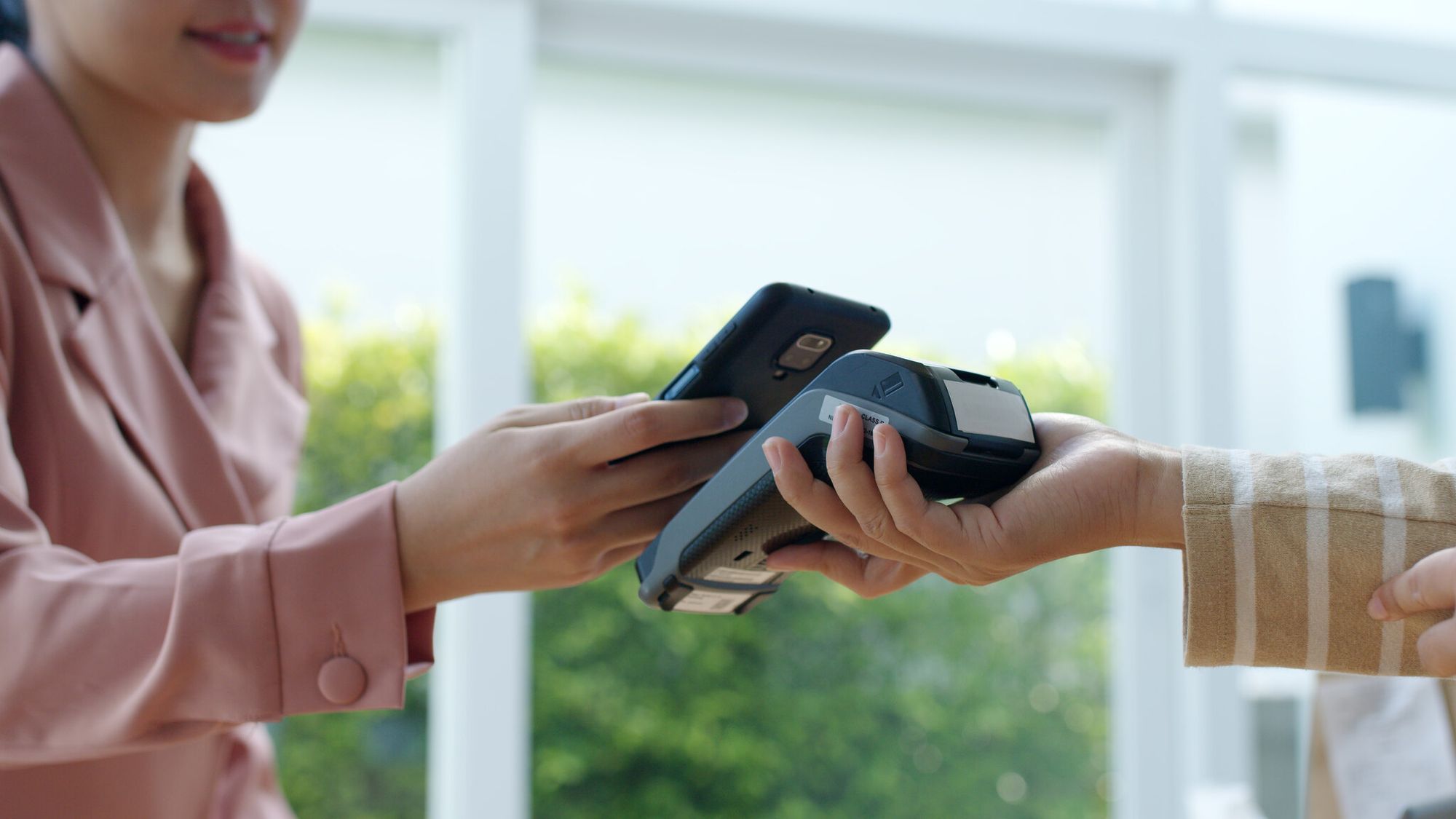
Walmart Pay leans on QR codes at the register: shoppers open the app, scan the cashier's code, and the transaction closes against their saved payment method. No tap-to-pay terminal upgrade required, which is partly why this approach scaled across more than 4,700 US stores.
For a smaller retailer, the equivalent is a counter-mounted QR card that opens a payment link (Stripe, Square, Apple Pay) instead of asking customers to tap a terminal. It's especially useful for pop-ups, farmer's markets, and any setup where you don't want to invest in card-reader hardware.
Decathlon: Scan & Go for ship-from-store
Decathlon's Scan & Go feature lets shoppers scan QR-coded shelf labels for items they want delivered later. The product goes into an online cart, payment happens in-app, and the order ships from the warehouse to the customer's house. It solves the "I love this kayak but it won't fit in my Prius" problem cleanly.
The wider lesson: physical stores work better when they're treated as showrooms with fulfillment options, not just point-of-sale boxes. A QR code is the cheapest way to bolt that capability onto an existing retail footprint.
Lacoste: product transparency through scans
Lacoste added QR codes on in-store displays that, once scanned, opened a page detailing each garment's manufacturing origin, materials, and styling suggestions. It serves the increasingly common shopper who wants to know where their clothes come from before they buy.
This kind of transparency play is going to become standard practice as Supply Chain Digital notes the regulatory shift toward 2D barcodes for product origin and allergen data.
Innisfree: QR-led pop-up product launches
Korean beauty brand Innisfree set up pop-up stores around new product launches where every product had a QR code that opened either a preview video, an ingredients page, or a short founder-led story about the launch. Customers walked through the pop-up scanning their way to a curated digital experience.
This works particularly well for sensory products (beauty, food, fragrance) where the in-store moment generates the spark but the explanation needs more time and more screen real estate than a shelf tag can offer.
Tesco Homeplus: virtual subway supermarket
The case that keeps showing up in retail innovation slide decks belongs to Tesco Homeplus in South Korea. To compete without opening more physical stores, Tesco wallpapered Seoul subway platforms with photorealistic shelves of products, each tagged with a QR code. Commuters scanned items while waiting for their train; the order arrived at home before they did.
The Tesco Homeplus campaign drove a 130% increase in online sales and briefly turned the South Korean transit system into the brand's most profitable retail surface. It remains the cleanest proof that "retail" can be any wall a phone camera can reach.
Future Trends: Sunrise 2027 and QR Codes Replacing Barcodes
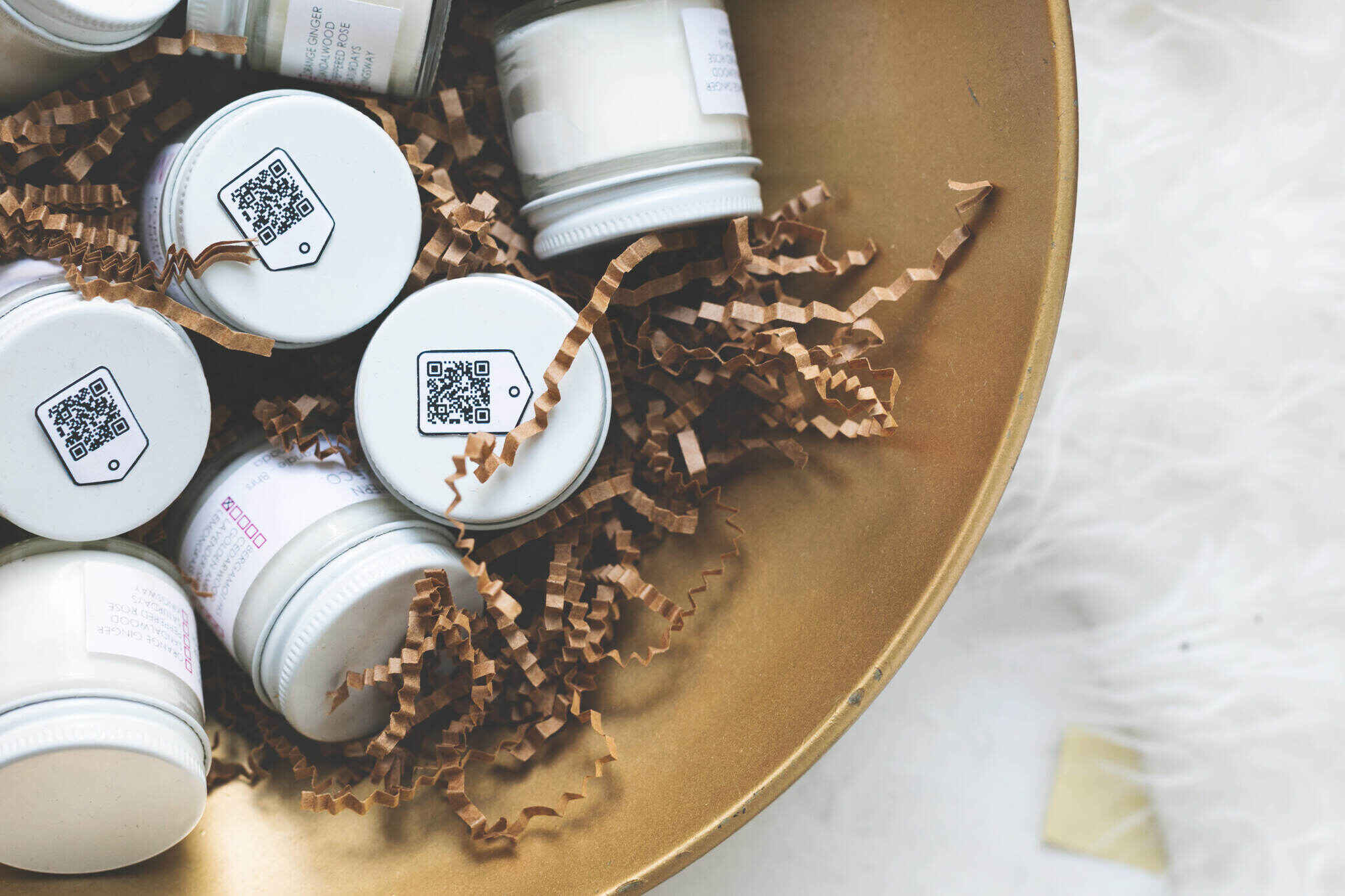
The biggest shift coming to retail isn't a marketing tactic — it's an infrastructure swap. GS1, the global standards body that oversees the humble UPC barcode, is rolling out an initiative called Sunrise 2027 that asks every retail point-of-sale system worldwide to support 2D barcodes (the QR family) alongside 1D barcodes by the end of 2027.
Supply Chain Digital reports that 41% of UK retail executives now believe barcodes will be replaced entirely within five years, with a parallel GS1 UK and FT Longitude study finding 79% of consumers prefer QR codes when given the option. Almost half of all global retailers have already started pilot programs to comply.
The practical impact on store operations is significant. A single 2D code on a packaging label can carry:
- The SKU and price (the original barcode's job)
- Batch and lot number for recalls and warranty
- Allergen and nutrition information for regulated categories
- Country of origin and sustainability certifications
- A direct link to product manuals, videos, or replacement-parts ordering
For retailers, that means inventory data, shopper-facing content, and supply-chain traceability all flow through the same printed mark. For shoppers, it means the same scan that lets a cashier ring up a chicken breast at checkout can let them check whether it's free-range from their phone in the aisle.
If you're running a retail brand today, this is the time to audit your packaging templates and your in-store signage with Sunrise 2027 in mind. Brands that get there early will have cleaner data, fewer reprints, and a head start on the customer experiences competitors will be scrambling to copy in 2028.
Pitfalls to Avoid with QR Codes in Retail
QR codes are simple, but the ways to mess them up are well documented. Here's what I see retailers get wrong most often.
Sizing the code too small to scan
The single most common failure mode. A QR code shrunk down for design reasons becomes unscannable from the distance a customer would naturally hold it.
The rough rule: the code should measure at least 1 cm for every 10 cm of expected scan distance. So a code on a product label that gets held 30 cm from the phone needs to be at least 3 cm wide. A code on a window display two meters away needs to be at least 20 cm wide. And always leave a "quiet zone" of clear space around the code equal to roughly four module-widths — that's the white border that the scanner's edge-detection algorithm relies on.
Pointing users to a desktop landing page
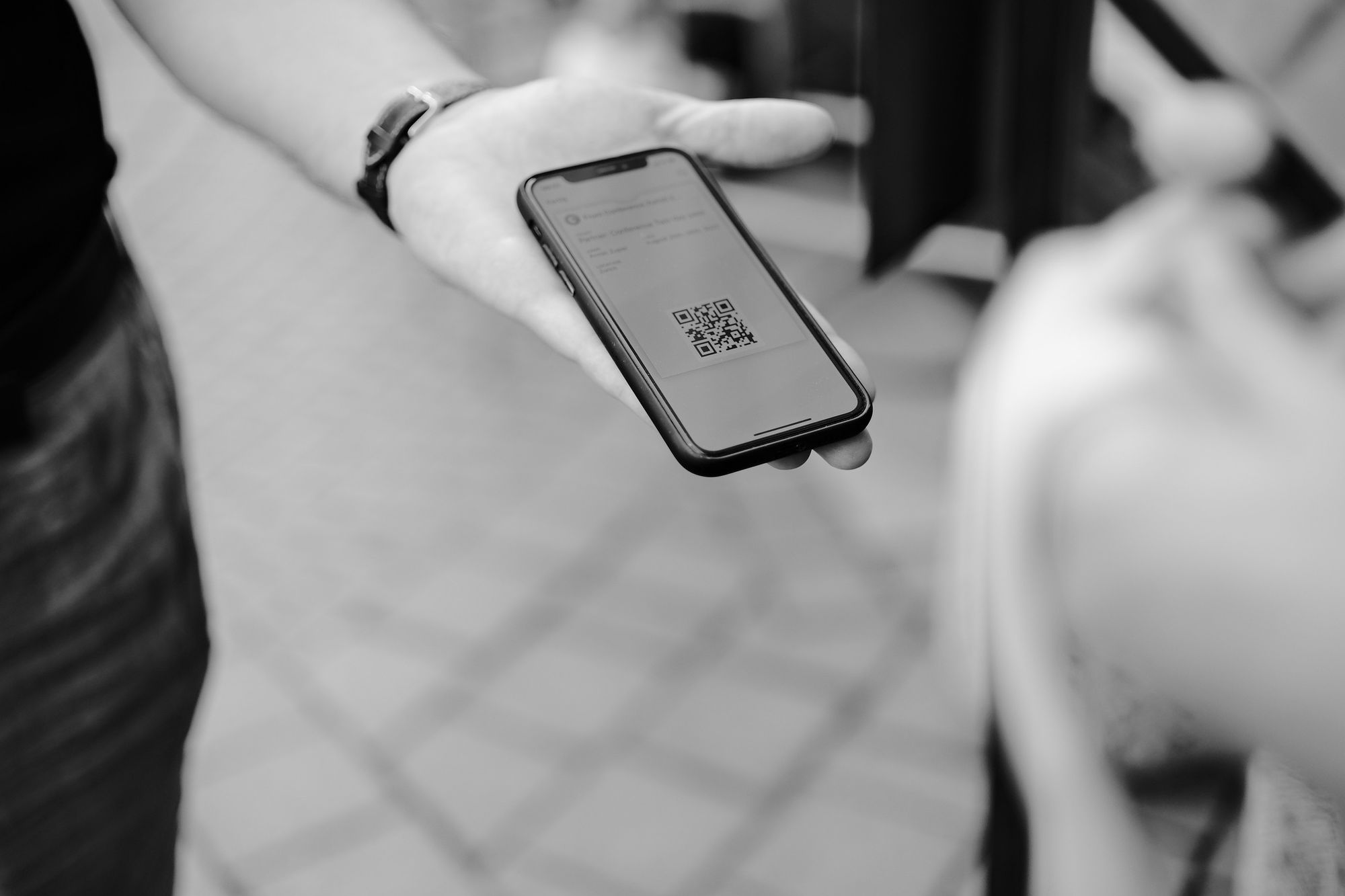
Every QR scan in retail comes from a phone. So a landing page that loads sluggishly, requires pinch-to-zoom, or pops a desktop-only chat widget is wasted scan. The page should load in under 2.5 seconds on a 4G connection, fit a portrait viewport, and have one obvious next action above the fold.
The single highest-impact fix here is to point the QR at a page you've actually scanned with a real phone, on a real cellular connection, while standing in your own store. Don't trust desktop previews.
Placing the code where nobody can scan it
I've seen QR codes printed on the ceiling, behind shelf product, on a curved bottle where the code distorts, and at adult eye level in a children's toy store. Placement is the boring part of QR strategy, but it's where most campaigns leak performance.
Test every placement by acting like a shopper: hold your phone at a natural angle, in the lighting your store actually has, from the distance a person would actually be standing. If you can't scan it cleanly in five seconds, neither will your customers.
Benefits of Using QR Codes in Retail
The reason QR codes won't be a fad — even after the next shiny retail-tech trend lands — is that they solve real problems cheaply. Five concrete benefits make the case.
Cost-effective at any business size
Generating a dynamic QR code costs anywhere from $0 to a few dollars a month per code, depending on the platform you use. Compare that to the cost of a print mailer (~$0.50 per recipient), a Meta ad ($1-$5 CPM), or an SMS campaign ($0.02-$0.05 per send). A single QR code on a shelf can sit there for a year and generate scans without an additional cent of spend.
The math gets even better when you factor in that the cost is fixed regardless of scan volume. A QR that does 50 scans a month and one that does 50,000 cost the same to maintain.
Versatile across every print surface
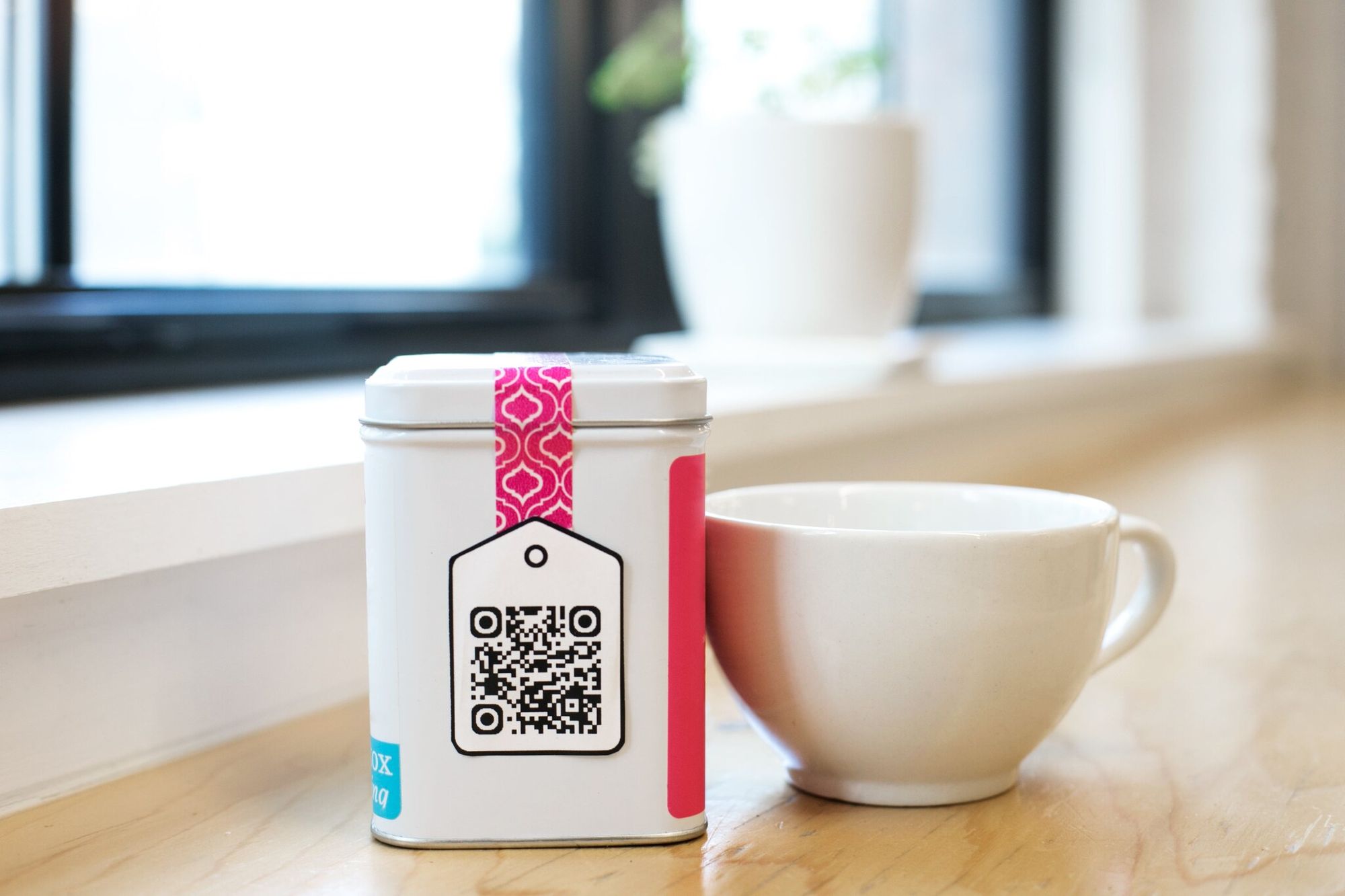
If it can hold ink, it can hold a QR code. Packaging, receipts, hangtags, mirrors, windows, vehicle wraps, beer coasters, branded mugs, even tattoos (it's been done). And because dynamic codes let you change the destination URL after the print run, you can swap campaigns without throwing away inventory of printed assets.
Easy to use for shoppers and staff
Every phone shipped in the past six years scans QR codes natively. There's no app to download, no friction, no onboarding. For staff, generating a code in a tool like QR Code Dynamic takes under a minute, and the codes can be printed on whatever office printer is already there.
Measurable down to the scan

Dynamic QR platforms track total scans, unique scans, scan time, device type, OS, and approximate location. When you pair that with Google Analytics or your e-commerce analytics, you get the full path from "scanned the code on the shelf" to "completed checkout." That kind of attribution is almost impossible to pull from a static print ad.
The trackable thread is also what makes QR campaigns easy to optimize. Move a code from the front window to the checkout counter, watch the scan rate change, keep what works.
Broad shopper appeal across age groups

The pandemic-era normalization of QR menus did something useful: it dragged Gen X and Boomer shoppers up the QR learning curve. Today, scan rates across age brackets are far more even than they were in 2019. A QR code on a senior-targeted product (medical supplies, gardening tools, financial services) is no longer a novelty barrier.
How to Create a QR Code for Retail with QR Code Dynamic
The how-to part is short, because the platform handles the heavy lifting. Here's the five-step path from "we should try QR" to "the code is in the window."
Step 1: Sign up and choose a generator
You can build a static QR code with any free generator on the web, but for retail you almost always want a dynamic code: editable destination, scan tracking, and analytics. Static codes lock the destination URL into the printed mark forever — if you reprint signage every time a product page moves, you'll burn through your design budget by Q2.
Sign up at QR Code Dynamic's free plan to start. The free tier covers most pilot use cases: one or two active codes, basic scan analytics, and a custom-color editor. If you're running a national chain or need bulk generation, the paid tiers add team accounts, white-label landing pages, and CSV export of scan data.
Watch out for: generators that don't let you edit the destination URL after generation. If the dashboard doesn't have an "edit destination" button next to each code, it's a static-code platform dressed up in nicer packaging. The whole point of going dynamic is the editability.
Step 2: Pick the right QR code type
The platform offers several code types. The one you pick depends on what you want the scan to do.
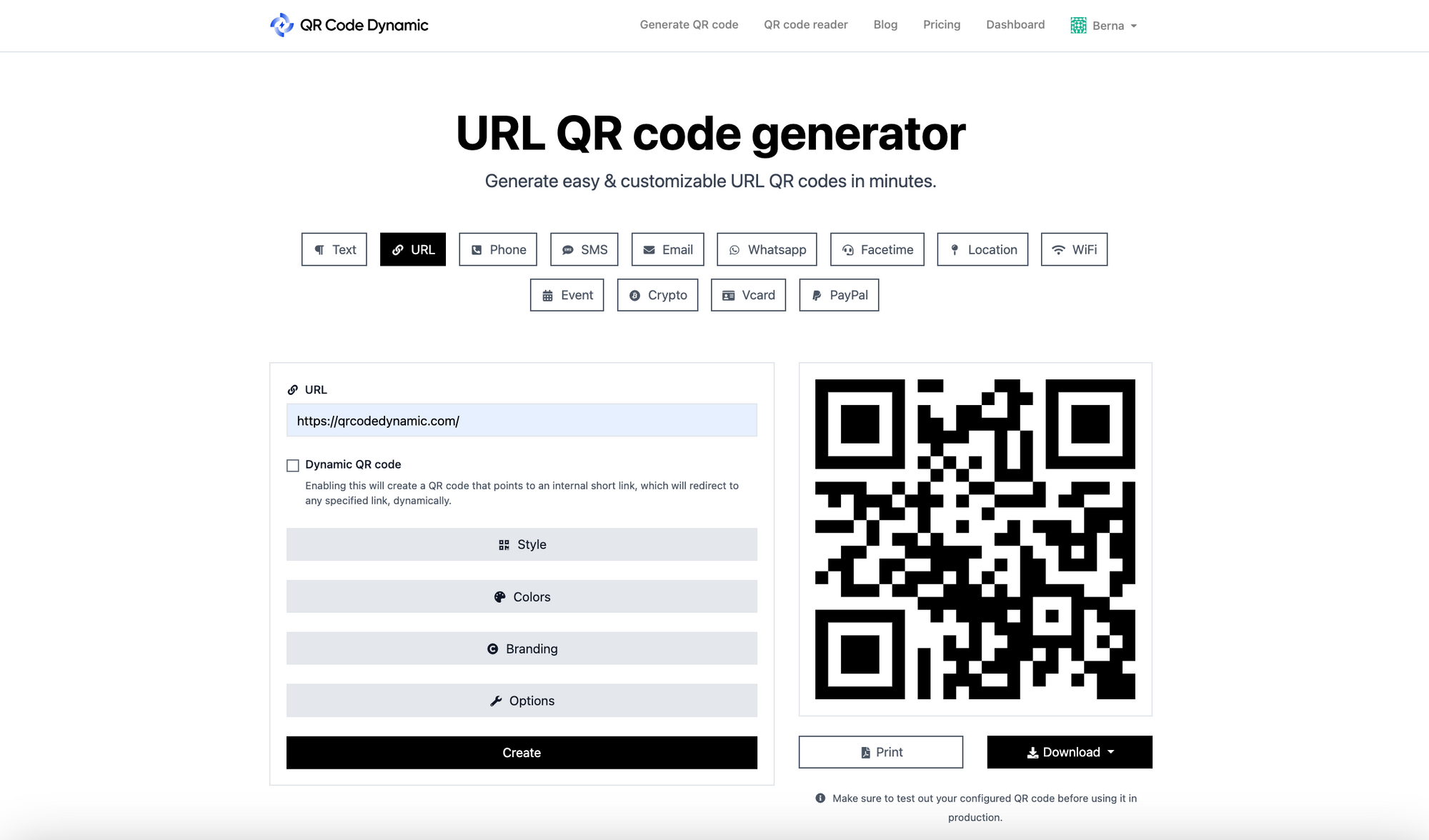
- URL: Sends the scanner to any web address — a PDP, a campaign page, a video.
- Text: Displays plain text on scan. Useful for product information, allergen notes, or care instructions.
- Location: Opens Google Maps with your store's coordinates pre-filled. Great for storefront window displays.
- Email: Opens a pre-addressed email composer. Good for customer service or wholesale enquiries.
- Phone: Triggers a call to a preset number. Common on service-business signage.
- SMS: Opens a text-message composer. The cleanest way to drive opt-ins to an SMS marketing list.
For most retail use cases, URL is the right answer. It gives you the most flexibility downstream.
Step 3: Customize and generate the code
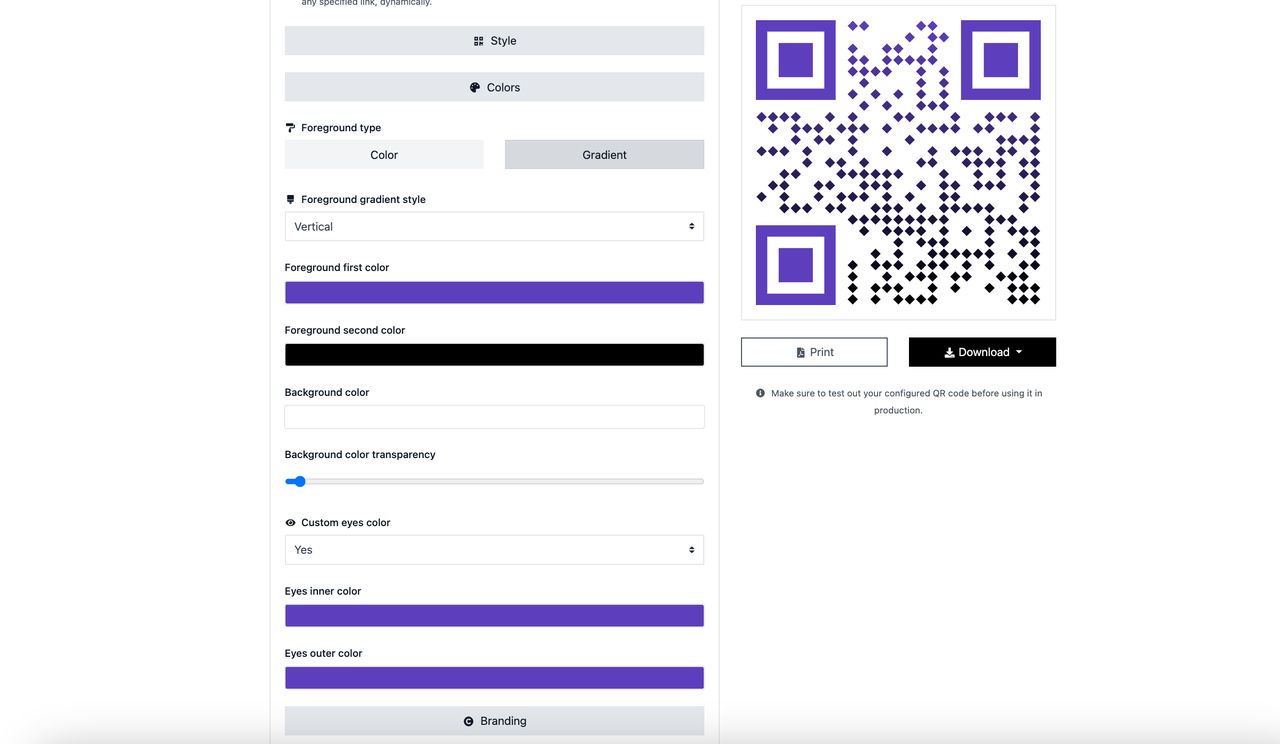
Drop your destination URL in. Then customize the look: change the foreground color, the pattern of the modules, the eye shape, and drop your logo in the centre. Keep contrast high (dark on light beats light on dark in scan tests), and don't shrink your logo overlay below 25% of the code's height or you'll start losing scan reliability.
Hit "Generate." Download as PNG for screen, SVG for clean scaling on print.
Step 4: Test the code before you print
This is the step retailers most often skip and then regret. Print a single test version of the code at the same size you'll be printing it. Scan it from your iPhone, your Android device, a Samsung, an older budget phone if you have one around. Scan it in dim light, in direct sunlight, from arm's length, from across a room. Anything that breaks on a $200 phone in a fluorescent-lit aisle isn't ready to ship.
If you find a scan issue, regenerate at higher error correction. QR codes have four levels: L (7% recovery), M (15%), Q (25%), and H (30%). Level H tolerates up to 30% damage or logo overlay before the code stops resolving, which is what you want for any code that includes a logo or that will live somewhere it might get scuffed.
Test on a real cellular connection. A common failure mode I've seen: a code scans perfectly when the team tests it on the in-store wifi, but stalls on a customer's 3G connection because the destination page is 4 MB of uncompressed JPEGs. The page that loads in 0.4 seconds on wifi loads in 11 seconds on the bus, and the customer has already moved on.
Step 5: Deploy and start tracking
Place the code where the customer would naturally encounter it: on the shelf, in the window, on packaging, on the receipt. Pair each placement with a short value statement ("Scan for 15% off", "Scan to see ingredients", "Scan to book a fitting"). A bare code with no copy gets maybe a third of the scans an annotated one gets.
Then watch the analytics dashboard. Within a week you'll see which placements outperform — and that's when the real campaign work starts. Move the underperformers, double down on the winners, and update the destination URLs as the seasons or promotions change. That last part is the whole reason you used a dynamic code in the first place.
A pattern that's served me well: review the data every Friday afternoon for the first month. Note which placements doubled, which flatlined, which broke. By week four you'll have enough signal to confidently relocate the bottom 20% of codes and reprint the top 20% at a larger size for greater visibility.
Best Practices for Using QR Codes in Retail
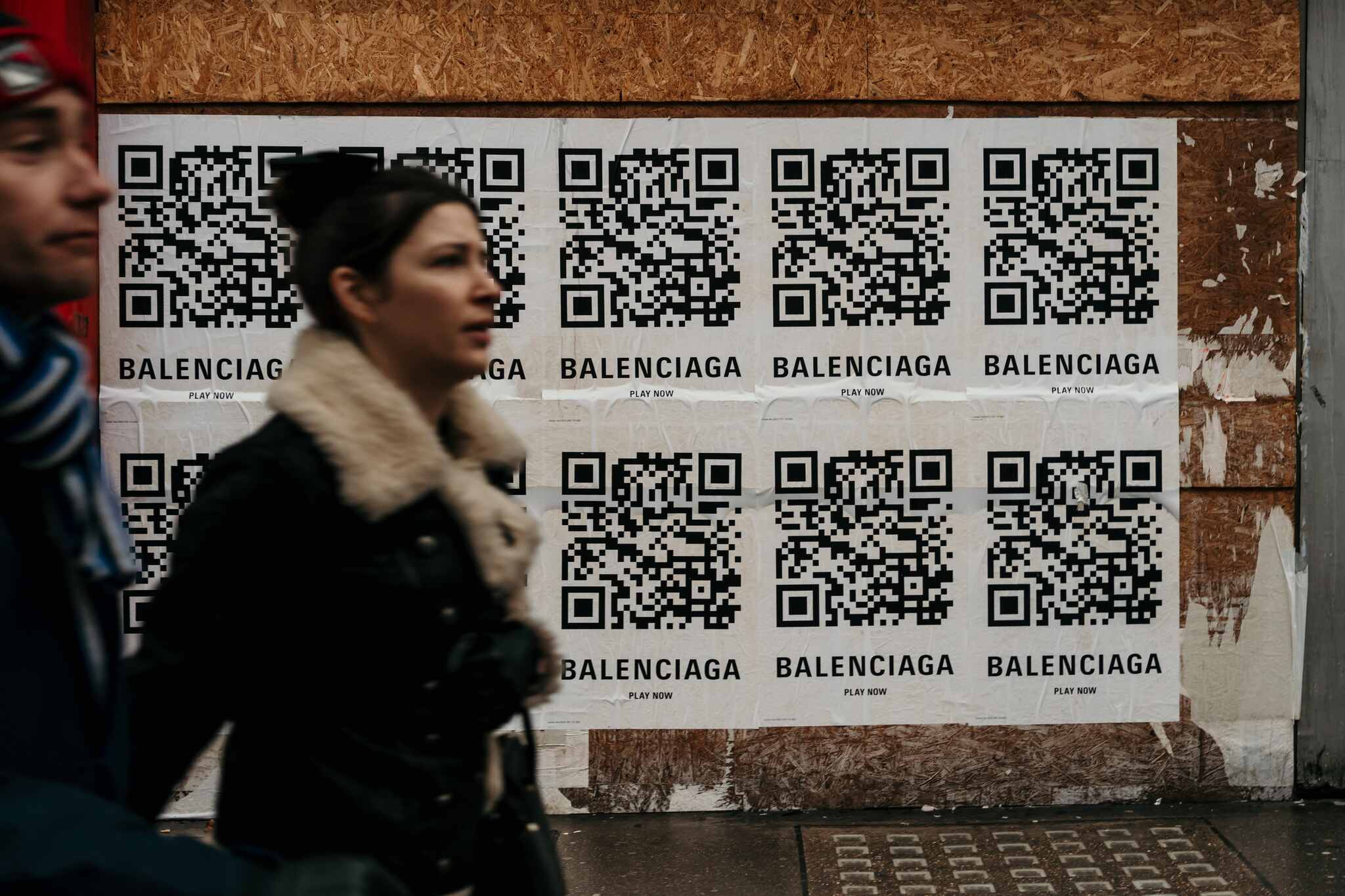
The tactical detail is what separates a QR campaign that quietly hums along from one that gets ignored. Here's what consistently works.
Always give the shopper a reason to scan
A bare QR with no copy is almost always ignored. A QR with three words of value attached gets scanned. "Scan for 15% off." "Scan to see ingredients." "Scan for reviews." Tell the shopper what they get before they tap the camera.
Match code type to placement intent
A URL QR on a product hangtag should land on the PDP, not the homepage. A QR on a service business's storefront should open the booking flow, not the about page. A QR at a checkout counter should open the payment screen, not the loyalty signup. The closer the destination matches the scanner's current intent, the higher your conversion rate.
Design for scannability first, branding second

Branded QR codes look great on Pinterest. They also fail to scan more often than plain ones if you push the customization too far. Keep your foreground color significantly darker than your background (a 4:1 contrast minimum is a good floor). If you want a colored code, use a dark blue or deep teal instead of a mid-tone — bright reds and yellows are particularly hard for the scanner to resolve in low light.
Keep a single source of truth for every code
Once a retailer is running ten or fifty codes across stores, packaging, and campaigns, naming discipline becomes critical. Use a clear naming convention: brand_storeNumber_placement_campaign (e.g., "lacoste_NYC042_window_holiday2026"). Without it, your analytics dashboard turns into noise inside three months.
Watch your analytics weekly, not monthly
The biggest mistake I see operators make is treating QR analytics as a quarterly report. Scan data is most useful when you're looking at it weekly, spotting which placements are climbing or stalling, and reshuffling. Even a 15-minute weekly review will outperform a quarterly deep-dive — because by the time the quarter ends, the campaign is already over.
Build a tamper-evident seal around the code
Quishing attacks (QR-code phishing) have become common enough that customers are starting to hesitate before scanning unfamiliar codes in public spaces. Fight that hesitation visually. Print your codes on branded cards rather than plain paper. Apply tamper-evident vinyl over outdoor or window placements. Add a small "verified by [your brand]" line under the code. The added trust signals cost almost nothing and meaningfully raise scan rates, especially with older shoppers who've read the quishing news stories.
Pair every QR with a measurable next action
A QR scan that lands a user on your homepage is a vanity metric. A scan that triggers a defined event — a coupon redemption, a form submission, a "shop now" click — is a campaign data point you can optimize. Set up the destination URL with a UTM parameter that matches the code's name, and pipe that into Google Analytics or your analytics platform of choice. Now every scan is attributable, and you can build a real ROI case for the next round of code deployments.
Get Started With QR Codes in Your Retail Strategy
QR codes in retail aren't a 2020 novelty anymore — they're becoming basic infrastructure. Sunrise 2027 will normalize them at the register. Customers already scan them at home, in the aisle, and at checkout. The only question left for a retailer in 2026 is which use case you start with this quarter.
The pattern that works for almost every retailer I've talked to: pick one product line, generate one dynamic QR code, place it in one obvious spot, and commit to reviewing the scan data weekly for a month. Once you see what the data tells you, expand. The platforms are cheap, the codes are reusable, and the analytics will tell you exactly where to put the next one.
If you want to skip the "which generator should I use" research step, you can sign up for QR Code Dynamic's free plan and have a working code printed and live in under ten minutes. After that, the only thing left to do is watch what your shoppers actually scan.
Frequently Asked Questions
How do you use QR codes in retail?
The most effective retail use cases are product information (a scan on the shelf opens the PDP or care instructions), discount delivery (a scan unlocks a coupon code), contactless payment (Walmart Pay style), review collection (a scan opens a pre-filled review form), and customer data capture (a scan opens a survey or signup). Use dynamic QR codes so you can change the destination later without reprinting.
What are the implications of mandatory QR codes for retail?
The GS1 Sunrise 2027 initiative is the driver here. By the end of 2027, every retail POS system globally is being asked to support 2D barcodes alongside 1D ones. The implications: packaging will carry richer data (allergens, batch number, country of origin), the checkout scan becomes a single source of truth for inventory and compliance, and shoppers get product transparency at the point of decision. For brands that get there early, that's a content opportunity. For brands that wait, it's a compliance scramble.
Why should we be careful in using QR codes?
Two reasons. First, malicious QR codes ("quishing") are an emerging fraud vector — scammers paste fake codes over legitimate ones, especially on parking meters and restaurant tables, to harvest payment info. Customers are getting wary, so visibly brand and seal your codes so they're hard to tamper with. Second, codes that go to a desktop-only or slow-loading page actively damage trust. Always test on a real phone, on a real cellular connection, before deploying at scale.
How can QR codes improve retail customer experiences?
By collapsing the time between "I'm curious about this" and "I have the answer." A shopper holding a moisturizer can see the full ingredients list, two recent reviews, and a how-to-use video in 15 seconds without walking up to a staff member. A shopper at the register can pay without fumbling for a card. A shopper at home with the product can rejoin the brand's universe — recipes, accessories, loyalty perks — through one scan on the packaging. Every one of those shortens the path between intent and action.
What are common QR code applications in retail stores?
The most common applications I see deployed today: product detail pages from shelves and hangtags, contactless mobile payment at checkout, loyalty signup and email list growth, in-store wayfinding (especially in larger formats), review and feedback collection on receipts, out-of-stock recovery (scan to ship to home), pop-up event registration, and supply-chain transparency for premium or regulated categories like food, beauty, and pharma.
Discover our other blog posts before you go:

I work as a Growth Marketer at Popupsmart, using my 3+ years of SaaS experience to create clear, useful marketing content that helps brands grow, reach the right audiences, and improve their results.