How to Use QR Codes for Business Consultants

On this page
- What Are QR Codes for Business Consultants?
- Why Should Business Consultants Use QR Codes?
- How to Use QR Codes for Business Consultants with QR Code Dynamic
- 1. Choose the Right QR Code Type
- 2. Add Your Consulting Content or Link
- 3. Customize the QR Code for Your Brand
- 4. Download and Share It Across Client Touchpoints
- 5. Track and Update Your QR Code When Needed
- Best QR Code Types for Business Consultants
- vCard QR Code
- URL QR Code
- PDF QR Code
- Social Media QR Code
- WhatsApp QR Code
- Email QR Code
- Event QR Code
- Static vs. Dynamic QR Codes: Which One Is Better for Consultants?
- Final Thoughts
- Frequently Asked Questions
QR codes for business consultants make it easier to turn offline moments into online action. A prospect can scan your QR code to save your contact details, visit your consulting website, book a call, open a case study, or check your services without typing a single URL. In my experience, that small shortcut matters because consulting is often built in quick moments: a meeting, a presentation, a conference chat, a printed proposal. So, let’s look at how to use QR codes for business consultants in a way that feels practical, polished, and client-friendly.
What Are QR Codes for Business Consultants?
QR codes for business consultants are scannable codes that connect people to a digital destination related to your consulting work.
I like to think of a QR code as a tiny bridge. One side is the real-world moment: your business card, your slide deck, your printed report, your event booth, your workshop handout. The other side is the digital action you want someone to take.
For consultants, this is useful because your value is not always easy to explain in one sentence. You may help companies improve operations, build marketing strategies, optimize finances, manage growth, train teams, or solve messy business problems. A QR code lets you guide people to the right proof, page, or next step without overloading the first conversation.
Consultant Touchpoint | What the QR Code Can Do |
Business card | Send people to your vCard, website, or booking page |
Presentation slide | Share a checklist, report, resource, or consultation link |
Proposal document | Link to testimonials, case studies, or service details |
Workshop handout | Give attendees access to follow-up materials |
Event booth or banner | Collect leads or direct visitors to your services page |
A business consultant QR code is not only about convenience. It also helps you look more prepared.
Instead of saying, “I’ll send you the link later,” you can say, “You can scan this and open it now.”
That small sentence can do a lot. It keeps the conversation moving. It reduces friction. It gives your prospect a clear next step. And in consulting, where trust and timing matter, I think that is a quiet advantage worth using.
Why Should Business Consultants Use QR Codes?
Business consultants should use QR codes because they make it easier for prospects and clients to take action at the exact moment they are interested.
And honestly, that is the part I care about most.
A QR code helps you answer that moment instantly.
Instead of making people wait for a follow-up email, you can guide them to the next step while their interest is still warm. That next step might be booking a discovery call, saving your contact details, reading a case study, downloading a service brochure, or visiting your consulting website.
This is especially useful because consulting is not always an impulse decision. People need proof. They want to understand your process, your expertise, your past results, and whether you feel like the right person to solve their problem.
QR codes help you give them that proof without making the experience feel heavy.
Consultant Goal | How a QR Code Helps |
Get more leads | Send prospects to a contact form or booking page |
Build credibility | Link to case studies, testimonials, or portfolio pages |
Improve networking | Let people save your details with a vCard QR code |
Support presentations | Share slides, reports, checklists, or worksheets |
Make follow-up easier | Give prospects one clear action after the first conversation |
Connect offline and online marketing | Turn printed materials into measurable digital touchpoints |
Another reason I think QR codes for consultants work so well is that they fit naturally into mobile behavior. People already use their phones to research businesses, compare options, scan information, and take quick actions. GSMA reports that mobile technologies and services generated around 5.8% of global GDP in 2024, equal to about $6.5 trillion in economic value. That tells me one thing very clearly: mobile-first access is not a “nice extra” anymore; it is part of how modern business moves.
That may sound small, but small details shape trust.
I also like QR codes because they can reduce awkwardness in sales conversations. You do not always need to push someone with a hard CTA. Sometimes, a softer action works better:
- “Scan this to see a similar case study.”
- “Here’s a QR code to book a time if you want to continue.”
- “You can scan this to save my contact details.”
- “I added a QR code to the final slide so you can download the checklist.”
That feels helpful, not pushy. And for consultants, that tone matters. You are not just selling a service; you are showing how you think, guide, and solve.
How to Use QR Codes for Business Consultants with QR Code Dynamic
Using QR Code Dynamic for consulting work does not need to feel complicated. I would keep it simple: choose what you want people to do, create the right QR code, customize it, and use it in the places where prospects or clients already interact with your brand.
Here is the clean version of the process. 👇
1. Choose the Right QR Code Type
Start with the action.
Before creating a QR code, ask yourself: “What should someone do after scanning this?”
That question makes everything easier.
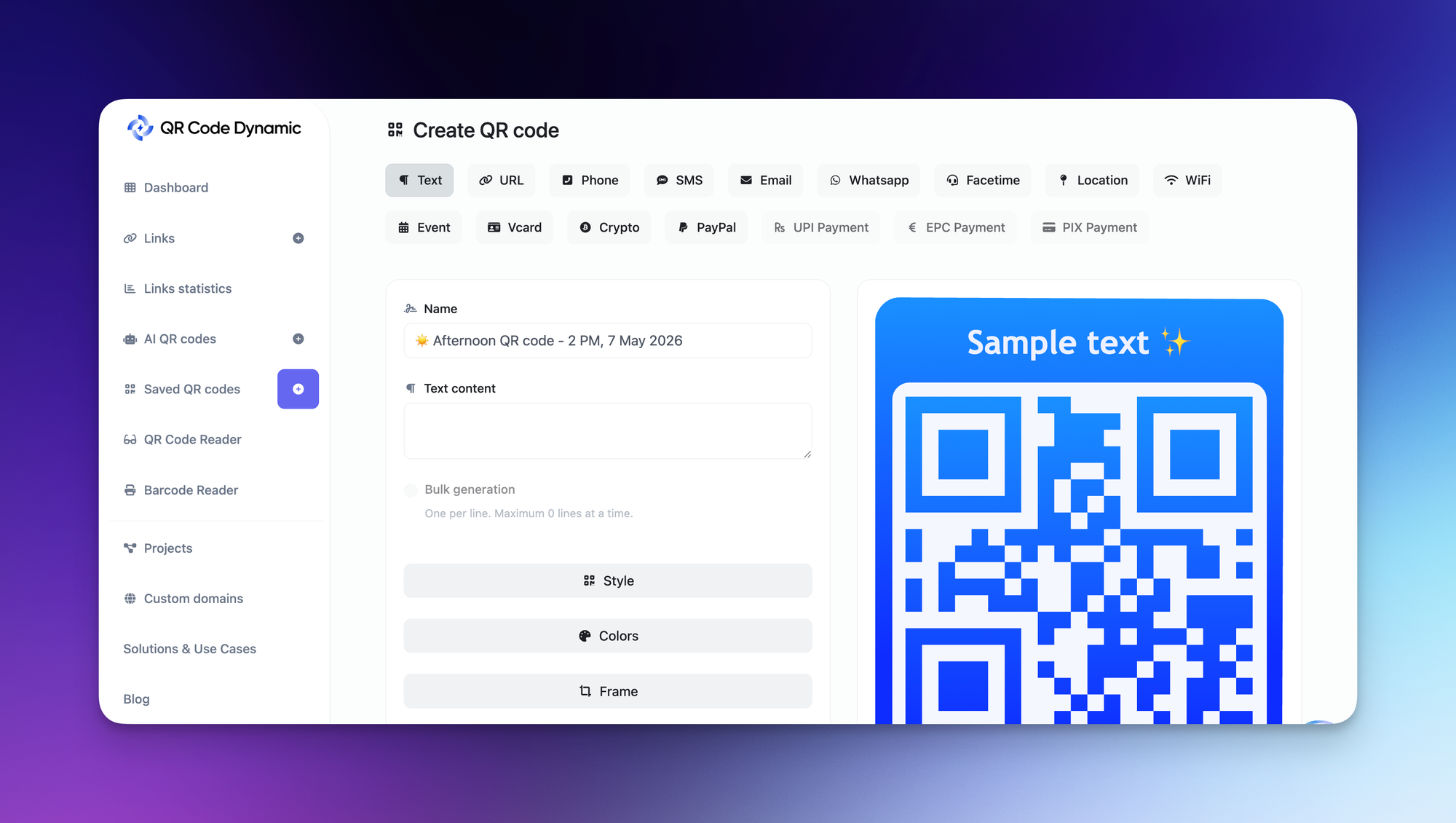
For example, if you want people to save your contact details, a vCard QR code makes sense. If you want them to visit your consulting website, use a URL QR code. If you want them to message you quickly, a WhatsApp QR code can be more direct.
If Your Goal Is... | Use This QR Code Type |
Share your contact details | vCard QR code |
Send people to your website | URL QR code |
Promote your consulting services | URL or landing page QR code |
Let prospects contact you quickly | WhatsApp, email, or phone QR code |
Share event or workshop details | Event QR code |
Guide people to your office | Location QR code |
Share a brochure, checklist, or resource | PDF or file-based QR code |
For business consultants, I think the most useful starting point is usually a vCard QR code or a URL QR code. They are simple, practical, and easy to place on business cards, proposals, brochures, and presentation slides.
2. Add Your Consulting Content or Link
Once you choose the QR code type, add the destination.
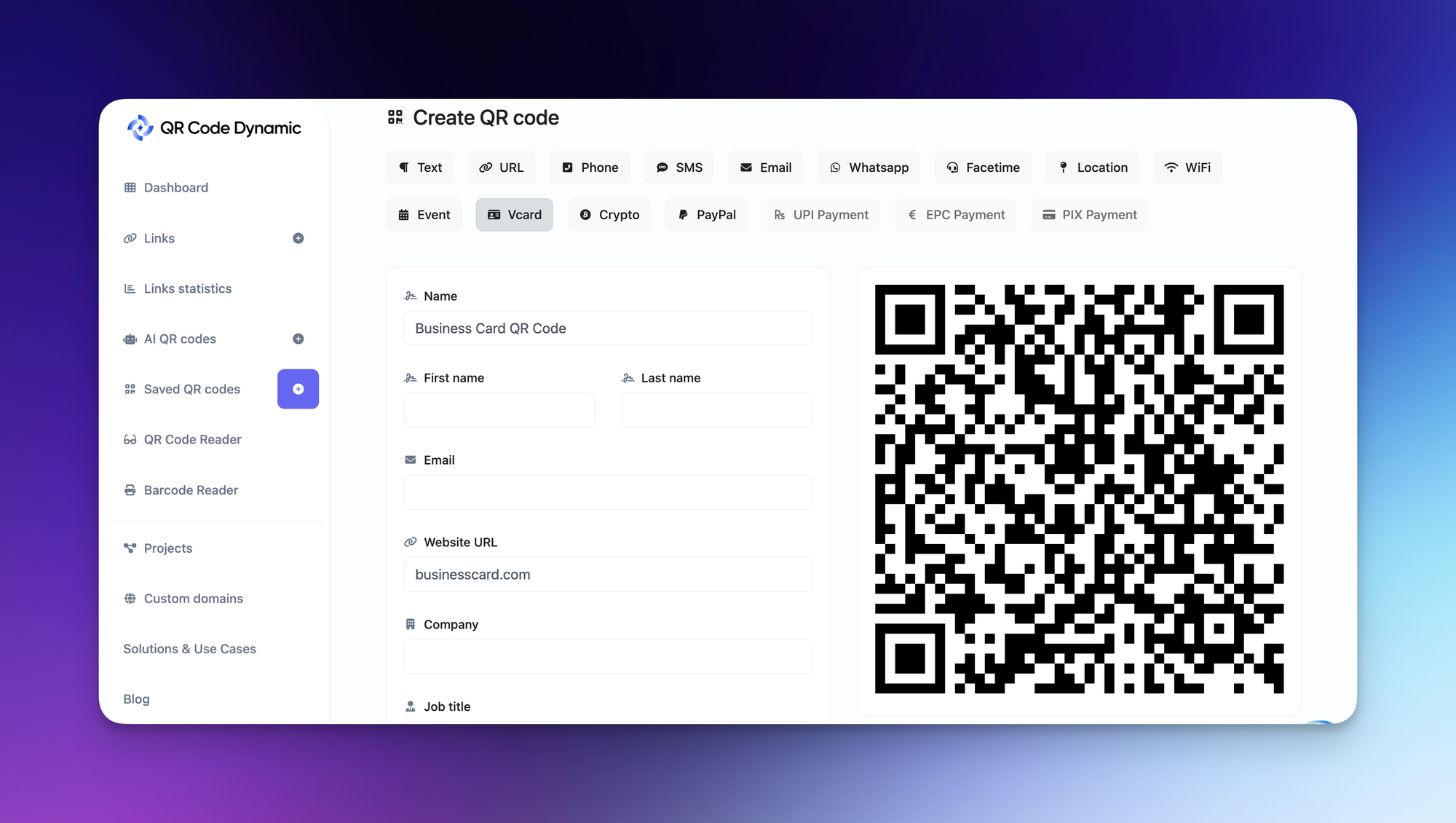
This could be your homepage, a service page, a booking link, a LinkedIn profile, a portfolio page, or a downloadable consulting resource.
The key is to avoid sending people somewhere vague.
For example, if your presentation is about business growth strategy, do not send attendees to a generic homepage unless that is truly the best next step. Send them to a related checklist, service page, or consultation booking page instead.
A QR code should feel like a continuation of the moment.
If someone scans your code after a workshop, they should land on something that matches the workshop. If they scan it from your business card, they should find your contact details or professional profile. If they scan it from a proposal, they should see proof that supports the decision they are about to make.
That is how QR code marketing for consultants becomes more useful and less random.
3. Customize the QR Code for Your Brand
A plain black-and-white QR code works, but I usually prefer branded QR codes for consulting materials.
Why?
Because consultants often sell trust before they sell the service. A polished QR code with your brand colors, logo, and clear frame can make your materials feel more intentional.
With QR Code Dynamic, you can customize your QR code so it looks more aligned with your consulting brand instead of feeling like an afterthought.
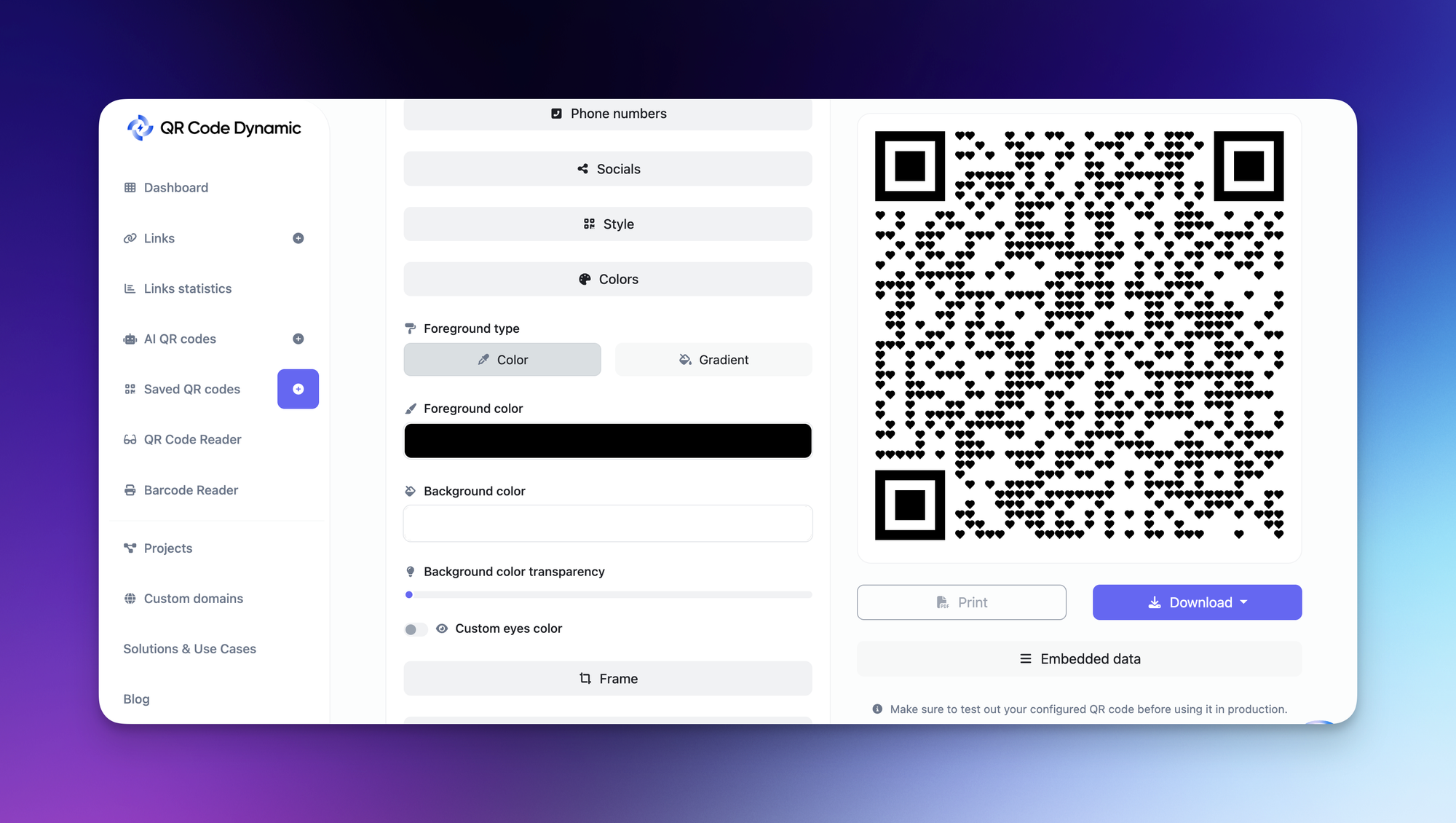
You can adjust things like:
- colors
- shape
- frame
- logo
- call-to-action text
- overall visual style
For example, “Scan to Book a Consultation” is much stronger than placing a lonely QR code on a slide with no explanation.
QR codes are visual, but they still need words. A clear CTA tells people why they should scan.
4. Download and Share It Across Client Touchpoints
After creating and customizing your QR code, download it and add it to the places where prospects or clients already see your brand.
For consultants, that might include:
- business cards
- proposal documents
- brochures
- printed reports
- presentation slides
- workshop handouts
- LinkedIn banners
- event booths
- invoices
- onboarding documents
- email signatures
I would not place the same QR code everywhere without thinking. Instead, match the code to the context.
A business card QR code can send people to your vCard. A proposal QR code can send people to testimonials. A workshop QR code can send attendees to follow-up resources. A final presentation slide can send prospects to your booking page.
That is where QR codes become more than decorative squares. They become little pathways.
5. Track and Update Your QR Code When Needed
This is where dynamic QR codes for consultants become especially useful.
With a static QR code, the destination is fixed. If the link changes, you usually need to create and reprint a new QR code. With a dynamic QR code, you can update the destination later without changing the printed code.
That is a big deal for consultants because your offers, calendar links, service pages, and resources can change over time.
For example, you might use the same printed brochure at multiple events, but update the QR code destination depending on the campaign. One month, it can point to a strategy call page. Another month, it can point to a new consulting report or lead magnet.
Dynamic QR codes can also help you track performance, such as how often a code is scanned. That gives you a better idea of which materials or touchpoints are actually working.
And as someone who cares about SEO and conversion paths, I think that feedback matters. You do not want to guess forever. You want to know what people scan, where they scan from, and which QR code placements deserve more attention.
Best QR Code Types for Business Consultants
Not every QR code needs to do the same job. That is where many people overcomplicate things.
For business consultants, I would choose the QR code type based on the client journey. Are you trying to introduce yourself? Build trust? Book calls? Share resources? Collect leads? Each goal needs a slightly different door.
Here are the most useful QR code types for consultants.
QR Code Type | Best Use for Business Consultants |
vCard QR Code | Sharing your contact details instantly |
URL QR Code | Sending prospects to your website, service page, or booking page |
PDF QR Code | Sharing brochures, reports, checklists, or one-page service guides |
Social Media QR Code | Connecting people to LinkedIn or other professional profiles |
WhatsApp QR Code | Starting quick conversations with prospects or clients |
Email QR Code | Helping people send an inquiry without typing your email address |
Event QR Code | Sharing workshop, webinar, or consultation event details |
vCard QR Code
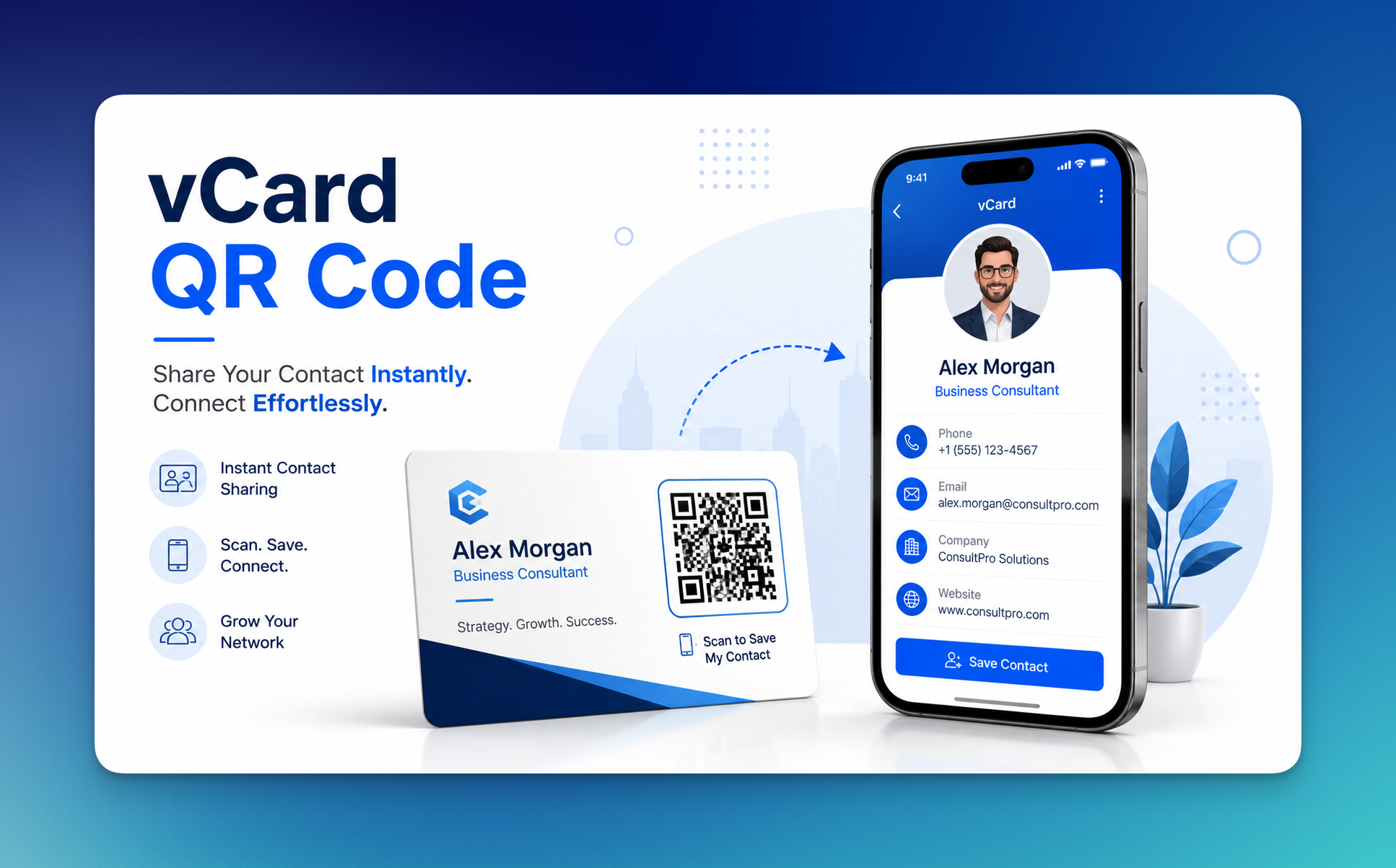
A vCard QR code is one of the simplest and most useful options for consultants.
When someone scans it, they can save your contact details directly to their phone. That can include your name, phone number, email address, company, website, and other professional information.
I think this is especially useful at networking events, conferences, business lunches, and workshops. People meet many professionals in one day. A printed business card can get lost. A saved contact is harder to forget.
You can add a vCard QR code to:
- business cards
- proposal covers
- conference badges
- workshop handouts
- email signatures
- printed brochures
For a business consultant QR code, this is often the best starting point because it solves a very basic problem: “How do I make it easy for people to contact me later?”
URL QR Code
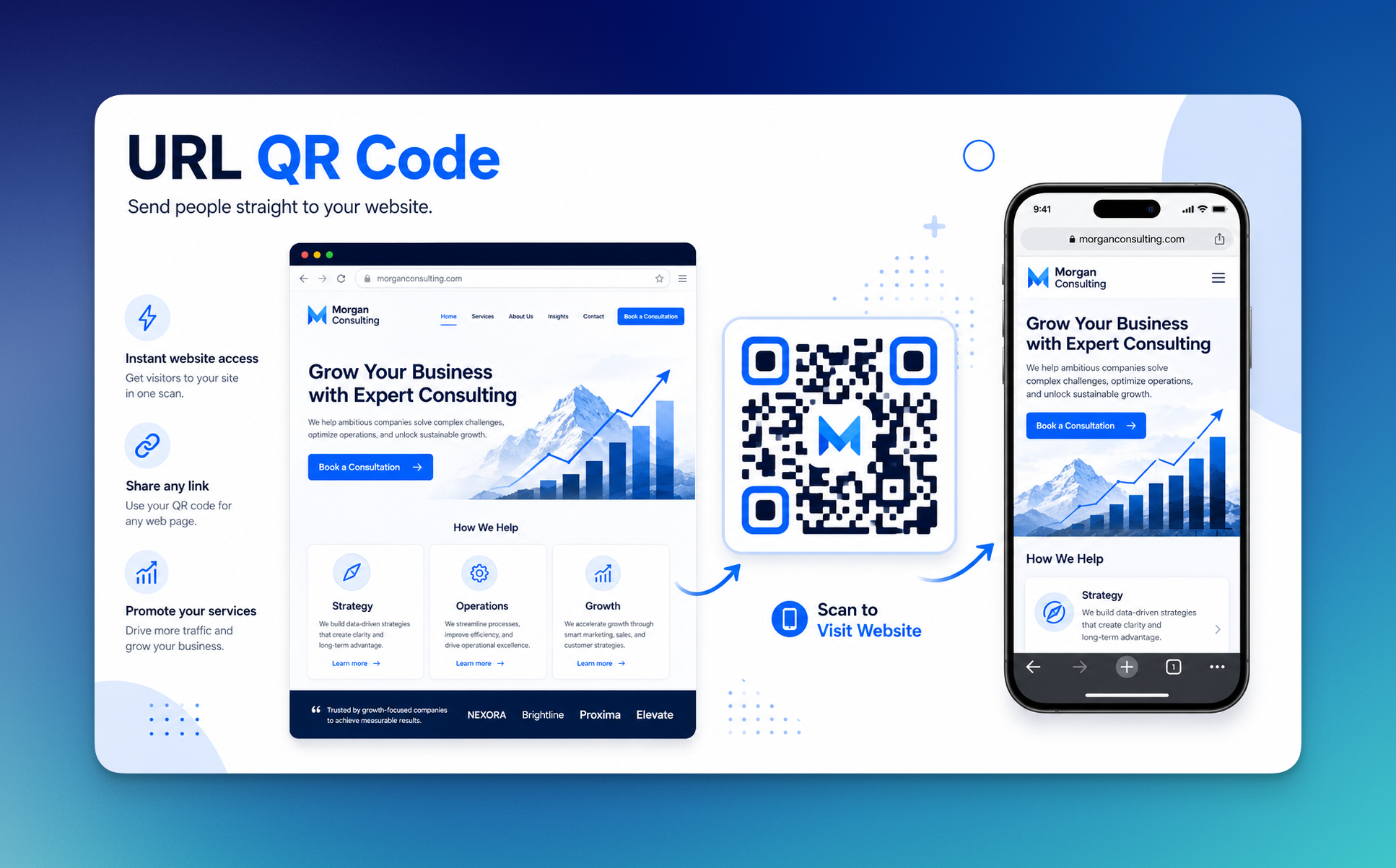
A URL QR code sends people to a web page.
That page can be your homepage, but I would usually go more specific. If you are a marketing consultant, send people to your marketing consulting service page. If you are a business strategy consultant, send them to your strategy offer. If you are speaking at an event, send attendees to a page created for that specific talk or workshop.
Specific is almost always better than general.
A URL QR code can point to:
- your consulting website
- a service page
- a booking page
- a landing page
- a case study
- a pricing or packages page
- a client intake form
This is also where dynamic QR codes for consultants can be useful. If you use a dynamic URL QR code, you can change the destination later without changing the printed code. That gives you more flexibility if your website, offer, or booking link changes.
PDF QR Code
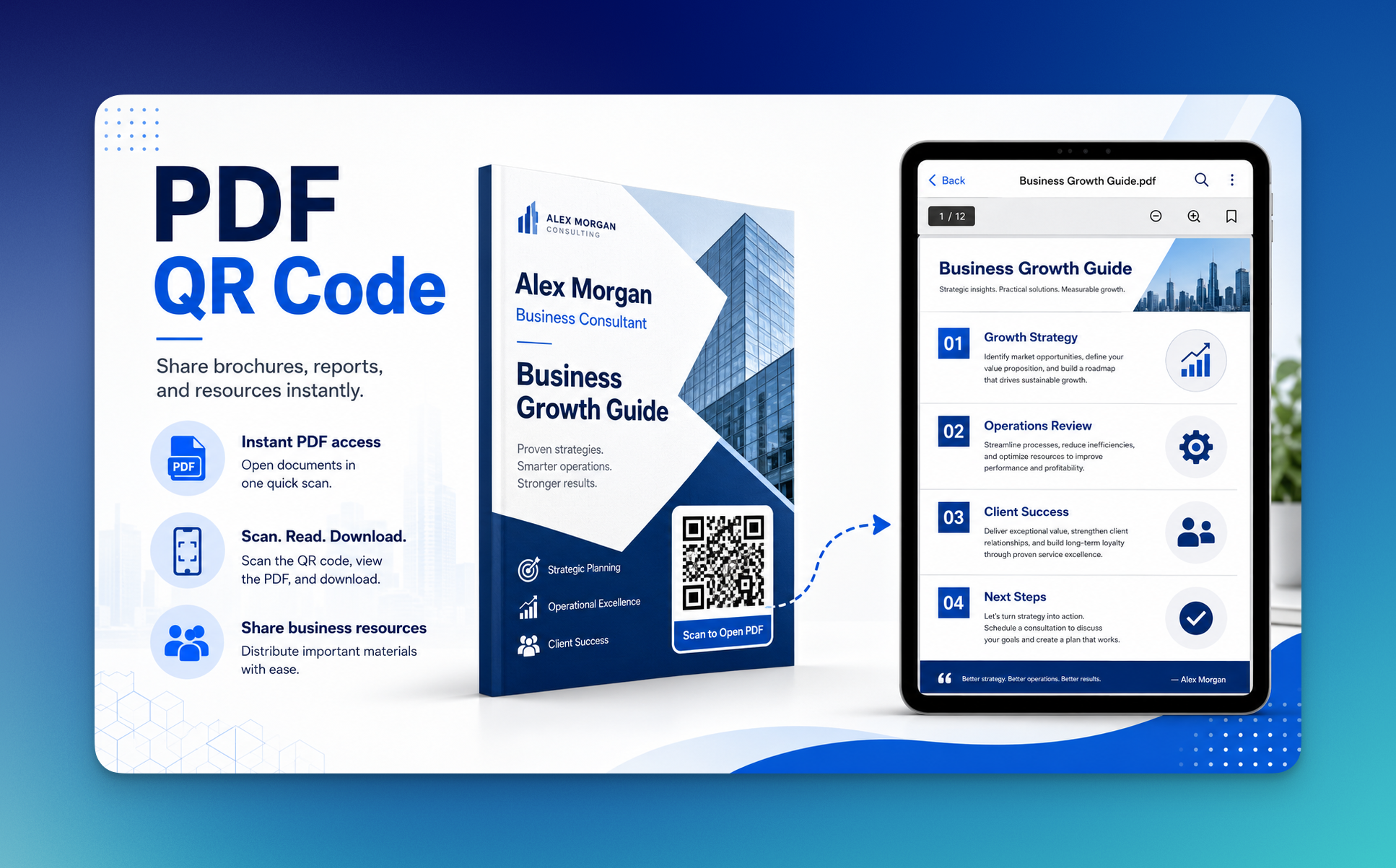
A PDF QR code is useful when you want to share something more detailed without printing everything.
For example, instead of handing out a thick consulting brochure, you can give people a clean one-page flyer with a QR code that opens the full document.
That could be:
- a service brochure
- a consulting framework
- a client checklist
- a workshop workbook
- a report
- a case study PDF
- an onboarding guide
In my experience, this works well because printed materials should not carry the whole story. They should open the door to the next part of the story.
A PDF QR code lets your printed material stay clean while still giving readers more depth when they want it.
Social Media QR Code
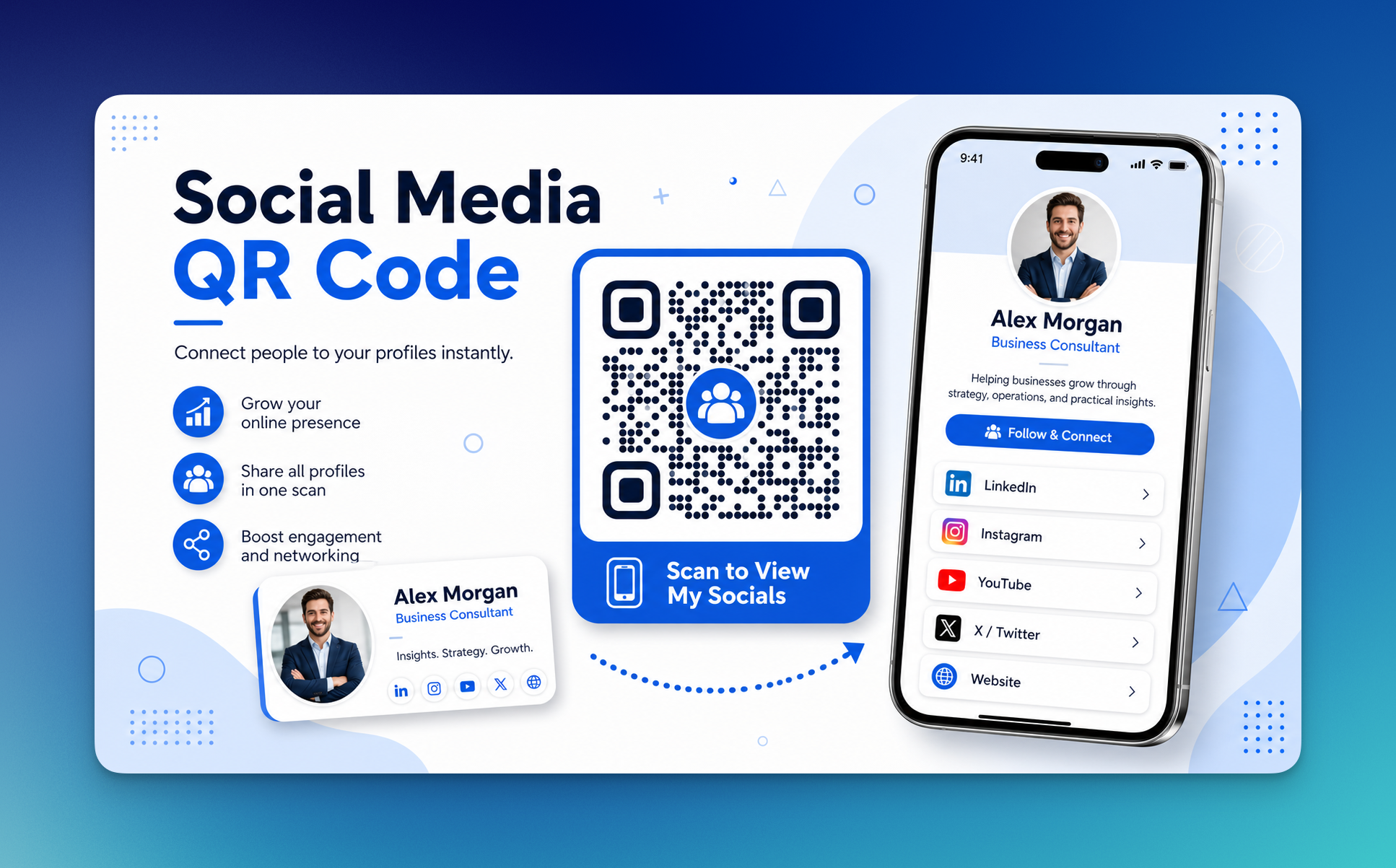
For many consultants, LinkedIn is a living portfolio.
It shows your experience, posts, client conversations, recommendations, and professional point of view. That is why a social media QR code can be useful, especially if your consulting brand is built around thought leadership.
You can use a social media QR code to send people to:
- X/Twitter
- YouTube
- your podcast profile
- your professional community page
For most business consultants, I would prioritize LinkedIn before other social channels. It usually fits the consulting decision journey better because people are already in a business mindset there.
WhatsApp QR Code
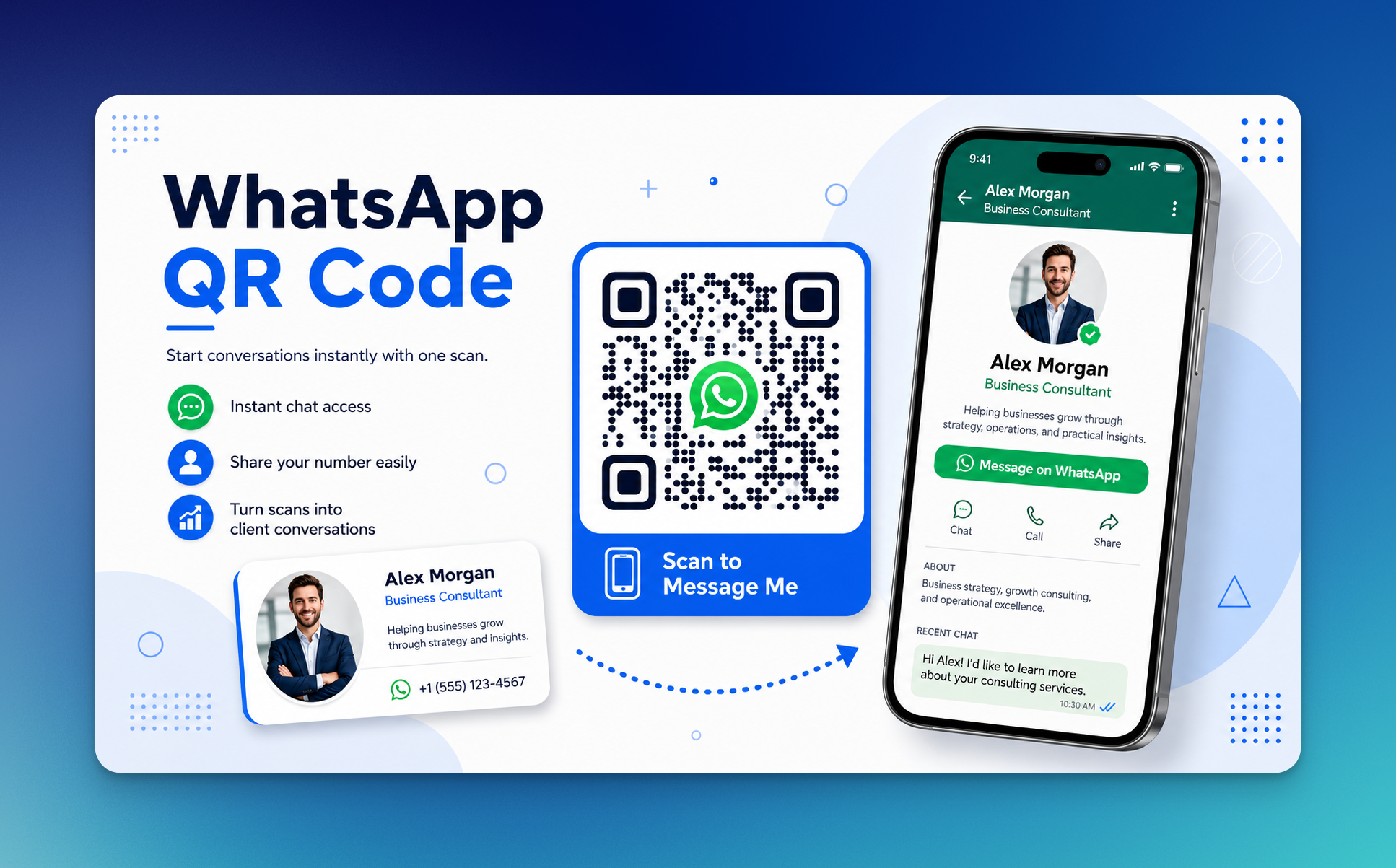
A WhatsApp QR code helps someone start a message with you quickly.
This can be useful if you work with small business owners, local businesses, international clients, or markets where WhatsApp is a common business communication channel.
Instead of asking prospects to save your number first, you can let them scan and message directly.
This can work nicely on:
- brochures
- business cards
- event flyers
- consultation ads
- local business materials
- follow-up documents
The only thing I would be careful about is boundaries. If you do not want prospects messaging you at all hours, use WhatsApp QR codes for specific campaigns or consultation inquiries rather than every single material.
Email QR Code
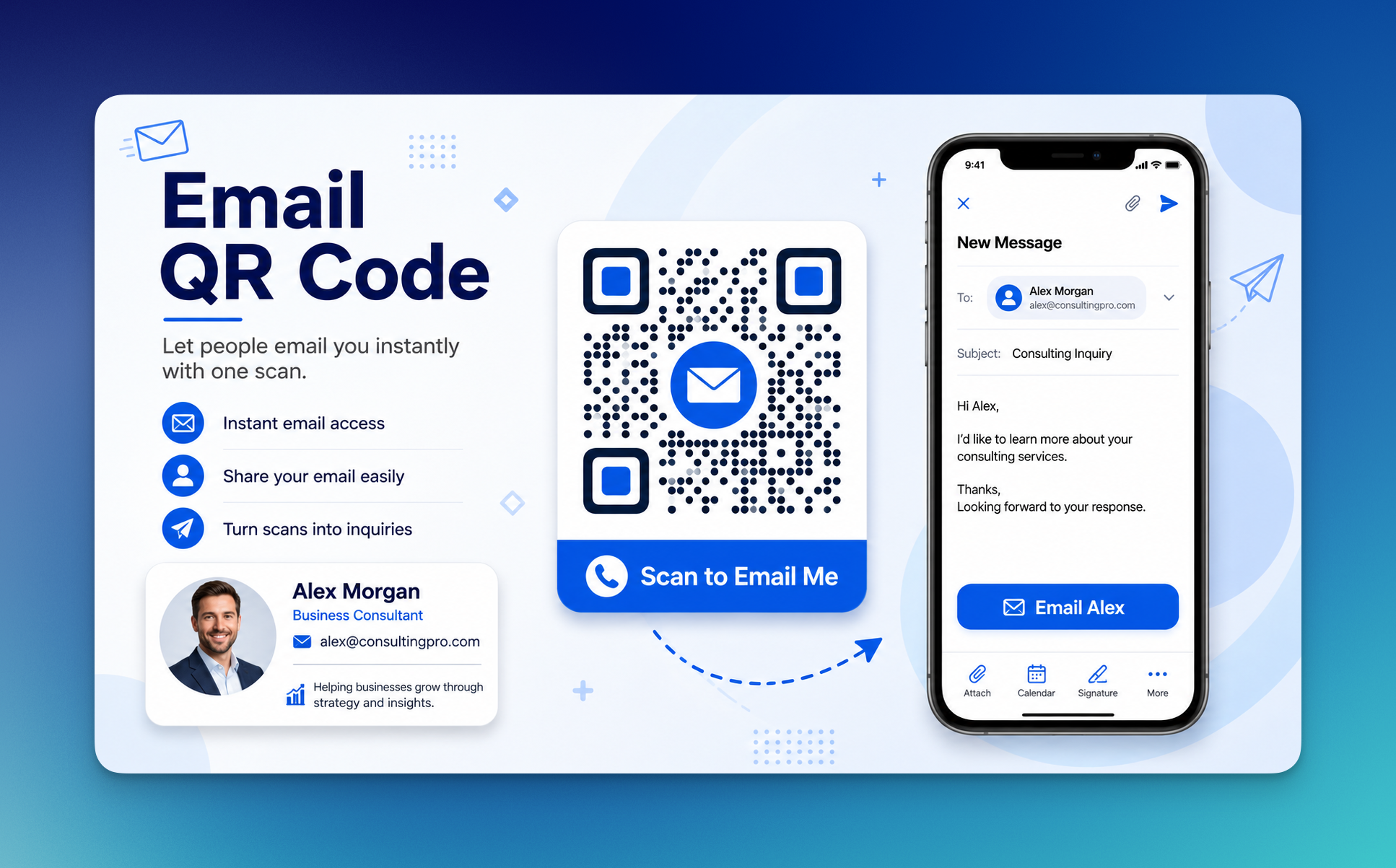
An email QR code can open a pre-filled email draft.
That means the scanner does not need to type your email address manually. You can even guide the subject line, such as “Consulting Inquiry” or “Strategy Call Request.”
For consultants, this is helpful when the next step requires a little more context than a quick message.
For example, a prospect may need to explain their business challenge, company size, or project goal. An email QR code can make that first inquiry easier.
Use it when you want people to send:
- project inquiries
- consulting requests
- workshop questions
- proposal follow-ups
- partnership messages
Event QR Code
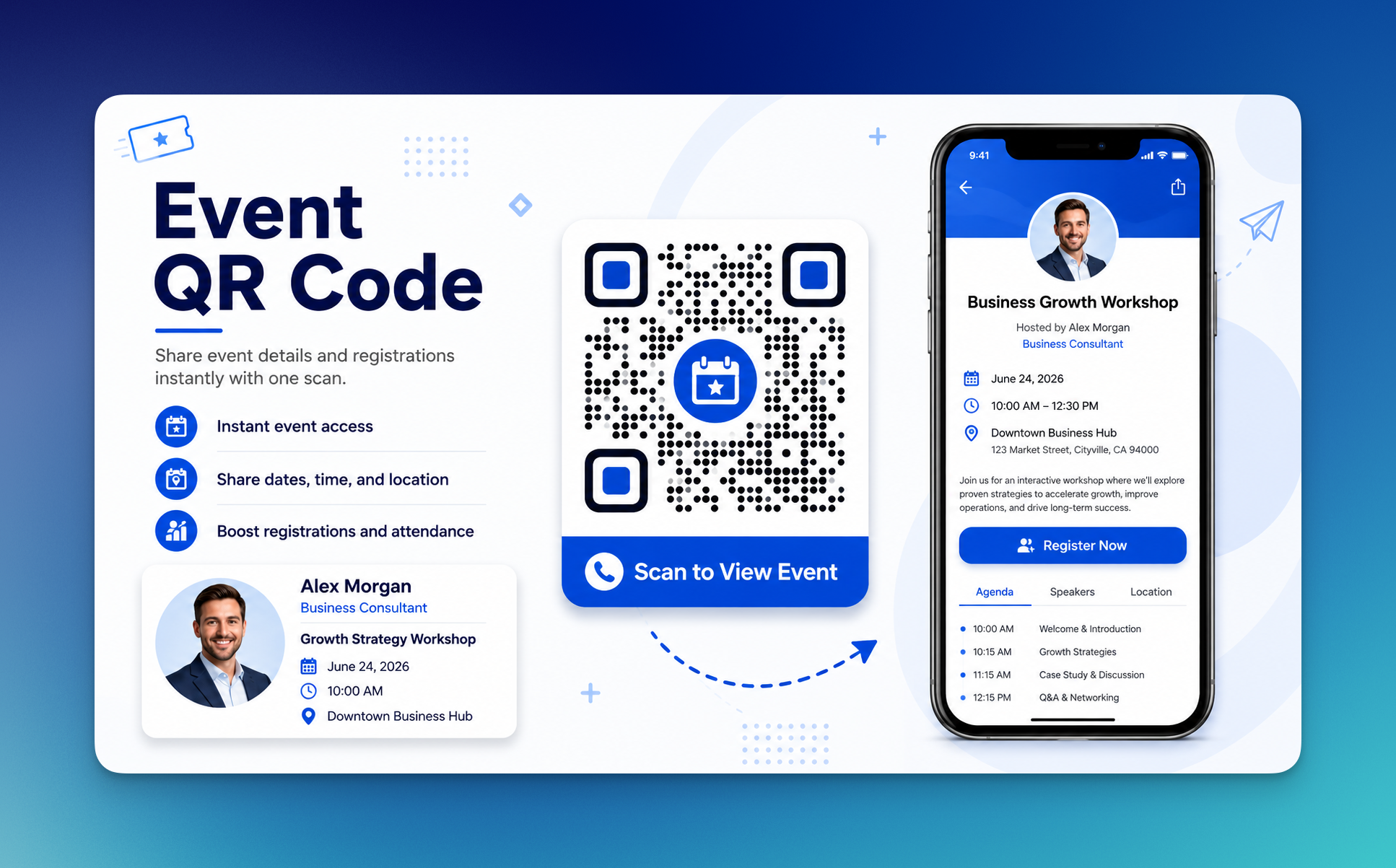
If you host workshops, webinars, strategy sessions, training days, or business events, an event QR code can help people save the details quickly.
This is practical because event information is easy to forget. Date, time, location, link, and registration details can get scattered across emails and posts.
An event QR code can make the action cleaner.
Someone scans, sees the details, and saves or opens the event information.
For consultants who use education as part of their lead generation strategy, this can be very useful. A workshop is not just a workshop; it is often the first chapter of a consulting relationship.
And since DataReportal reported 5.56 billion internet users worldwide at the start of 2025, the audience for digital-first discovery and follow-up is huge. For me, that makes QR codes less of a “techy extra” and more of a practical bridge between attention and action.
Static vs. Dynamic QR Codes: Which One Is Better for Consultants?
For most business consultants, I think dynamic QR codes are the better choice.
That is why dynamic QR codes feel more practical for consulting work.
Here is the simple difference:
QR Code Type | What It Means | Best For |
Static QR Code | The destination is fixed after creation | Permanent links or simple contact details |
Dynamic QR Code | The destination can be edited later | Campaigns, brochures, business cards, presentations, and trackable links |
A static QR code is like printing a sentence in ink.
A dynamic QR code is more like writing with a pencil you can still sharpen, erase, and improve. ✏️
That flexibility matters because consultants often reuse the same materials across different meetings, industries, or events.
For example, you might print a consulting brochure once, but use it for:
- networking events
- discovery calls
- industry conferences
- local business meetings
- workshops
- partnership conversations
With a static QR code, the link printed on that brochure is locked. If your landing page changes, you may need to reprint the material.
With a dynamic QR code, you can update the destination without changing the printed code. That means the same brochure can stay useful for longer.
Scenario | Better Choice | Why |
Personal contact card | Static or dynamic QR code | Static can work if details will not change, dynamic is safer if you update links often |
Printed consulting brochure | Dynamic QR code | You can update the destination without reprinting |
Event campaign | Dynamic QR code | You can track scans and change the campaign page later |
One-time internal document | Static QR code | Simple and low-risk if the link is permanent |
Presentation slide | Dynamic QR code | You can update resources after the event |
The tracking part is also important.
You may not know if someone kept your business card.
You may not know if someone read your printed proposal.
You may not know if your event handout worked.
But if that material includes a dynamic QR code, you can start seeing scan activity and learning which touchpoints create interest.
That matters because consulting is not only about being visible. It is about being visible in the right places.
The U.S. Small Business Administration also highlights networking and word of mouth as important ways to market a business, and QR codes can support both by making follow-up easier after real conversations.
So, my simple advice is this:
Use static QR codes when the information is unlikely to change.
Use dynamic QR codes when the QR code will appear on important business materials, printed assets, campaigns, or anything you may want to update or track later.
For business consultants, that usually means dynamic QR codes are worth choosing more often.
Final Thoughts
QR codes for business consultants are not just about looking modern. They are about making the next step easier.
And that is a big part of good consulting.
You guide people from confusion to clarity. From problem to plan. From “I should think about this” to “I know what to do next.”
A QR code can support that same journey in a small but practical way.
It can help a prospect save your contact details, open your consulting website, read a case study, book a call, download a resource, or message you without friction. It turns your business card, proposal, presentation, report, and event material into something more useful.
If you are just starting, I would keep it simple:
- create a vCard QR code for your contact details
- create a URL QR code for your website or booking page
- use dynamic QR codes for materials you may update later
- add clear CTA text near every QR code
- place QR codes only where they support a real next step
With QR Code Dynamic, you can create QR codes for consulting use cases without making the process feel heavy. Choose the QR code type, add your link or content, customize the design, download it, and update or track it when needed.
That is the whole charm of it.
Small square. Big shortcut. 🙂
Frequently Asked Questions
How can business consultants use QR codes?
Business consultants can use QR codes to connect prospects and clients to useful digital actions, such as saving contact details, booking a consultation call, visiting a service page, opening a case study, downloading a report, or sending a message. I think the best use of QR codes for business consultants is not just “scan this,” but “scan this to do something useful right now.”
What is the best QR code type for consultants?
The best QR code type depends on your goal. A vCard QR code is great for networking and digital business cards. A URL QR code works well for websites, service pages, booking pages, and case studies. A PDF QR code is useful for brochures, reports, and consulting resources. For most consultants, I would start with a vCard QR code and a dynamic URL QR code.
Should consultants use static or dynamic QR codes?
Consultants should use static QR codes for simple, permanent information and dynamic QR codes for anything that may change later. In my experience, dynamic QR codes are usually better for consulting materials because you can update the destination without reprinting the QR code. They are also more useful if you want to track scan performance.

I work as a Growth Marketer at Popupsmart, using my 3+ years of SaaS experience to create clear, useful marketing content that helps brands grow, reach the right audiences, and improve their results.